
Ever wish the workday felt less like a stressful scramble? Over time and a lot of trial and error, I’ve discovered five digital tools that consistently help me get more done in less time.
Whether you’re battling distraction or juggling deadlines, these picks have made the single biggest impact on my productivity (and sanity).
Today, I’ll walk through each tool with a peek at how they fit into my actual workflow, highlight their quirks, and share little anecdotes from my daily routine. No jargon, no SEO tricks, just real tools that work.
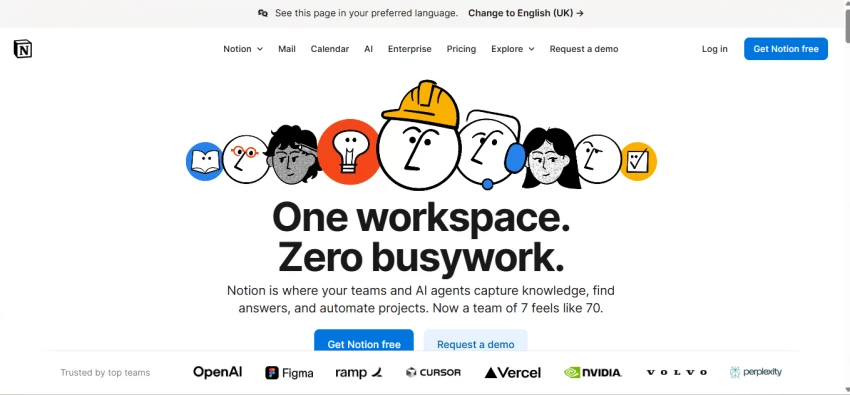
If you’ve ever wanted your planner, docs, task list, and notes to just… merge, Notion is that dream come true. I use it for content planning, project outlines, and as a shared space with the team. The biggest surprise? The new AI features! Now tasks self-prioritize and content suggestions appear while I work, which means less agonizing over what’s next and more doing.
Quick highlights:
I use the free tier, but the paid plan gives you more AI magic and storage. Notion is available for web, Windows, Mac, and mobile.
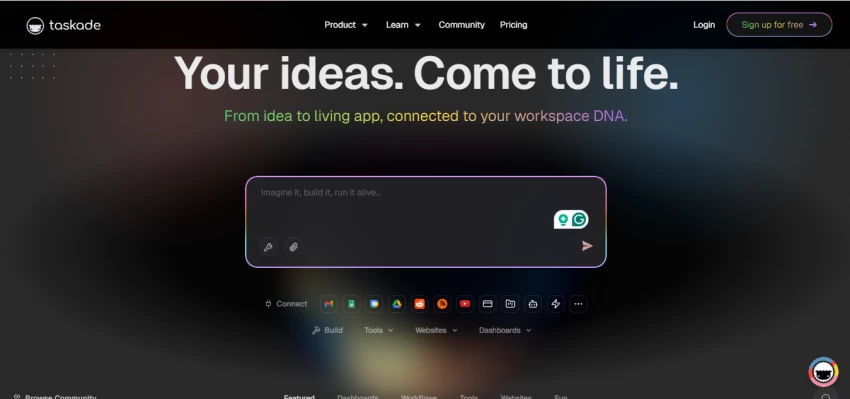
Imagine if your to-do list, remote work chat, and document editor had a baby, and that baby also did some AI automation for you. That’s Taskade in a nutshell. At first, the interface felt a bit busy, but after trying it out, the flexibility won me over. AI agents automate routine tasks and even help auto-generate project outlines, making team meetings (and solo sprints) a breeze.
What stands out:
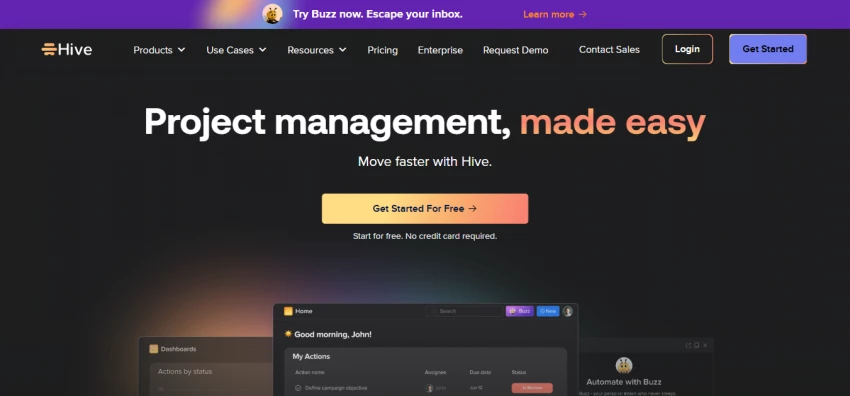
For group projects, nothing beats Hive. It brings together Gantt charts, Kanban boards, a built-in AI agent for auto-generating plans, and strong proofing tools. I mainly use it for managing big, multi-step projects with lots of moving parts. Its predictions for bottlenecks (and the auto-generated meeting summaries) have saved me from more than one looming deadline.
Where it excels:
If you’re a keyboard-lover, Raycast changes the game. Think of it as Mac Spotlight but turbocharged. Besides quickly launching files and switching between apps, Raycast lets me connect different AI models, set custom scripts, and automate workflows without having to open a dozen tabs. It’s the ultimate “Why didn’t I try this sooner?” app.
Best bits:

Scheduling messes derail my day until I started using Calendly. Send someone a link, they pick a time based on your real-time calendar, and done! It handles time zones, reschedules, and meeting reminders all automatically. I just show up when my calendar tells me, instead of playing email Tetris.
Why it works:
Absolutely for these specific workday headaches:
They’re not perfect, but together, they halve my daily stress. For anyone curious to break free from chaos and automate the boring stuff, start with one (or all) of these. They just might buy you back a few hours a week.

Digital transactions have become the backbone of modern technology ecosystems. F...
John Nyarko1 week ago

ChatGPT’s app integrations let you turn a simple chat into a control panel for d...
John Nyarko1 month ago
Discussion