
Automating phone calls has become a game-changer for businesses that want to eliminate repetitive tasks, improve response speed, and give customers consistently smoother service. Instead of relying on manual calling and follow-ups, modern voice automation platforms handle conversations, scheduling, lead qualification, and even support routing, letting teams focus on strategic work instead of repetitive calls.
Below, we break down the six best call automation platforms available today, explaining what each tool is, what it does, its core features, pros and cons, and simple pricing info so you can choose the right fit for your needs.
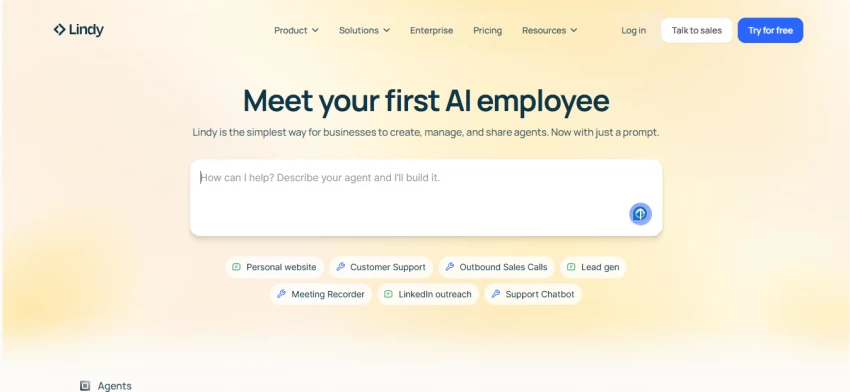
What it is: A no-code voice automation platform that helps businesses build, deploy, and manage automated calling agents without writing code.
What it does: Handles inbound and outbound calls with natural conversation flows; can schedule appointments, qualify leads, send follow-ups, and connect with workflows like CRM or email.
Key Features:
Pros:
Cons:
– Cost scales with minute usage and phone numbers
– Some advanced telephony features need a premium plan
Pricing:
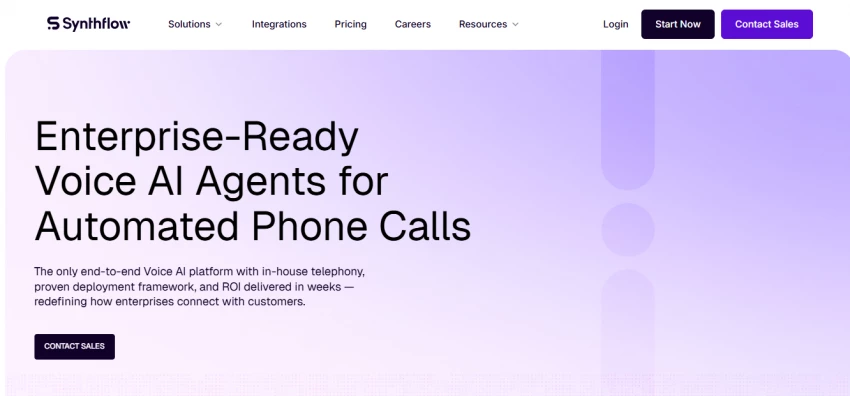
What it is: A no-code and visual builder platform designed to help businesses launch automated voice agents quickly, keeping workflows tight and integrations smooth.
What it does: Automates inbound and outbound calling, books appointments, qualifies leads, routes calls, and logs outcomes directly with CRM and scheduling tools.
Key Features:
Pros:
Cons:
– Pricing can be higher for large minute volumes
– Phone numbers may cost extra per month
Pricing:
Plans start ~ $29/month (Starter), with larger tiers at $375+/month (Pro) or higher inclusions; usage-based billing applies beyond included minutes.
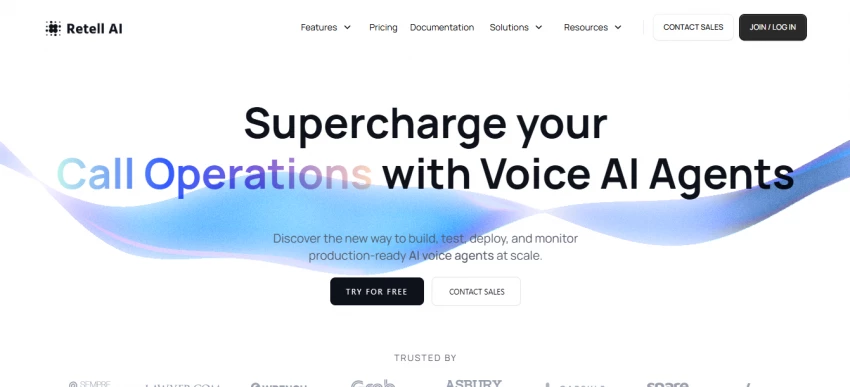
What it is: A voice automation engine built to handle scale with realistic conversation quality and transparent pay-as-you-go pricing.
What it does: Lets teams deploy AI voice agents that can answer support calls, qualify leads, book meetings, and integrate with existing systems like CRM and telephony via SIP.
Key Features:
Pros:
Cons:
– Requires understanding minute-based pricing
– Setup for advanced workflows needs careful planning
Pricing:
Pay-as-you-go model ~ $0.07+/minute for voice agents, with free credits and optional enterprise support available.
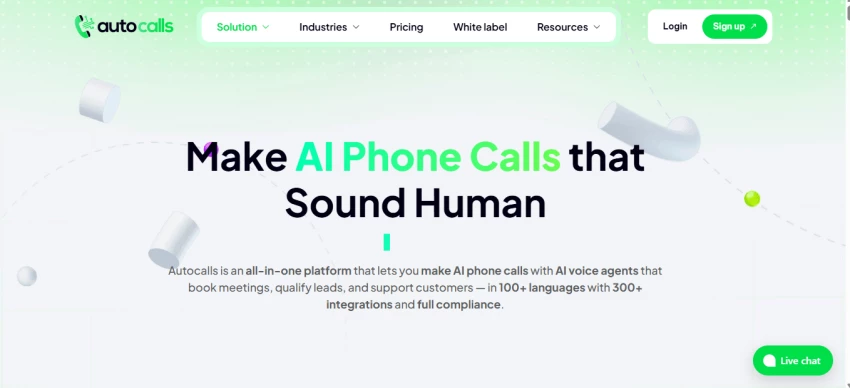
What it is: A comprehensive AI voice platform focused on flexible inbound and outbound call automation for businesses of all sizes.
What it does: Automates phone tasks like lead qualification, appointment scheduling, customer support, and campaign calling with voice agents and deep integrations.
Key Features:
Pros:
Cons:
– Some plans require technical setup for workflows
– Calls beyond included minutes are billed per minute
Pricing:
Starter ~$27–$34/mo (120 mins), Pro ~$103–$129/mo (700 mins), Agency ~$199–$249/mo (1700 mins), higher white-label tiers available.
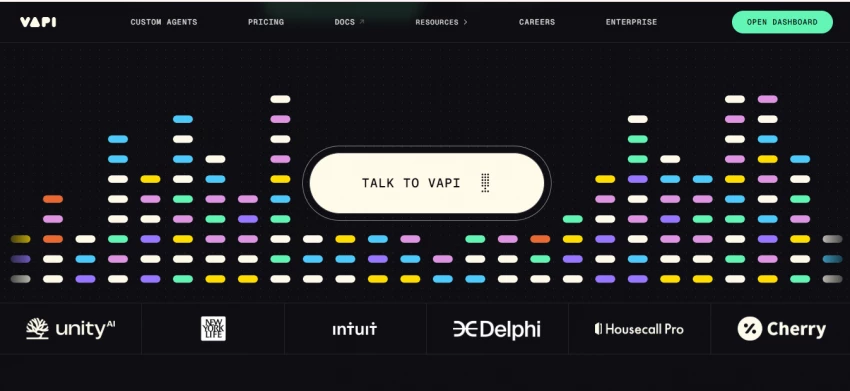
What it is: A developer-oriented voice automation platform that exposes powerful APIs for building custom calling agents and workflows.
What it does: Lets technical teams build highly configurable voice assistants that integrate deeply with existing software, tools, and telephony systems.
Key Features:
Pros:
Cons:
– Not ideal for non-developers
– Requires more setup and configuration time
Pricing:
Varies depending on usage and custom telephony fees; pricing isn’t a simple list but depends on components like voice, speech recognition, and telephony.
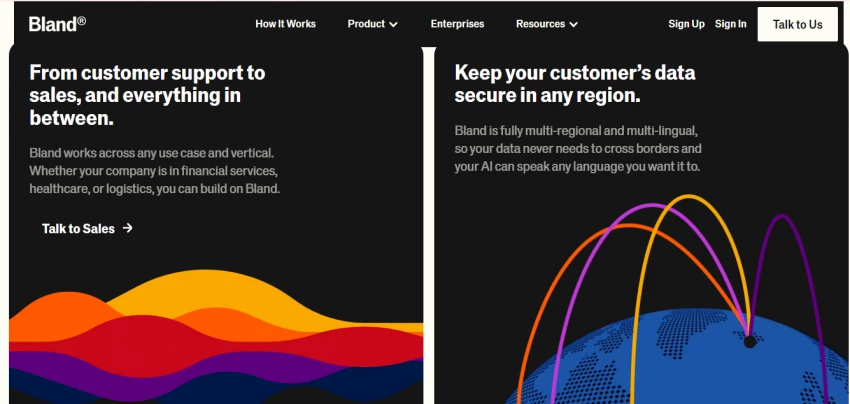
What it is: A full-featured voice call automation platform designed for enterprises with high call volume, deep customization, and heavy control over conversation logic.
What it does: Automates outbound and inbound calls with realistic voices that can be custom-trained, integrated with APIs, and deployed on dedicated infrastructure for performance and security.
Key Features:
Pros:
Cons:
– Complex to set up without developers
– Pricing can be harder to forecast due to layered usage billing
Pricing:
Usage and tiered plans start from ~$0.09/min for calls, custom enterprise tiers available with higher capacity and lower rates.
Here are some quick tips:
Consider your monthly call volume, need for integrations, and whether you expect to build simple workflows or complex multi-step automation. Each of these tools serves slightly different use cases, and the best choice depends on how you want to balance cost, control, and complexity.

Anthropic has accused three prominent Chinese AI companies of systematically “mi...
Sandra Campos5 days ago
In what might be the most unexpected AI benchmarking milestone of 2026, Elon Mus...
Peter Woods1 week ago

A powerful new Chinese artificial intelligence video app is igniting alarm acros...
Peter Woods1 week ago

The Legal Industry Didn’t Suddenly “Go AI” — It Was Forced ThereIn 2026, AI in l...
John Nyarko1 week ago

AI talking head tools have made it possible to create studio‑style presenter vid...
Ina Gupta2 weeks ago

Leetcode prep is crowded with tools that promise shortcuts, streaks, and “guaran...
Ina Gupta2 weeks ago
Discussion