Most sales teams do not struggle with ideas; they struggle with bandwidth and consistency during outreach. AI sales automation tools now sit quietly in the background, qualifying leads, sending follow‑ups, and cleaning CRMs while you stay in live conversations. This review walks through 10 assistants that genuinely help with sales outreach, mixing a few well‑known platforms with less hyped options so your stack does not look like everyone else’s.
In practice, the real relief isn’t higher reply rates, it’s logging into the CRM after a hectic week and realizing follow-ups, notes, and reminders didn’t quietly slip through the cracks.
Why These Tools And What To Expect
When choosing outreach automation, the criteria that matter most are:
Whether the tool reduces manual work across prospecting, messaging, and follow‑ups, instead of just adding another dashboard.
How well it fits your motion: high‑volume email, multichannel outbound, meeting‑heavy cycles, or website‑driven pipeline.
How cleanly it integrates with your CRM and communication tools, so you do not duplicate admin.
Tool‑By‑Tool Insights
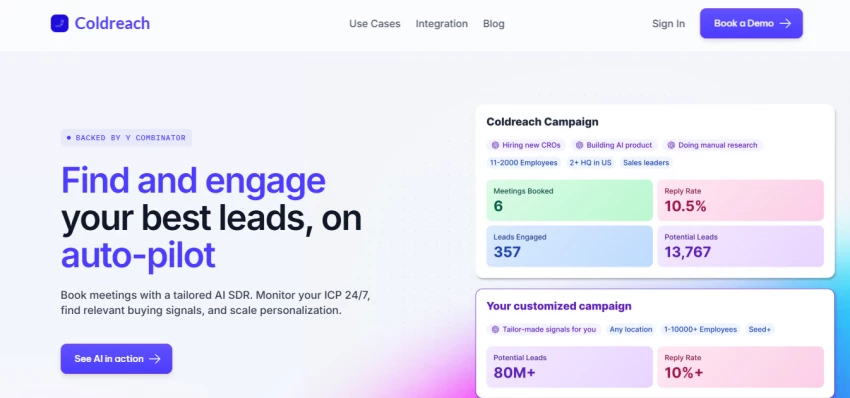
1. Coldreach – Autopilot Outreach Flows
Description: YC‑backed sales automation platform positioned as a simpler, more outreach‑focused alternative to complex enrichment tools like Clay.
What It Does: Automates prospecting, sequencing, and follow‑ups in one place so SDRs can put their outreach on “autopilot” while still keeping control of messaging.
Features: Weekly refreshed leads, AI‑driven outreach, CRM integrations, LinkedIn extension, and workflows oriented around SDR teams and agencies.
Pricing: Typically structured as seat plus usage‑based pricing, with competitive tiers compared to more expensive enterprise data platforms.
Pros And Cons: A good fit if you want Clay‑style automation without the complexity, though its feature set is more focused on outreach than deep, multi‑source enrichment.
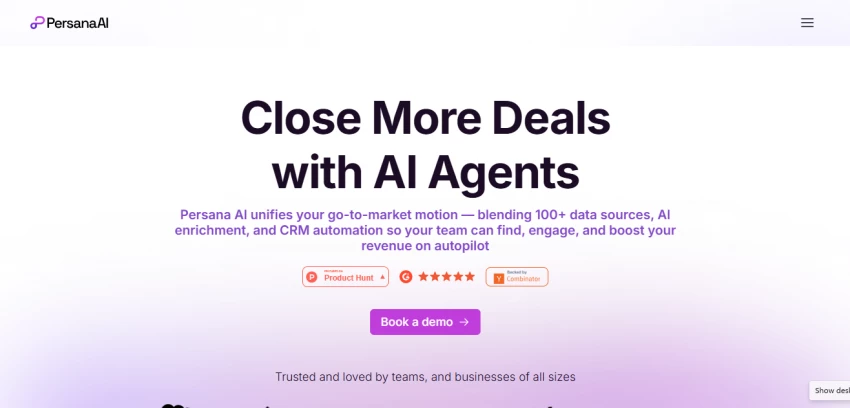
2. Persana AI – Data And Action In One
Description: An AI‑driven alternative to Clay that unifies data enrichment and outreach execution into one workflow.
What It Does: Pulls signals from multiple providers, enriches leads in real time, scores them, and triggers personalized outreach flows without jumping between tools.
Features: Multi‑provider enrichment, intent‑based lead scoring, AI‑generated messaging, CRM and LinkedIn integrations, and agent‑style automation for outbound.
Pricing: Custom pricing, usually lower than heavyweight data tools but above entry‑level outreach platforms, with credit‑based usage.
Pros and Cons: Helpful if you want both prospect research and action in a single layer, yet still newer compared to some incumbents, so reference stories and ecosystem resources are evolving.
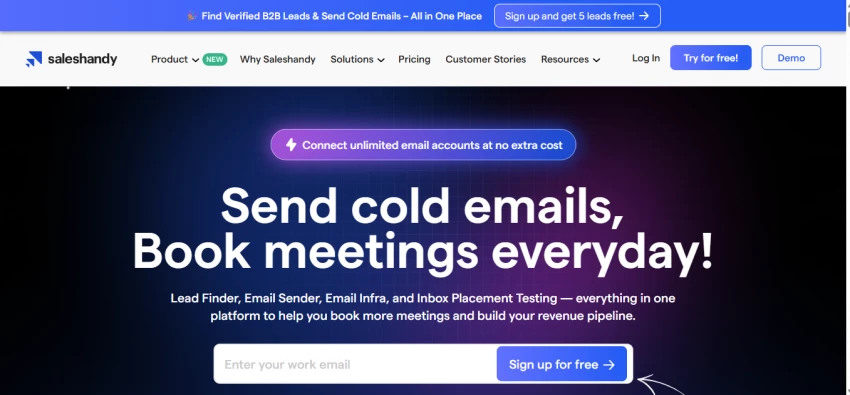
Description: A simple cold email platform that prioritizes deliverability and an easy setup over complex multichannel flows.
What It Does: Lets you build campaigns, track replies, optimize sending, and tap into a built‑in B2B lead database without heavy configuration.
Features: Email sequences, 700M+ contact finder, deliverability optimization, basic analytics, and an interface that works well for small teams.
Pricing: Free trial with paid plans starting at a relatively low per‑user price point, scaling with features and sending volume.
Pros and Cons: Ideal when you want to get a cold email off the ground quickly with minimal learning curve, but feature depth is intentionally lighter than more advanced sales engagement platforms.
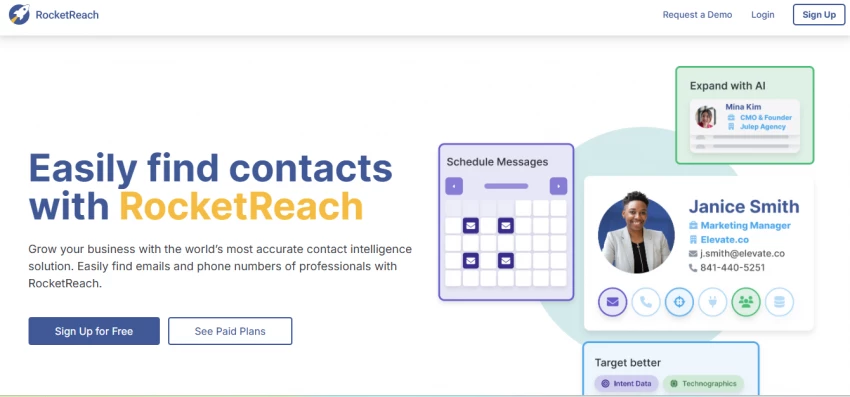
4. RocketReach – Prospecting With AI Autopilot
Description: A prospecting platform known for accurate contact data plus newer AI‑assisted outreach capabilities.
What It Does: Helps you find emails and phone numbers, then uses an Autopilot feature and AI writing tools to automate outreach sequences.
Features: Large B2B contact database, Autopilot prospecting workflows, AI copy generation, CRM integrations, and team collaboration options.
Pricing: Credit‑based plans for data access, with higher‑tier bundles and add‑ons for automation and advanced features.
Pros and Cons: Useful when you already like its data quality and want to activate it with light automation, but credit‑priced data can get expensive for very high‑volume teams.
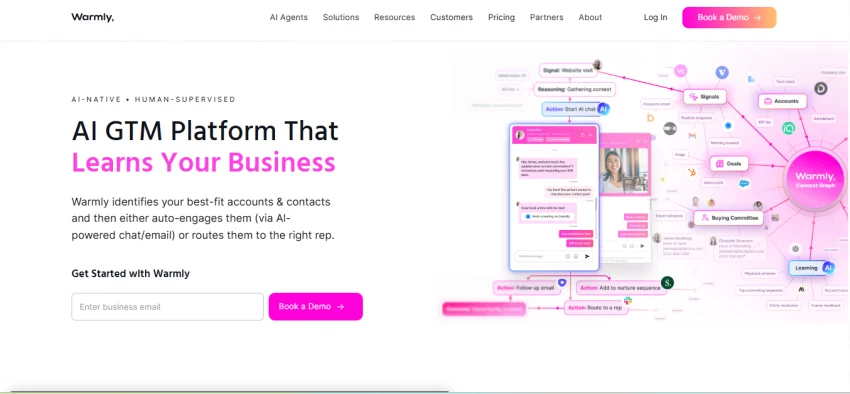
5. Warmly – Intent‑Driven Outreach Booster
Description: A revenue platform that connects website and buyer‑intent signals to your outbound motions.
What It Does: Identifies and scores visitors, pulls firmographic context, and arms reps with relevant information and workflows to trigger timely outreach.
Features: Website intent tracking, account identification, outbound triggers, integrations with email and sales tools, and reporting on pipeline influenced by website activity.
Pricing: Mixed pricing model with plans based on seats, tracked accounts, and feature bundles, positioned as an alternative to more expensive intent solutions.
Pros And Cons: Very handy if your pipeline is heavily website‑driven and you want outbound aligned with real interest, though less suited for teams that rely mainly on purchased lists and pure cold programs.
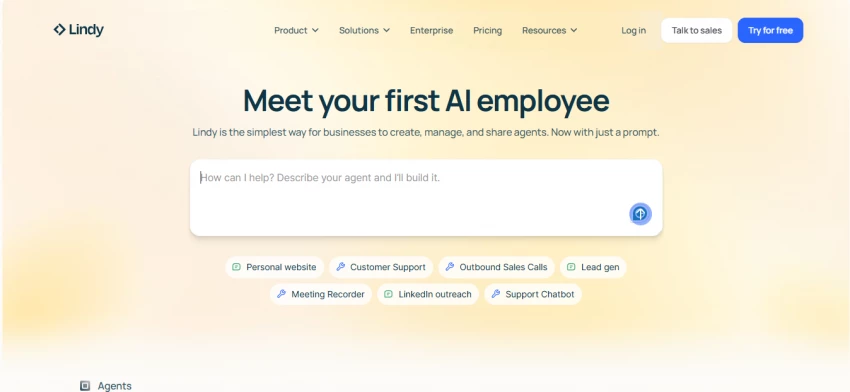
6. Lindy – Full‑Stack AI Sales Assistant
Description: Acts like a virtual SDR that researches leads, runs outreach workflows, and keeps your CRM and calendars updated without constant supervision.
What It Does: Lets you create custom AI agents that handle prospecting, multichannel sequences, meeting scheduling, live coaching, and post‑call follow‑ups without any coding.
Features: Multi‑agent workflows, Salesforce/HubSpot/Gmail/Slack integrations, built‑in calendar management, knowledge‑base powered behavior, and templates for common sales processes.
Pricing: Free plan with limited monthly credits for tasks and knowledge, then Starter and Growth/Enterprise tiers that scale with automation volume rather than only seat count.
Pros And Cons: Excellent if you want one flexible “brain” to coordinate outreach and backend sales ops, but you get the most from it when you are willing to design and iterate on full workflows instead of using it lightly.
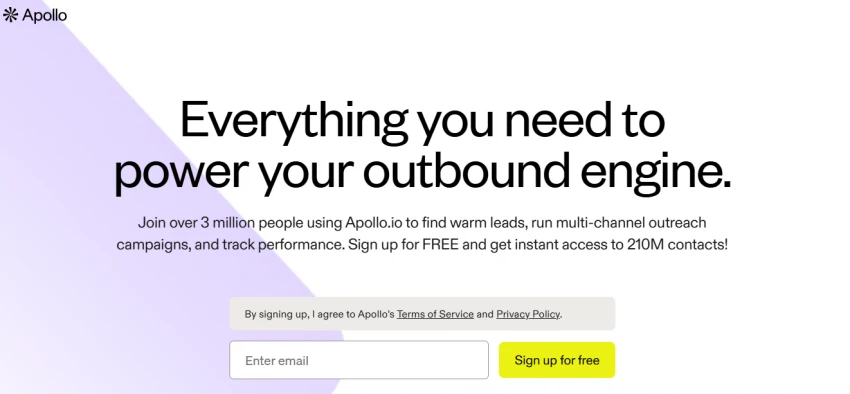
7. Apollo.io – Data‑Heavy Outreach Workhorse
Description: Combines a large B2B contact database with email sequences, dialer, and analytics so outbound teams can live in one platform.
What It Does: Helps you search and enrich leads, write AI‑assisted emails, launch campaigns, and sync everything to CRMs like Salesforce and HubSpot for cleaner pipelines.
Features: 275M+ verified contacts, intent filters, AI email generator, power dialer, Chrome extension, revamped analytics via Apollo Labs for engagement and pipeline health.
Pricing: Free tier with yearly credit limits, then Basic, Professional, and Organization plans that increase credits, mailbox limits, and enterprise controls per user.
Pros And Cons: A strong all‑in‑one choice when you need data plus execution in the same UI, though credit‑based and per‑user pricing can climb quickly as you scale sending and team size.
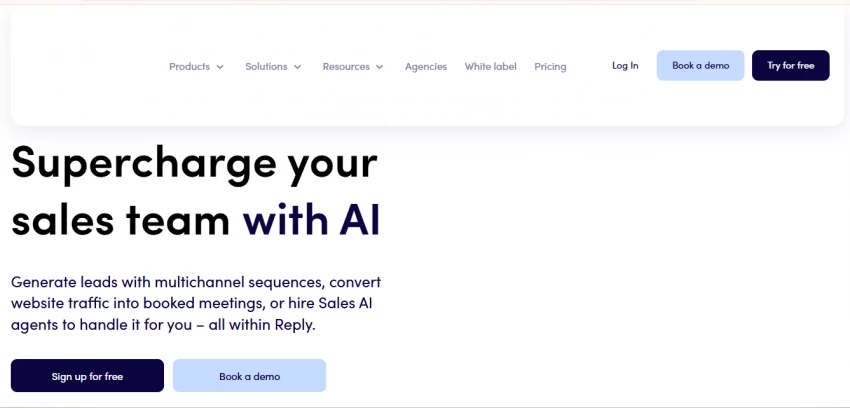
8. Reply.io – Multichannel Cold Outreach Engine
Description: Focuses on scaling personalized cold outreach across email, LinkedIn, and SMS with AI helping at each step.
What It Does: Automates multichannel sequences, uses Jason AI to assist with lead finding and reply handling, centralizes inboxes, and manages mailbox warm‑up and deliverability.
Features: Jason AI assistant, multichannel steps, unified inbox, deliverability tools, domain warming, team analytics, and SOC 2 compliance for larger organizations.
Pricing: Paid plans for multichannel or email‑volume usage, starting around the higher mid‑range per seat and scaling with contacts, mailboxes, and channels.
Pros and Cons: Great when your strategy relies heavily on orchestrated cold outreach across several channels, but there is no true long‑term free plan, and starter tiers can feel tight on contacts and mailboxes.
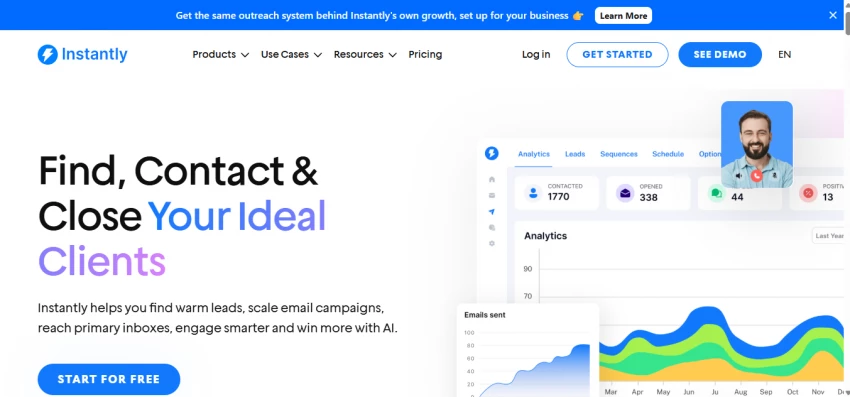
9. Instantly.ai – High‑Volume Cold Email
Description: Specializes in managing and optimizing large‑scale cold email with heavy emphasis on deliverability and inbox health.
What It Does: Automates personalization and follow‑ups, scores leads, runs A/B tests, warms up domains, and tracks inbox placement so high volumes still land in primary folders.
Features: Unlimited email accounts on most plans, optional verified leads add‑on, domain warm‑up, deliverability dashboards, and real‑time performance analytics.
Pricing: Flat monthly plans such as Growth, Hypergrowth, and Lightspeed that scale by uploaded contacts and monthly sends rather than strict per‑user billing.
Pros And Cons: Very effective for teams that live on cold email and need reliable sending at scale, but richer CRM integrations and advanced reporting sit behind higher‑tier plans.
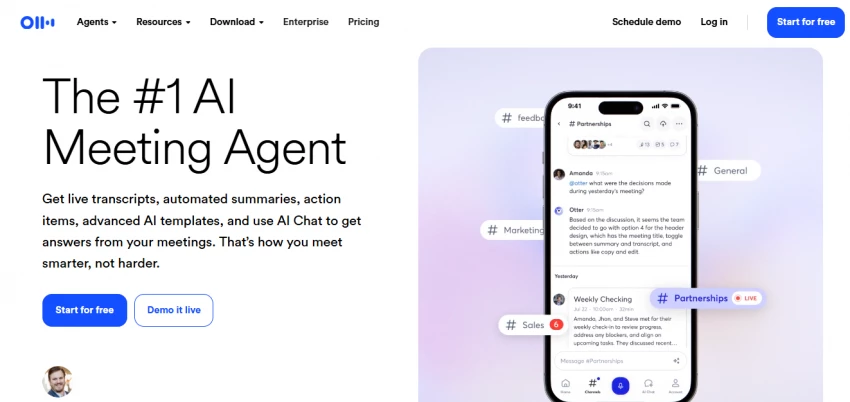
10. Otter.ai – Meeting‑Centric Sales Notes
Description: Turns sales calls and meetings into searchable transcripts, structured notes, and ready‑to‑edit follow‑up drafts.
What It Does: Records meetings, tags key topics like pricing or competitor mentions, generates summaries, drafts follow‑up emails, and syncs notes into CRMs such as Salesforce.
Pricing: Basic free plan with limited monthly minutes, then Pro and Business plans with higher transcription limits and admin features, plus Enterprise tiers with sales‑oriented functionality.
Pros and Cons: Great if your outreach includes lots of discovery and demo calls where details matter, but it does not replace a full sales engagement platform, so most teams pair it with other tools.
At this point, the question isn’t whether AI can help, it’s where it actually saves time.
User Feedback
Across reviews, teams consistently praise AI outreach tools when they clearly save rep time, keep CRMs accurate, and avoid hurting deliverability, while criticizing tools that add complexity without clear wins.
Most satisfied users talk about very specific wins, like fewer manual CRM updates, less time spent on admin, and more consistent follow‑ups, rather than vague “AI productivity” claims.
Positive feedback often mentions cleaner pipelines, better visibility into which sequences actually create opportunities, and more time for live conversations instead of copying notes between tools.
Negative feedback tends to repeat the same themes: steep learning curves when tools are too complex, rising subscription or credit costs as volume grows, and frustration around occasional data inaccuracies in large prospect databases.
Many teams feel burned when they expect a “set‑and‑forget autopilot” and discover they still need to think through targeting, copy, and cadence for the automation to perform well.
Users who treat these platforms as assistants, not full replacements, report better results: they let AI handle repetitive tasks like logging calls or drafting first versions of emails, but keep human control over messaging and strategy.
A common pattern in positive reviews is starting small: launching one or two focused workflows, tracking reply and meeting‑booked rates, and only then scaling automation once the basics are clearly working.
Teams that regularly review performance metrics and adjust sequences, prompts, and lead criteria tend to stay happy with their tools, while “set it and forget it” users are more likely to feel the system goes stale after a few months.
Final Verdict & Recommendation
If you want one flexible core, Lindy or Apollo.io can anchor your outreach stack, with tools like Instantly.ai, Saleshandy, or Coldreach layered in depending on how aggressive your cold programs are. Meeting‑heavy teams should lean into Otter.ai plus a coaching‑oriented stack, while website‑driven SaaS companies get more mileage from Warmly’s intent signals. Mix one “brain” platform with one or two highly focused tools and keep the rest of your process as simple and human as possible.





Discussion