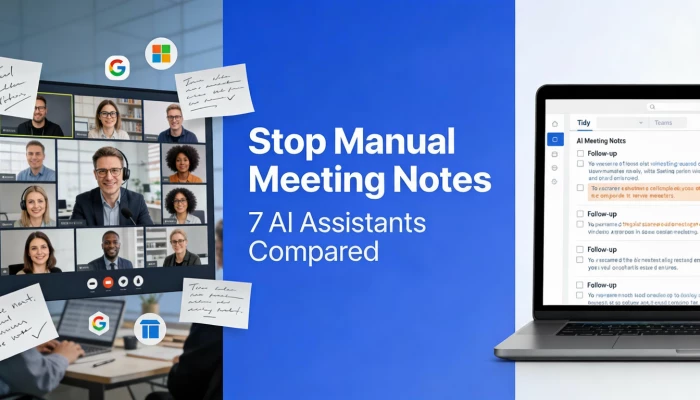
If you’ve ever ended a call thinking, “Wait… who actually agreed to do what?”, you’re not alone. Most modern teams now juggle daily standups, client calls, internal reviews, and planning meetings, often stacking 10+ video calls a week. At that pace, manual notes fall apart fast.
That’s why AI tools for meeting notes have quietly exploded in popularity. These assistants join your Zoom, Google Meet, or Microsoft Teams calls, turn conversations into structured summaries, and suggest follow-ups so nothing slips through the cracks. For teams already investing in AI productivity tools for remote teams, meeting notes are one of the easiest wins.
The challenge is choosing a tool that actually helps, not another noisy app to babysit.
This guide breaks down seven meeting note AI tools that genuinely help with summaries, action items, and follow-ups based on how they fit into real workflows, not marketing promises.
| Tool | Best For | Platforms | Follow-Up Strength |
|---|---|---|---|
| MeetGeek | Client & sales calls | Zoom, Meet, Teams | Strong |
| tl;dv | Highlights & sharing | Zoom, Meet, Teams | Medium |
| Zoom AI Companion | Zoom-native teams | Zoom only | Medium |
| Notion AI | Docs-first teams | Any (local audio) | Medium |
| Jamie | CRM-driven teams | Zoom, Meet, Teams | Strong |
| ClickUp AI | Project-centric teams | Multiple | Strong |
| Mixmax | Sales outreach | Zoom + Email | Very strong |
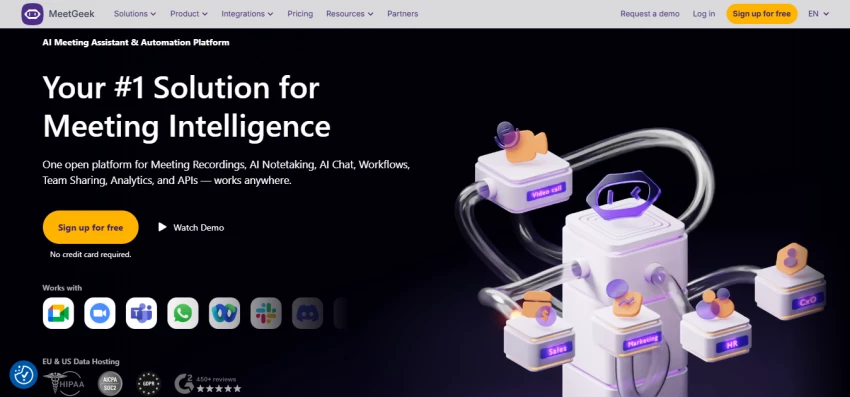
MeetGeek performs best in meetings where clear decisions and next steps matter, such as client check-ins or sales calls. In real use, it reliably pulls out action items without needing a replay.
It automatically joins calls, records and transcribes them, then produces structured summaries highlighting decisions, risks, and follow-ups. Draft emails are generated but left editable.
Free tier available. Paid plans start in the mid-teens per user/month, scaling with usage and team features.
Excellent for teams using AI tools used by sales teams, but heavy meeting volume can push costs higher at scale.
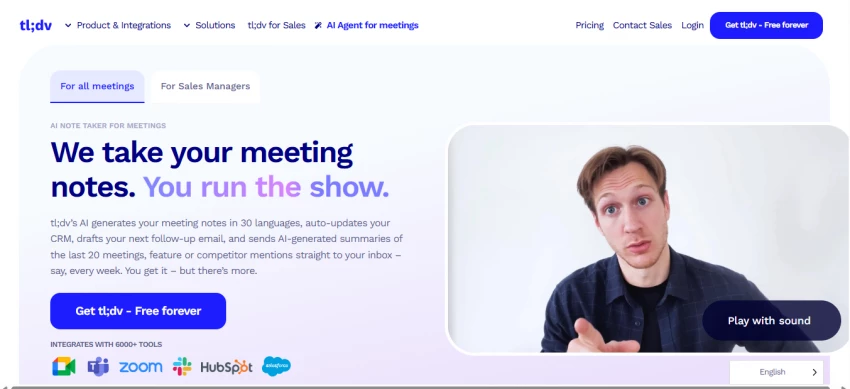
tldv.io is ideal when you want specific moments, not full summaries, perfect for sharing clips or reviewing who said what.
It records meetings, generates searchable transcripts, and lets you tag key moments live. Recaps include timestamps and task references.
Generous free plan. Paid tiers add advanced AI summaries and storage at mid-range SaaS pricing.
Pros and cons
Great for highlights and sharing. Less ideal if you want ultra-minimal notes with zero interaction.
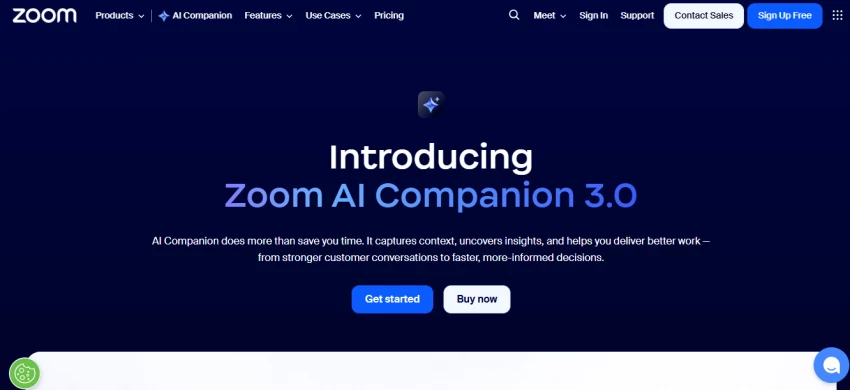
If most of your calendar lives in Zoom, this is the lowest-friction option available.
Built directly into Zoom, it generates meeting summaries, action items, and decision lists without any external bot joining calls.
Included with select Zoom One business plans, typically starting in the mid-teens per user/month.
Perfect for Zoom-only teams. Not helpful if you switch platforms frequently or rely on Zoom integrations for teams outside the ecosystem.
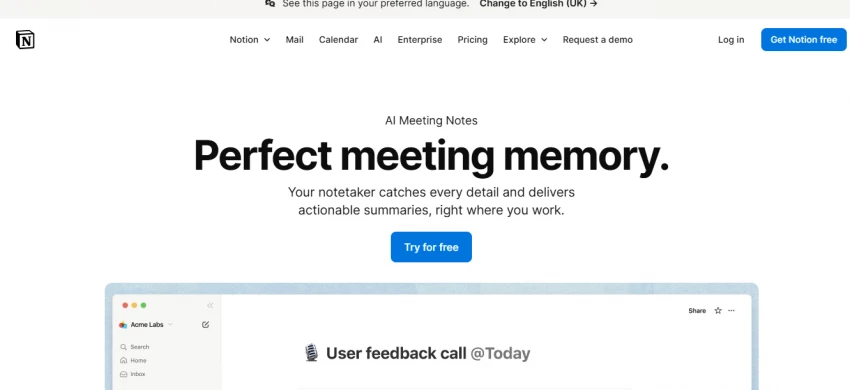
This shines when Notion is already your central workspace for docs and tasks.
It records meetings via system audio, saves transcripts into Notion pages, and helps turn notes into structured summaries or checklists.
Notion AI is a paid add-on charged per workspace member, varying by plan and region.
Excellent for teams exploring project management tools with AI, but less compelling as a standalone note-taking app.
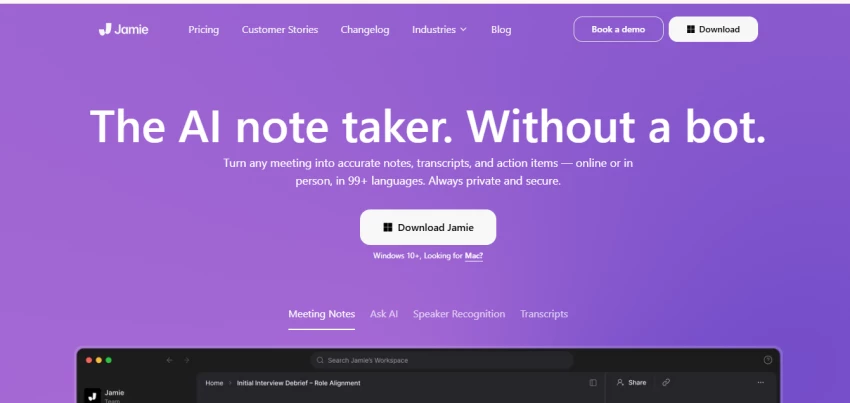
Jamie works well in longer, structured meetings where transcription accuracy matters more than flashy summaries.
It joins calls, transcribes in real time, and delivers clean, readable summaries with extracted action items.
Subscription-based, with tiers depending on transcription hours and integrations.
Strong fit for revenue teams. Solo users may not need the advanced reporting.
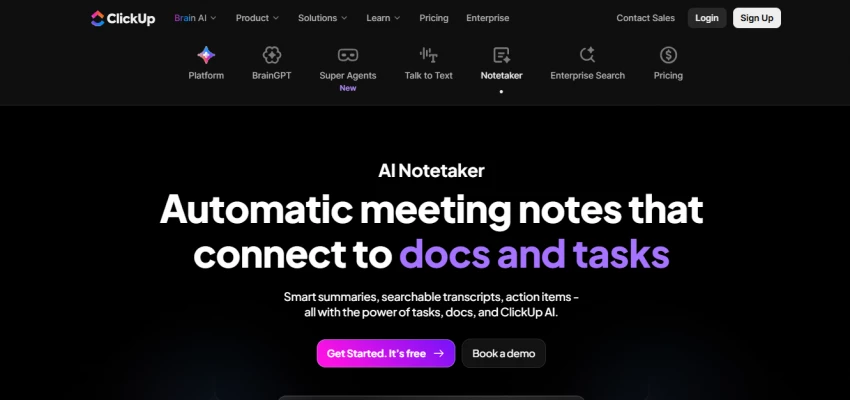
Best when meetings are just another input feeding your task system.
It records meetings and turns summaries directly into ClickUp tasks, comments, and Docs.
AI features are add-ons on top of ClickUp plans, making sense for teams already using AI-powered project management tools.
Powerful for structured teams. Overkill if you only need lightweight notes.
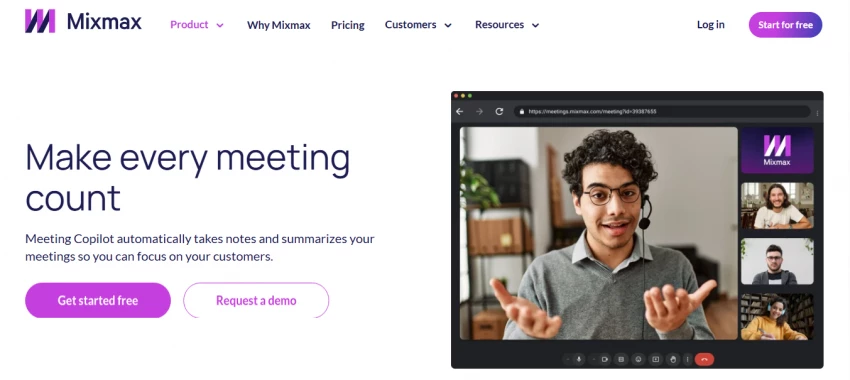
Designed for sales reps where the follow-up email is as important as the call itself.
Captures meeting notes, highlights objections and next steps, and drafts follow-up emails synced with CRM records.
Available on higher-tier plans, priced for teams running active pipelines.
Huge time-saver for sales teams. Less valuable outside outreach-heavy workflows.
The best option depends on where your work already lives:
No matter which tool you choose, always skim AI-generated follow-ups before sending. That extra 30 seconds of human editing keeps communication warm and prevents robotic outreach.
Anthropic has accused three prominent Chinese AI companies of systematically “mi...
Sandra Campos5 days ago
In what might be the most unexpected AI benchmarking milestone of 2026, Elon Mus...
Peter Woods1 week ago
A powerful new Chinese artificial intelligence video app is igniting alarm acros...
Peter Woods1 week ago

The Legal Industry Didn’t Suddenly “Go AI” — It Was Forced ThereIn 2026, AI in l...
John Nyarko1 week ago

AI talking head tools have made it possible to create studio‑style presenter vid...
Ina Gupta2 weeks ago

Leetcode prep is crowded with tools that promise shortcuts, streaks, and “guaran...
Ina Gupta2 weeks ago
Discussion