AI image generators have shifted from experimental toys to core creative tools. Marketers, designers, agencies, and even solo founders now rely on them for campaign visuals, social content, product shots, and concept art. Instead of hunting for a single “best” tool, it’s more useful to understand what each leading platform does well, where it struggles, and who it’s really built for.
Below, we’ll look at five standout tools: GPT Image / DALL‑E 3, Midjourney, Flux 2, Stable Diffusion, and Adobe Firefly covering their key strengths, limitations, ideal use cases, and indicative pricing. Then we’ll close with practical tips for getting better results from any AI image generator.
GPT‑powered image generation (often called DALL‑E 3 inside chat) is designed for people who think in briefs, not keywords. You can describe a complex scene in natural language “a SaaS dashboard hero image, clear text on the screen, space on the right for a headline” and then refine it conversationally instead of rewriting prompts from scratch.
Its biggest strength is how well it understands detailed instructions. It tends to keep layouts logical, relationships between objects consistent, and it’s particularly good at rendering text on signs, UI screens, or posters. This makes it a strong choice for marketing graphics, slide decks, product visuals, and anything where legible words matter.
However, the style often feels clean and relatively safe compared to more stylized engines. You also work within the platform’s guardrails, so you don’t get the deep “under‑the‑hood” control you’d find in open models. For heavy or automated use, API image costs can add up, but for individuals and small teams the bundled monthly plan is usually enough.
Best suited for:
● Marketers and content teams are already using AI chat for copy.
● Creators who need text‑heavy visuals (UI, posters, social graphics).
● Users who prefer conversational refinement over technical tweaking.
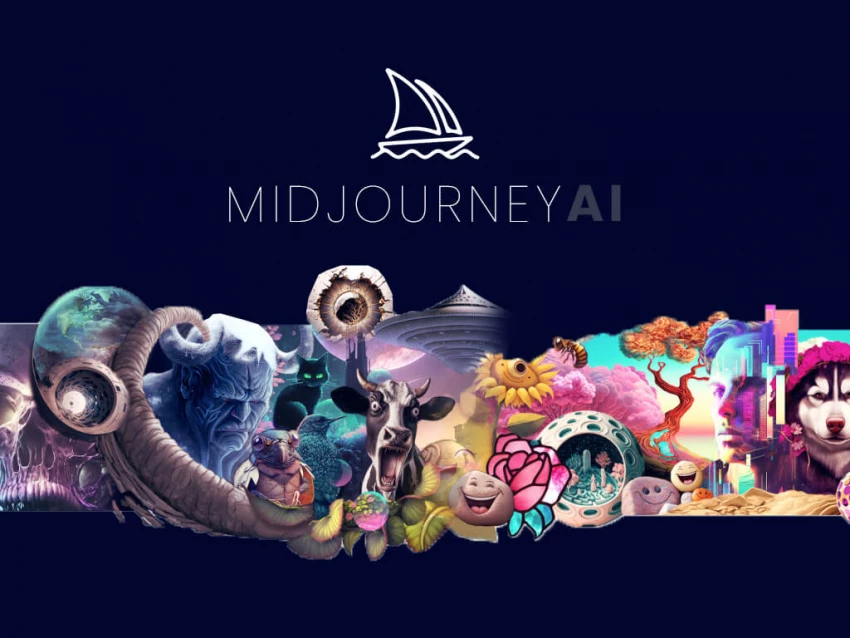
Midjourney is the “artist friend” in your tool stack. It excels at producing highly aesthetic, “wow‑factor” images with cinematic lighting and rich details. With relatively short prompts, you can get visuals that look like professional concept art, cover illustrations, or attention‑grabbing thumbnails.
Where it really shines is mood and style. If you want dramatic portraits, atmospheric landscapes, or stylised product scenes that stand out instantly, Midjourney is one of the strongest options. Many creators use it for moodboards, concept exploration, key visuals for campaigns, or social media posts that need to pop.
The trade‑off is precision. Midjourney remains weaker at reliable typography and pixel‑perfect layouts. Text on signs and labels is often distorted, and you have less direct control over fine layout details than in more technical tools. Its interface and parameter system also have a learning curve, especially for newcomers.
Best suited for:
● Artists, illustrators, and designers exploring visual directions.
● YouTubers, streamers, and social creators who need striking thumbnails.
● Concept art for books, games, and campaigns where style matters more than exact text.
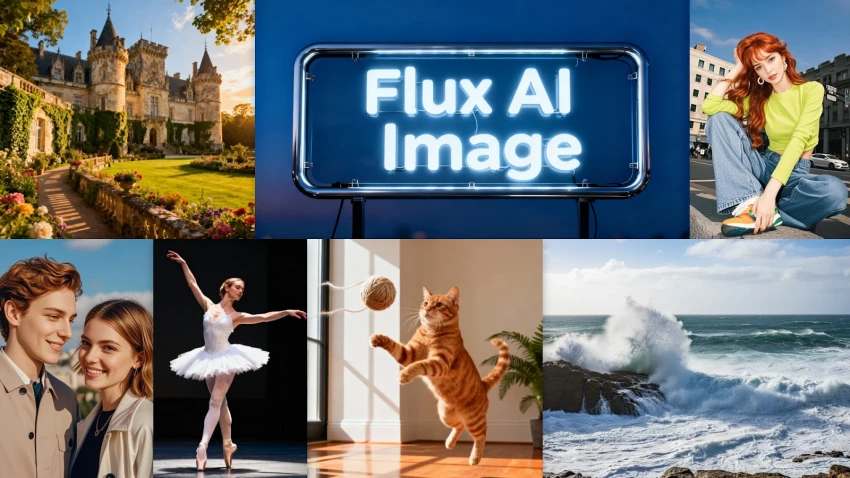
Flux 2 represents a newer generation of open‑weight image models that aim to rival closed platforms in quality while remaining highly customizable. It’s particularly appealing to teams and advanced users who want to shape the model to their own brand, product, or domain instead of adapting to a fixed style.
Out of the box, Flux 2 can produce strong photorealistic images and varied artistic styles, but its real power appears when you start tuning it. Because it’s designed to be integrated and extended, you can:
● Fine‑tune or adapt it for a specific look or niche.
● Plug it into your own web app or internal tools.
● Combine it with other components like control networks and upscalers.
The downside is that it assumes a bit more technical comfort. Getting the best results depends on how you host it, which UI or platform you use, and what extras you configure. For non‑technical users, a simpler SaaS interface may be easier to start with.
Best suited for:
● Agencies and SaaS products that want an in‑house or embedded AI engine.
● Power users who want to define and reuse a consistent “house style.”
● Teams willing to handle some technical setup in exchange for control.
Stable Diffusion is the open, highly extensible workhorse of AI image generation. Rather than just a single app, it’s a family of models and tools that can run locally or in the cloud, with a huge ecosystem of community models and extensions around it.
Its biggest advantage is control. You can run it entirely on your own hardware for privacy, script large batches of images, and use advanced tools like ControlNet for precise poses and compositions. Thousands of community‑trained models cover specific aesthetics from realistic fashion photography to niche art styles.
The main challenge is complexity. New users must learn about prompts, negative prompts, sampler settings, and sometimes basic GPU requirements. The default outputs may not immediately match the polish of closed platforms until you learn how to tweak models and settings. For many casual creators, this can feel intimidating.
Best suited for:
● Developers and technical artists building custom workflows or products.
● Privacy‑sensitive projects that need local or self‑hosted generation.
● Experimenters who enjoy fine‑tuning and “breaking the black box.”
Adobe Firefly is Adobe’s answer to AI image generation, and it’s tightly woven into Photoshop, Illustrator, and Adobe Express. Rather than compete only as a standalone generator, it focuses on brand‑safe content and professional integration for people already using Creative Cloud.
Its main advantages are licensing clarity and workflow fit. Firefly is built around licensed or Adobe‑owned content (as marketed), which many brands find reassuring from an IP perspective. Inside Photoshop, generative fill and related features make it very easy to extend backgrounds, remove objects, or blend multiple AI elements into a cohesive final design.
Firefly is less known for wild experimental art; its outputs lean toward balanced, usable imagery that fits professional designs. It also makes most sense if you already pay for Adobe tools and work heavily in them. If you only want to generate quick images and never touch Photoshop, its value is limited.
Best suited for:
● Agencies and brand designers working on client projects.
● Teams that already rely on Photoshop/Illustrator for production.
● Situations where legal comfort and tight layout control are crucial.
You can dramatically improve output quality with a few simple habits, regardless of which platform you use.
1. Describe the intent clearly: Don’t just list objects, explain the purpose of the image. For example: “Homepage hero image for a SaaS tool, laptop on the left with empty space on the right for text, minimal flat style, light background.” This gives the model context for composition, layout, and mood.
2. Use concrete style language: Be specific with visual terms. Mention camera angle (top-down, close-up), lighting (soft studio light, golden hour, neon), and art style (flat vector, watercolor, cyberpunk, ultra-realistic). Precise descriptors lead to more consistent results.
3. Work iteratively: Don’t expect perfection in one prompt. Generate multiple versions, pick the closest result, then refine using variations, inpainting, or external editors like Photoshop or Figma. Treat AI as a fast sketch artist, you remain the art director.
4. Match the tool to the task: For casual social posts, most generators work fine. For professional or client work, consider licensing, data sources, and workflow integration. Often the best setup combines tools, one for ideation, another for stylized output, and a production-ready solution for final assets.
There isn’t a single “best” AI image generator for everyone. GPT Image / DALL‑E 3 is excellent when you want strong prompt understanding and legible text. Midjourney remains a top choice for highly aesthetic, stylised visuals. Flux 2 and Stable Diffusion offer deep control and customization, especially for technical users and teams building products. Adobe Firefly is invaluable when you care about commercial safety and tight integration with professional design tools.
For most professionals in 2026, the smart move is to build a small stack: one tool for thinking through ideas, one for high‑impact looks, and one for final polish within your design environment. If you structure your workflow that way, your images will feel deliberate, consistent, and on‑brand not just “AI‑generated.”

YouTube Shorts has shifted from a side experiment to one of the fastest ways to...
Samuel Osei1 day ago
Digital advertising has become brutally competitive: users scroll faster, acquis...
Samuel Osei4 days ago
AI-powered image editors are now central to modern content creation, marketing,...
Alexander Hughes6 days ago
AI text-to-speech (TTS) has evolved from robotic audio to almost human‑sounding...
Samuel Osei1 week ago
IntroductionGraphic design is no longer limited to people who know Photoshop sho...
Funke Ogunleye1 week ago
Introduction: Why AI Animation Tools Matter NowThe line between traditional anim...
Sandra Campos1 week ago
Discussion