Artificial Intelligence
10 min read
From Script to Spokesperson: 10 Best AI Talking Head Video Makers in 2026
AI talking head tools have made it possible to create studio‑style presenter videos without cameras, studios, or on‑screen talent. Below is a blog‑ready breakdown of what they are, what features to look for, and 10 leading tools you can cover in your article.
AI talking head videos are AI-generated clips where a digital avatar appears on screen and speaks your script with realistic lip-sync and facial expressions. Instead of filming yourself, you simply choose or upload an avatar, add your text, and the platform creates a professional presenter-style video automatically. These videos are widely used for training, product demos, marketing, onboarding, and multilingual content because they’re fast to produce, cost-effective, and easy to scale. Many tools even allow you to create a custom avatar of yourself, enabling consistent, camera-free video production anytime.
When comparing AI talking head video tools, it helps to evaluate them on a consistent set of criteria:
● Realistic human avatars vs. cartoon or stylized characters
● Custom avatar / digital twin creation (from webcam footage or studio recording)
● How natural the mouth movements are, especially in different languages
● Head movement, eye contact, and micro‑expressions
● Number of supported languages and accents
● Quality of built‑in text‑to‑speech and voice cloning options
● Drag‑and‑drop editor, templates, subtitles, and auto‑layout tools
● Ability to mix avatar shots with B‑roll, screen recordings, and overlays
● Render times, batch creation, API access, and team collaboration
● Ability to adapt scripts and reuse custom avatars at scale
● Monthly minutes/credits, watermark rules, and commercial usage rights
● Cost of creating and maintaining custom avatars
HeyGen is one of the most advanced AI avatar platforms, known for highly realistic lip‑sync, instant avatar creation, and viral “Video Translate” features that re‑sync your lips when you change languages. (HeyGen)
● Large library of human avatars plus “Instant Avatar” (clone yourself from short webcam footage).
● Video Translate to convert existing videos into 40+ languages with synced lips and cloned voice.
● Photo avatar mode to animate a still photo as a talking head.
● Templates for explainers, sales outreach, training, and social media content.
● Very strong lip‑sync realism and natural facial movement.
● Fast, high‑quality custom avatar creation.
● Modern, intuitive interface suitable for non‑editors.
● Credit‑based system can get expensive for heavy usage.
● Peak‑time rendering can be slower for longer videos.
● Entry plans reported around the 20–30 USD/month range, typically credit or minute based; custom enterprise pricing for high volume and API. Check the official pricing page for exact current tiers.
● Marketing teams, personal brand creators, and agencies needing eye‑catching, multilingual presenter videos at scale.
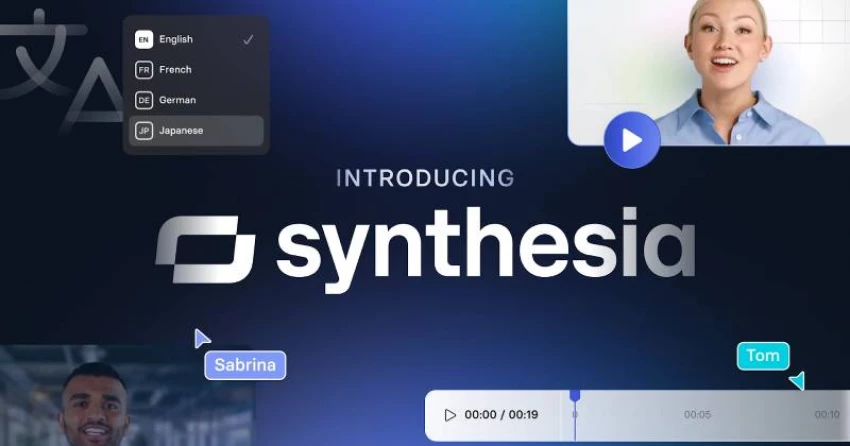
Synthesia is a pioneer in AI talking head video generation, heavily used for corporate training, L&D, and internal communications. It focuses on studio‑style avatars, strong security, and collaboration features. (Synthesia)
● 140–160+ languages and voices for global training content.
● Large catalog of professional‑looking avatars plus custom digital presenters.
● Script‑to‑video editor with templates, slides, and layout tools.
● Team workspaces and LMS integrations for enterprises.
● Enterprise‑grade security (e.g., SOC 2 Type II) and governance.
● Great for structured training and onboarding videos.
● Strong text‑to‑speech voice library.
● Custom avatars can be costly (often around 1,000 USD/year).
● Movements are realistic but slightly less “alive” than HeyGen in many comparisons.
● Entry “Personal/Starter” style plans typically start in the low‑20 USD/month range with minutes‑based limits; business and enterprise tiers scale for teams. Always verify current tiers on Synthesia’s website.
● HR, L&D, and enterprise teams producing repeatable training and explainer content in many languages.
D‑ID specializes in animating any face—from photos, artwork, or AI‑generated characters—into talking avatars, and is very popular among developers and creative experiments. (D‑ID)
● Creative Reality Studio for turning a single image into a talking head video.
● Real‑time streaming API to power interactive video agents and chatbots.
● Live Portrait for adding head movement and speech to static photos.
● Can animate almost any type of face, including non‑human or stylized characters.
● Strong developer‑friendly API for real‑time applications.
● Great for experimentation and creative campaigns.
● Lower resolution and realism than top-tier tools like HeyGen/Synthesia for corporate use.
● Watermarks on lower‑tier plans.
● Public starting prices reported from around 5–10 USD/month, with usage‑based tiers and enterprise options.
● Developers, creators, and marketers who want to animate custom or fictional characters, and interactive AI agents.

DeepBrain AI’s AI Studios platform offers realistic presenters with a focus on broadcast‑style quality and high‑volume video creation. It’s popular for news‑style explainers, training, and educational content. (DeepBrain AI)
● Library of AI presenters plus custom avatar options.
● Script‑to‑video workflow with teleprompter‑like layout and scenes.
● Multi‑language support and AI voices.
● High‑quality avatar videos that resemble news anchors or studio presenters.
● Unlimited minutes on some paid plans, useful for heavy users.
● Free plan to test basic capabilities.
● Interface and workflow can feel more “enterprise” and less playful than some rivals.
● Advanced features and custom avatars sit behind higher tiers.
● Personal plan reported around 24–29 USD/month for roughly 30 minutes of video; team and enterprise plans add collaboration and more limits.
● Educational content, news‑style explainers, and organizations needing lots of broadcast‑like talking head content.
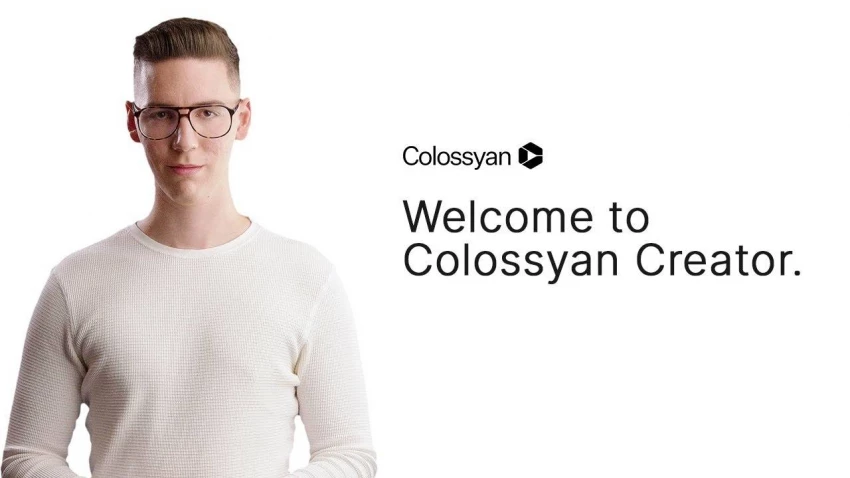
Colossyan is an AI video generator optimized for training and how‑to content, with strong support for on‑screen elements and multi‑persona lessons. (Colossyan)
● Template‑driven course and micro‑learning video creation.
● Multiple avatars in one video, plus role‑play scenarios.
● Text‑to‑video editor with subtitles and branded layouts.
● Very user‑friendly interface for non‑technical teams.
● Good fit for structured training modules and lessons.
● Supports team collaboration.
● Minutes‑based limits on lower plans can be restrictive.
● Custom avatars add to overall cost.
● Basic plans reported starting around 19–30 USD/month (annual billing) with minute caps; higher‑tier business plans add seats and features.
● L&D teams, academies, and SaaS companies turning documentation into training videos.
Rephrase.ai focuses on hyper‑personalized video at scale think thousands of tailored sales or customer‑success videos using AI presenters. (Rephrase.ai)
● AI presenters generated from real actors or custom avatars.
● Ability to personalize script variables (names, companies) for bulk outreach.
● API and integrations for campaign workflows.
● Strong for 1‑to‑many personalized video campaigns.
● Well‑suited to sales, customer success, and marketing automation.
● More complex to set up than simple “single video” tools.
● Less focused on casual creators and social content.
● Personal plan around 25 USD/month for approximately 10 video credits; enterprise plans with API and custom avatars are custom‑priced.
● Sales, support, and marketing teams running large‑scale personalized video campaigns.
vidBoard.ai is a talking‑head‑centric AI video platform aimed at quick business videos, customer communication, and training. (vidBoard.ai)
● AI video avatars for explainers and talking head content.
● Templates for marketing, onboarding, and announcements.
● Multi‑language voice and subtitle support.
● Simple workflow for non‑technical business users.
● Good fit for SMBs wanting polished but fast videos.
● Smaller ecosystem and library compared to giants like HeyGen or Synthesia.
● Fewer advanced developer features.
● Typically offers free or trial access, with paid plans tiered by video minutes and features.
● Small to mid‑sized businesses wanting a straightforward talking head solution without heavy enterprise overhead.
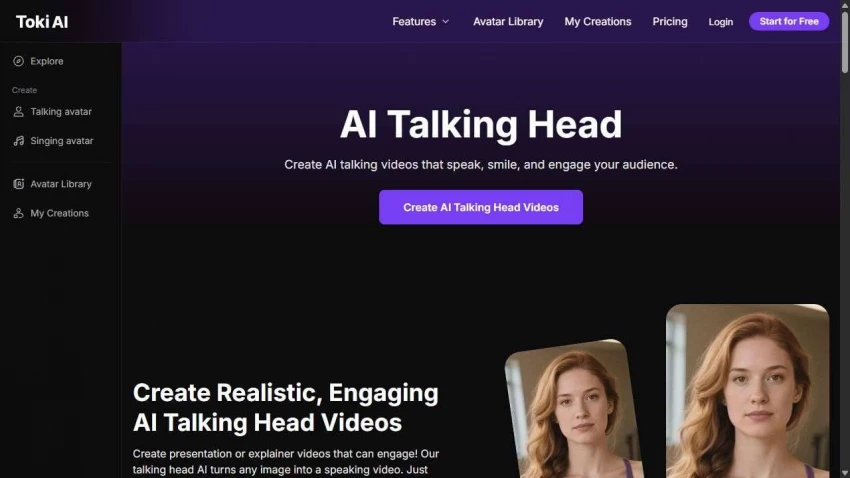
Toki AI offers a lightweight AI talking head generator where you can upload your own image and script to create avatar videos, including a free‑to‑try option. (Toki AI)
● Upload a face image to create a custom talking avatar.
● Simple text‑to‑video workflow for short clips.
● Web‑based interface with basic export options.
● Free talking head generation option for quick tests.
● Easy to get started; minimal learning curve.
● Less advanced editing and branding features than full studios.
● May not match the realism or scale of higher‑end platforms.
● Free plan available with limited usage; paid plans unlock higher resolution, more minutes, and advanced features.
● Beginners, solo creators, or anyone wanting a quick, low‑friction entry into AI talking heads.
Quso AI provides a talking head video generator with dozens of avatars and multilingual support, aimed at teams that want fast, repeatable video content. (Quso AI)
● 80+ photo‑realistic avatars with 30+ languages out of the box.
● Script‑to‑video workflow for explainers, demos, and training.
● Support for vertical, square, and horizontal exports for different platforms.
● Strong balance of avatar variety and language coverage.
● Optimized for quick, scalable content production.
● Less well‑known than some flagship competitors.
● Ecosystem and integrations may be more limited.
● Offers plan tiers based on number of videos/credits and features; exact pricing should be checked on the official site.
● Agencies and teams creating multi‑format training or marketing videos for multiple platforms.
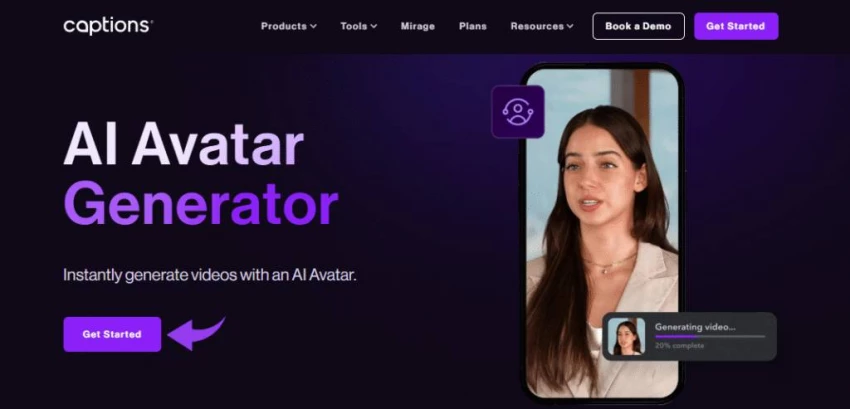
Captions is an AI‑powered “creative studio” that lets you generate and edit talking videos, including 3D AI avatars, with strong mobile‑first workflows. It is especially popular with short‑form content creators. (captions)
● AI Creator avatars for selfie‑style talking head content.
● Auto‑captions, jump‑cuts, face‑tracking, and other social‑video edits.
● Multilingual dubbing and translation of your videos.
● Strong mobile app; ideal for Reels, Shorts, and TikTok workflows.
● Combines avatar generation with robust editing and captioning.
● Less focused on corporate “spokesperson” avatars than Synthesia/HeyGen.
● Advanced features and watermark‑free exports require paid plans.
● Free sign‑up with limited features; Pro/Max/Scale subscriptions for heavier creators and brands.
● Influencers, UGC creators, and social‑first brands producing a lot of short talking videos.
AI talking head video tools have moved from novelty to everyday production infrastructure, letting creators and companies go from script to polished presenter videos in minutes. Whether you prioritize avatar realism, multilingual reach, training workflows, or personalized outreach, there is now a specialized platform for almost every use case, from social‑first tools like HeyGen and Captions to enterprise workhorses like Synthesia, Colossyan, DeepBrain AI, and Rephrase.ai.

The Legal Industry Didn’t Suddenly “Go AI” — It Was Forced ThereIn 2026, AI in l...
John Nyarko7 hours ago
Leetcode prep is crowded with tools that promise shortcuts, streaks, and “guaran...
Ina Gupta4 days ago

If you searched “Gening AI”, you probably ran into a site/app that promises some...
Ina Gupta4 weeks ago
Apple has officially confirmed that Google’s Gemini models will power the next g...
John Nyarko1 month ago
In this review, we’re taking a clear, honest look at one such platform Unlucid A...
John Nyarko1 month ago

Automating phone calls has become a game-changer for businesses that want to eli...
John Nyarko1 month ago
Discussion