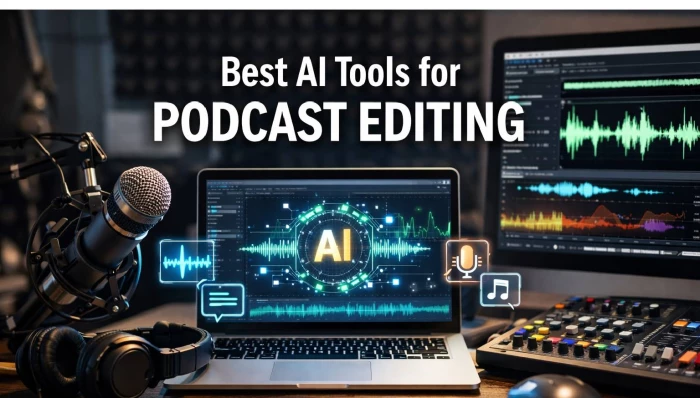
The gap between “I recorded something” and “I’m proud to publish this” used to be intimidating. Long waveforms, tiny cuts, noise gates, EQ chains, most podcasters learned just enough to survive, not enough to enjoy the process.
AI has changed that rhythm. Instead of obsessing over every “um” and background hum, you can now work at the level of ideas: what should stay, what should go, and what might become your next viral clip. The tools below don’t just speed things up; they rethink what “editing” even means.
In this guide, we’ll walk through seven AI‑driven editors and production tools that have become go‑to choices for podcasters, each with its own personality and ideal use case.
| Tool | Best For | Standout AI Capabilities |
| Descript | Narrative‑driven shows, script‑heavy edits | Transcript‑first editing, Studio Sound, Overdub |
| Riverside | Remote interviews and video podcasts | Magic Audio cleanup, Magic Clips, chat/text editing |
| Auphonic | Final mastering and loudness consistency | Intelligent Leveler, adaptive noise/reverb reduction |
| Adobe Podcast | Fast DIY cleanup, Creative Cloud workflows | One‑click noise removal, transcript‑based editing |
| Alitu | Beginners and “one‑login” production | Auto‑editing, AI transcripts, title/show‑notes writing |
| Cleanvoice | First‑pass cleanup of speech | Filler‑word and silence removal, multilingual support |
| Quso.ai | Clipping and social media growth | AI clipping, auto captions, scheduling, analytics |
Descript is built on a simple but powerful reversal: instead of treating the waveform as the source of truth, it treats the transcript as the master. You import your recording and, within minutes, you’re looking at your entire episode in text form. From there, editing feels less like audio engineering and more like rewriting a blog post.
Remove a tangent by deleting a paragraph. Tighten a rambling answer by trimming a few sentences. Descript then mirrors those text edits in the audio automatically. You don’t need to understand crossfades or ripple edits to get a clean cut; the software handles all that in the background.
The AI features form a second layer of polish. Studio‑style enhancement can rescue less‑than‑ideal recordings, smoothing out room noise and giving voices a more “produced” tone. Automatic detection and removal of filler words and long silences turns the first rough pass into something surprisingly listenable. For creators working with co‑hosts, editors, or clients, collaborative projects and comments make Descript feel more like Google Docs than a traditional DAW.
Descript’s biggest advantage is psychological: it allows storytellers, journalists, and educators to stay in their comfort zone words and narrative while still shipping audio that sounds like it passed through a professional studio.
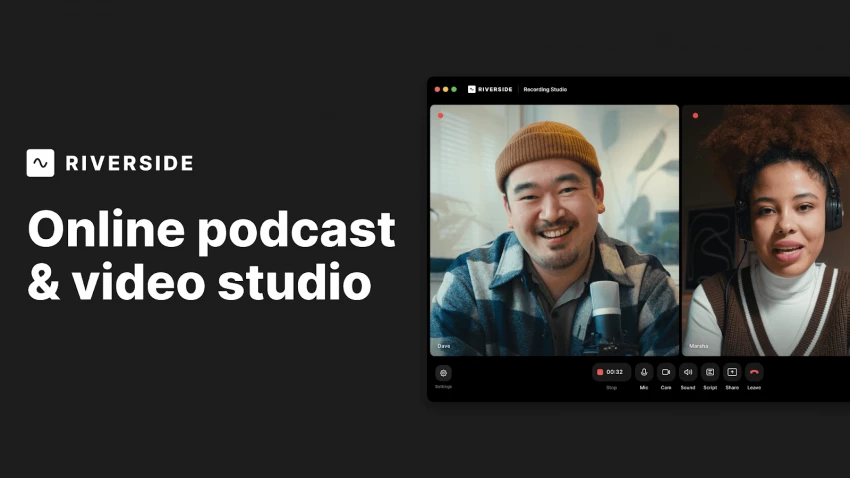
If Descript reimagines editing, Riverside reimagines the entire recording room. It started as a way to capture high‑quality local recordings from remote guests, but over time it has grown into a full production environment powered by AI.
The typical Riverside workflow looks like this: you invite guests with a link, each person records locally in their browser, and the platform stitches together high‑resolution tracks in the background. Once the recording ends, you’re not thrown into a blank editing canvas. Instead, AI generates a transcript, aligns it with the audio and video, and gives you an edit‑by‑text interface similar to Descript’s.
Riverside’s more “magical” moments come from its automation. One‑click audio cleanup can correct uneven levels and tame noisy environments, while its clip generator combs through the conversation, pulling out short, high‑impact moments ready for social media. For podcasters who also publish on YouTube or TikTok, this is huge: the same session that produced your long‑form episode can also produce vertical clips complete with captions, formatted correctly for each platform.
In short, if your show relies on remote interviews, and you want a single place to record, tidy, and clip, Riverside feels less like another tool in the chain and more like the studio itself.
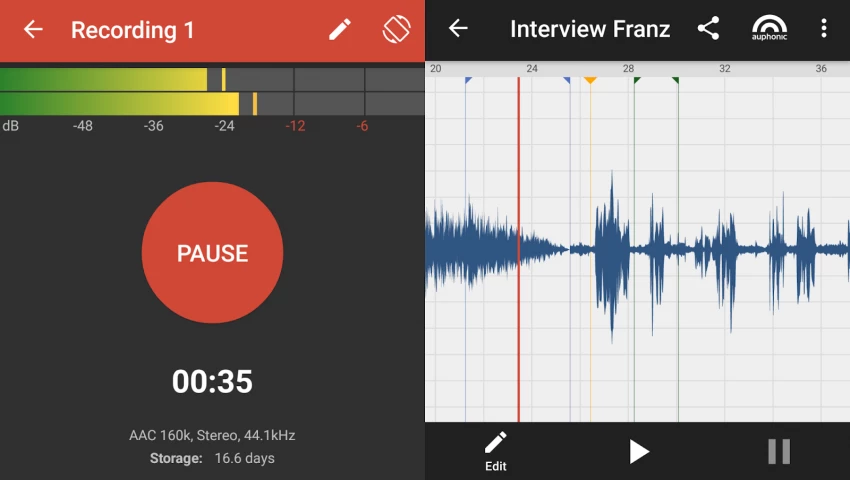
Some tools are loud about what they do. Auphonic is the opposite. You rarely “work inside” it the way you would a full editor. Instead, you send your almost‑finished episode through Auphonic, and it quietly fixes the details that listeners subconsciously notice but you might not have time to chase manually.
Auphonic’s strength lies in its intelligence around loudness and balance. If one guest leans away from the mic while another booms into it, Auphonic gently levels them out. If your intro music is too hot compared to your spoken segments, it pulls the music back so it feels integrated rather than intrusive.
It also deals with the acoustic messiness of real rooms: background hiss, low‑level hums, and reverberant spaces. Rather than forcing you to learn a suite of plugins, Auphonic exposes just enough control to get the result you want, then applies its own logic behind the scenes.
Because it can process multiple files at once, many podcasters treat it as an automated final stage. Edit wherever you like Pro Tools, Reaper, Descript then hand everything to Auphonic before publishing. It’s the unsung mastering engineer that keeps your show sounding consistent from episode to episode.
Adobe Podcast is what happens when a creative‑software giant decides to make audio approachable for non‑engineers. It takes the familiar Adobe philosophy powerful tools wrapped in a friendly interface and applies it to podcasting.
The entry point is simple: upload a recording and let the AI “enhance” it. In many cases, that one step transforms thin, echo‑y audio into something closer to a treated booth. For creators recording in bedrooms, rental offices, or shared spaces, this alone can be the difference between “I can’t release this” and “no one will ever know.”
Beyond the enhancement, Adobe Podcast embraces the same transcript‑centric editing paradigm. You can search for phrases, cut them, rearrange them, and let the software handle the underlying audio surgery. If you already work in Premiere Pro or Audition, Adobe Podcast fits neatly into your existing pipeline: record and clean in the browser, then move to your desktop tools for deeper mixing or video integration.
It’s particularly appealing for content studios and creators who are already paying for Creative Cloud and want a podcast tool that doesn’t require a new ecosystem or learning curve.
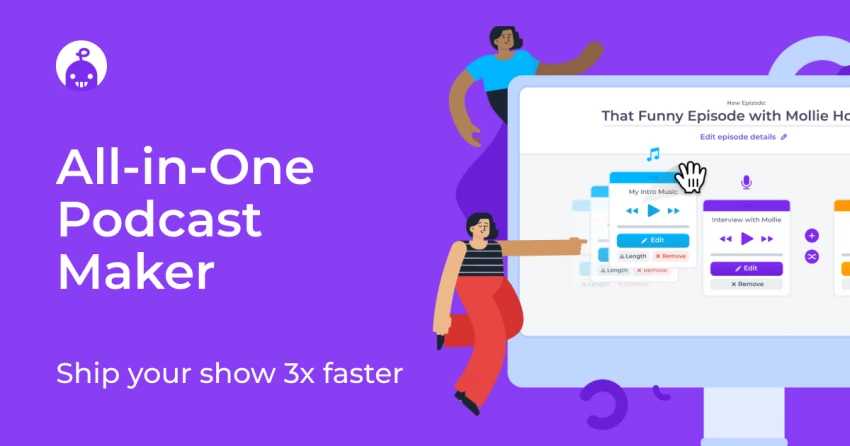
Alitu is built for the podcaster who doesn’t want to assemble six tools to make one episode happen. It leans into simplicity: everything from recording to final export lives under one roof, and AI quietly handles many production tasks in the background.
You can record directly inside Alitu, drop in music, and arrange segments without feeling like you’re piloting a full‑blown DAW. As the session processes, AI takes care of noise reduction, basic leveling, and other audio hygiene. You’re not asked to make a dozen technical decisions; the software makes sensible choices for most use cases.
What sets Alitu apart is how much it tries to cover beyond the waveform. Automatic transcripts become the foundation for light editing. Draft episode titles and descriptions help you avoid staring at an empty show‑notes box. Hosting and direct publishing mean you can send your episode to major platforms without exporting, uploading, and configuring elsewhere.
For newcomers or busy professionals who view their podcast as one channel among many, Alitu feels like a guided lane from idea to published show, with AI nudging you forward at every stage.
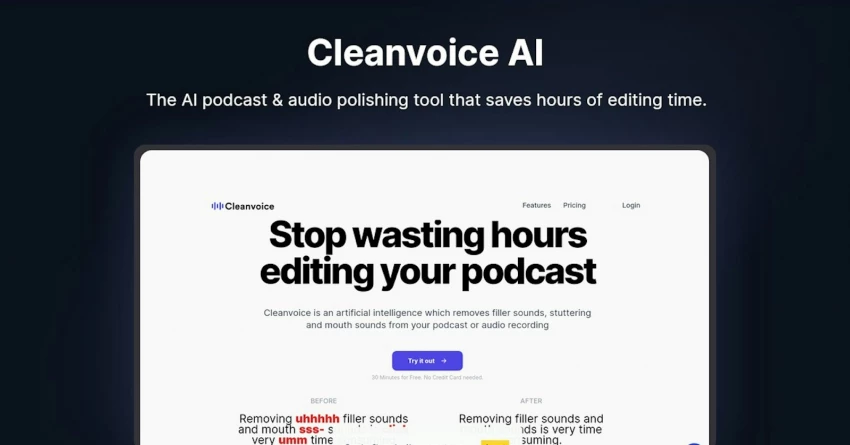
While many tools try to be all‑in‑one solutions, Cleanvoice is unapologetically specialized. Its mission is narrow but crucial: remove the verbal clutter that makes episodes feel slow and unpolished.
You hand Cleanvoice a recording, and it returns a version that has aggressively hunted down filler words, awkward repetitions, long pauses, mouth clicks, and other distractions. For hosts who think clearly but speak loosely, this can be transformative. Conversations that felt meandering in real time become crisp and direct in the edited version.
Because it’s focused, Cleanvoice plays well with others. You might record in Riverside, run the file through Cleanvoice to clean the speech, then finish your structural edits in Descript or a DAW. The result is a hybrid workflow where AI does the brute‑force clean‑up, leaving you to focus on pacing, story, and sound design.
Podcasters who publish often daily news shows, commentary feeds, quick reaction episodes get particular value here. Offloading the first round of speech cleanup can turn a half‑day edit into something you can realistically tackle between other tasks.
Many podcasters are no longer satisfied with “just” an audio feed. The real growth often happens where the podcast meets social media, short‑form video, and newsletters. Quso.ai sits exactly at that intersection.
Instead of asking you to mark clip points manually, Quso.ai analyzes your episode and surfaces segments that are likely to perform as standalone pieces, short insights, punchy exchanges, or clear story beats. Those moments can then be dressed up with captions and visual templates that work on TikTok, Reels, YouTube Shorts, and similar platforms.
This shifts the mindset from “What should I clip?” to “Which of these ready‑made clips best match my content plan this week?” For small teams and solo creators, that difference is huge. You don’t need to scrub through a one‑hour episode multiple times to find a ten‑second gem; the AI does the initial scouting for you.
If you treat your podcast as a pillar of your content strategy, Quso.ai effectively turns each episode into a mini library of assets you can deploy across channels over time, without adding a separate editing role to your production.
These tools overlap, but they don’t compete in exactly the same way. Descript and Adobe Podcast shine when you want to live inside the transcript. Riverside is the natural choice if remote interviews and video are core to your show. Auphonic is the quiet finisher. Alitu tries to carry you from recording to publishing in a single lane. Cleanvoice obsessively cleans up speech, and Quso.ai turns your long‑form work into a stream of short‑form assets.
A practical way to decide is to map each tool to a specific bottleneck in your workflow. If you dread the edit, start with Descript or Adobe Podcast. If your audio sounds inconsistent, add Auphonic. If promotion is the weak spot, experiment with Quso.ai. You don’t need to commit to a single “forever tool”; you can mix and match until your production flow feels both sustainable and creatively satisfying.
AI podcast tools are no longer just about speed; they’re about elevating the overall creative bar. The right mix of these platforms can give you cleaner sound than your recording space deserves, let you experiment freely in the edit without technical fear, and squeeze far more long‑term value out of every conversation you record.
Used thoughtfully, they don’t replace your taste or your voice, they amplify both. The human decisions still matter most: what to talk about, what to leave in, what your show stands for. AI simply clears away the mechanical work so you can spend more of your limited energy on craft, consistency, and connection with your audience.

I’ve used both Replika and Chai AI side by side for a while, and the longer I ke...
Grace Howard3 hours ago

HeyGen is one of the most popular AI avatar video tools right now, but it is not...
Noura Belkacem2 days ago
AI subtitle generators have matured from “nice-to-have” add-ons to essential inf...
Sandra Campos3 days ago

AI has transformed motion graphics by automating time-consuming tasks like keyfr...
Noura Belkacem5 days ago
AI video generation has gone from experimental to essential, powering everything...
Peter Woods5 days ago

Character AI did something remarkable: it proved that people don’t just want “a...
Peter Woods1 week ago
Discussion