AI has transformed motion graphics by automating time-consuming tasks like keyframing and rendering, allowing creators to generate animations quickly from text or scripts. However, core creative skills such as composition, storytelling, and pacing still define quality. The best workflows use AI to handle repetitive work, freeing designers to focus on ideas and refinement.
In this guide, we break down eight of the best AI tools for motion graphics right now, how they fit into a modern pipeline, what to watch out for (key limitations), and who each one is actually best for.
| Tool | Best For | Core Strength | Typical Pricing Snapshot* |
| Runway | Text‑to‑motion, VFX pre‑viz | Gen‑style video, AI effects, editor | Free tier, then monthly/credit plans |
| Kaiber Motion | Image‑to‑animation & music visuals | Smooth motion, template workflows | Free trial + creator/studio tiers |
| Pika Labs | Character & scene animation | Text‑to‑video, lip‑sync, inpainting | Free + paid generations |
| Kling 2.5 | High‑speed action & sports | Realistic fast motion physics | Platform/cloud access, usage plans |
| Luma Dream Machine | Cinematic camera moves | Image‑to‑motion, filmic moves | Credit‑based via partner platforms |
| Genmo (Mochi 1) | High‑fidelity AI motion | Short clips, open integrations | Free + pro + dev tiers |
| Pixop | AI video enhancement | Upscaling, restoration, frame conversion | Usage‑based per processed minute |
| After Effects + AI plugins | Professional pipelines | Deep control, AI‑assisted workflows | Adobe subscription + plugin licenses |
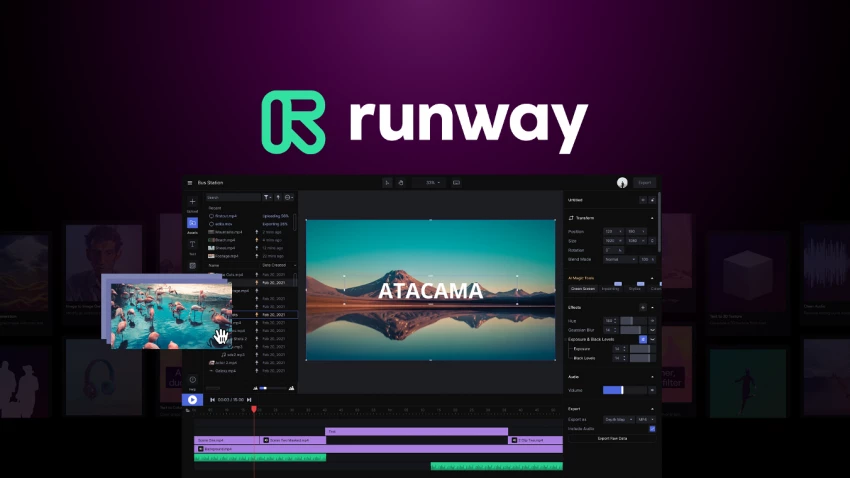
Runway has become the reference point for AI‑assisted video, blending text‑to‑motion generation with a capable web‑based editor. Its generative models allow you to describe a scene in plain language and receive a coherent, stylized motion clip that can serve as a finished asset for social content or as pre‑viz for higher‑end motion design.
What makes Runway particularly useful for motion graphics is its combination of generation, editing, and effects in one environment. You can generate a base shot, then apply AI‑powered masking, background removal, and style transfer without leaving the interface. For designers, this translates into faster ideation, rapid variation testing, and the ability to iterate on look development before committing to complex timelines in traditional software.
Limitations to keep in mind: Fine‑grained, frame‑accurate control is still weaker than in a classic compositor, long or very detailed projects can eat through credits quickly, and highly specific brand typography or logo motion often needs to be refined later in a dedicated motion tool.
From a pricing standpoint, Runway typically offers a free tier with limited credits and basic export options, while paid Standard and Pro plans scale up resolution, credits, and queue priority, with enterprise options for teams that need custom limits and collaboration features. Check the latest pricing page for exact monthly rates and credit allocations before you quote figures in your article.
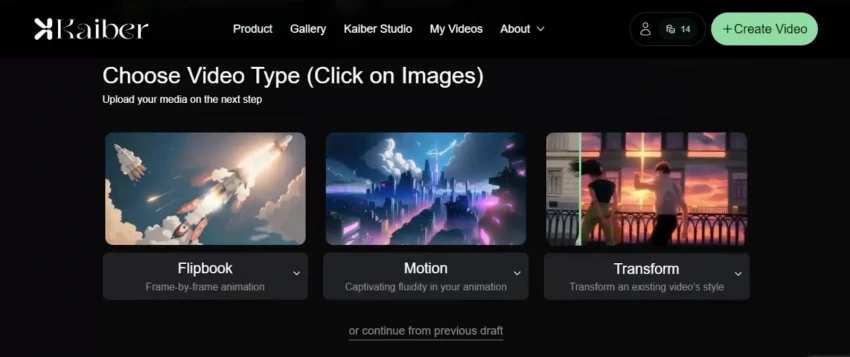
Kaiber’s Motion feature is built for creators who already have strong visual assets, album covers, key visuals, UI mockups and want to breathe life into them without rebuilding everything in a timeline. The Motion engine focuses on smoother movement and better temporal consistency, reducing the morphing artifacts that plagued earlier image‑to‑video tools and keeping visual elements stable as they move.
One standout aspect of Kaiber Motion is its emphasis on preserving the essence of your original frame. The improved init‑image handling keeps the core layout and design language intact while animating camera motion, particles, or abstract transformation effects on top. For motion graphic designers, this is ideal for looping backgrounds, lyric visualizers, or brand‑driven stingers where shape language and typography must stay recognizable.
Important considerations: It’s not designed for complex character‑driven storytelling, control over animation curves and timing is more preset‑driven than surgical, and heavier usage at higher resolutions can require careful management of render minutes and export quotas.
To speed up production, Kaiber provides ready‑made templates such as “Make Music Visualizer” and “Animate Image,” allowing users to generate animations by tweaking presets instead of starting from zero. Plans usually start with a free or trial tier, then move into creator and studio options with higher resolution, more render time, and priority processing at increasing monthly prices.
Pika Labs positions itself as a highly accessible AI video engine that understands both motion and performance. Beyond basic text‑to‑video generation, it layers in physics‑aware motion systems so characters walk, turn, and react in ways that feel more physically plausible than earlier models that tended to slide or distort.
Where Pika becomes particularly compelling for motion graphics is in its handling of audio and post‑like refinement. Upload a voiceover or music track, and the platform can synchronize character lip movements to the audio, enabling quick production of explainer scenes, animated hosts, or narrative shorts. Paired with a clean render, this reduces the need for manual lip‑sync passes or character rigging, especially for shorter content.
Things to be aware of: Complex multi‑character scenes or very long sequences can still introduce visual artifacts, you have less compositing control than in desktop tools, and because it’s a cloud service you need to watch generation limits and potential queue times during peak usage.
Pika also includes video inpainting tools that let you mask out unwanted elements and regenerate areas of a shot with AI, similar to content‑aware fill for moving footage. Typical pricing combines a free trial tier with limited generations and one or more paid tiers that unlock higher resolutions, larger monthly generation quotas, and sometimes team‑oriented features.
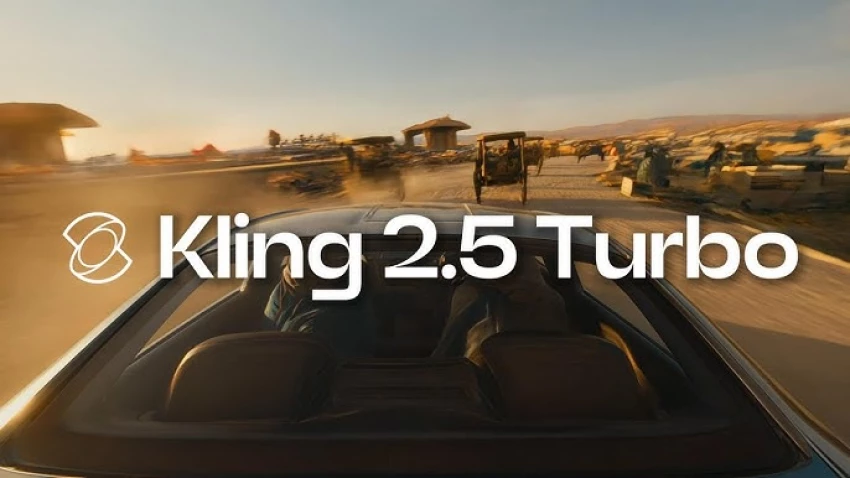
Kling 2.5 is engineered specifically for scenes that most AI video models still struggle with: fast action, sports, and energetic dance sequences. Instead of smearing motion or breaking limbs when subjects move quickly, Kling focuses on maintaining realistic physics, so athletes run without warped limbs and moving objects follow believable trajectories.
This motion fidelity matters for motion graphics when your design language relies on kinetic typography, dynamic HUD overlays, or energetic transitions synced to quick camera moves. With Kling, you can generate base plates of high‑speed movement and then composite graphic elements on top, confident that the underlying motion feels solid and physically grounded.
Notable limitations: It is less suited to purely abstract design‑driven animations, access and integration are often mediated through specific partner platforms or regions, and clip length plus render time still require you to plan iterations instead of firing off unlimited tests.
Typical generations complete in a few minutes depending on duration and quality settings. Pricing is usually tied to platform or cloud usage models expect a mix of free or low‑cost starters for testing, then metered or subscription‑style tiers for regular creators and custom contracts for studios that need guarantees and higher volume.
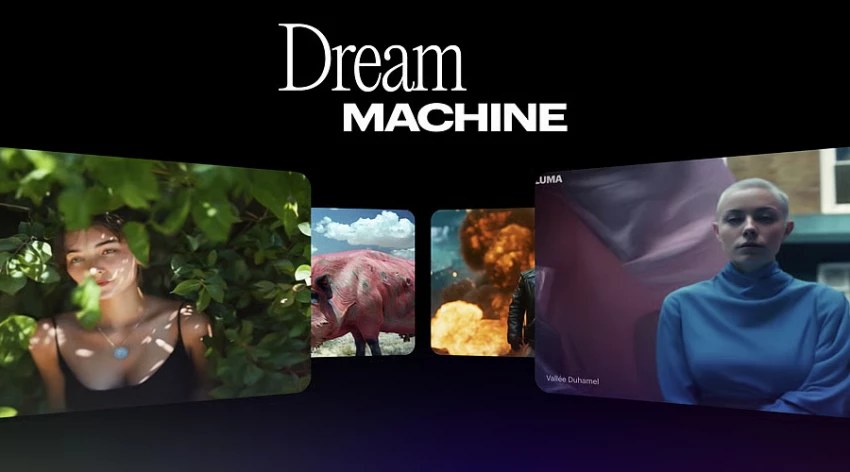
Luma’s Dream Machine model focuses less on character performance and more on cinematic camera behavior. You can feed it either a static image or a text prompt, and it produces short video clips with natural pans, tilts, dolly moves, and zooms that mimic how a real camera operator might frame and reveal a scene.
For motion designers, this is a powerful way to generate dynamic backgrounds, establishing shots, or logo reveals where the camera motion itself delivers a strong part of the storytelling. Dream Machine is designed to understand spatial relationships and direction, resulting in coherent 3D‑feeling moves rather than arbitrary drifting, which makes its clips easy to layer under type and logos.
Potential drawbacks: It is not optimized for detailed acting or dialogue‑heavy character work, clip durations are generally short so longer sequences require stitching, and you trade fine path control for natural‑feeling but somewhat “black‑box” camera behavior.
Platforms that offer Dream Machine access typically use a freemium or credit‑based model. You’ll often get a handful of free generations to experiment, then move to credit packs or monthly subscriptions that unlock higher quality, more generations, and better processing priority if you rely on it regularly.
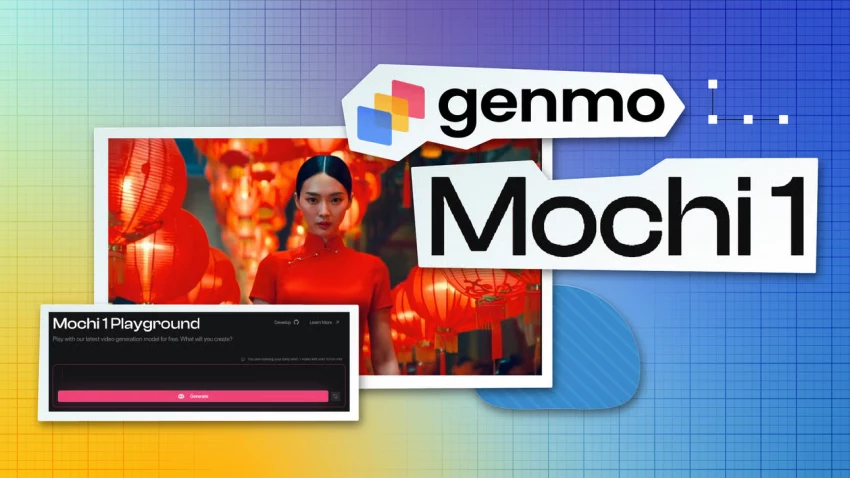
Genmo’s Mochi 1 model is built around a simple promise: generate short, smooth, high‑fidelity motion clips that track prompts accurately. It produces videos just a few seconds long at a comfortable frame rate, emphasizing temporal coherence so objects and lighting behave consistently from frame to frame rather than boiling or flickering.
What sets Genmo apart for motion graphics is its open, developer‑friendly nature. The platform is designed to integrate with other creative tools, letting teams chain together multiple AI systems in a pipeline. For example, you might generate key art with a still‑image model, animate it with Mochi, then bring it into a compositor for type and brand overlays.
Caveats to consider:Short duration clips mean it’s best for accents, loops, and transitions rather than full narratives, occasional minor temporal artifacts still appear in complex scenes, and using it at scale often requires some technical integration work if you want tight automation.
Genmo’s typical pricing structure combines a free or community tier with limited clip time, a pro tier aimed at regular creators with higher limits and priority, and optional developer or API‑focused plans that charge based on usage for teams embedding it into their own tools or workflows.
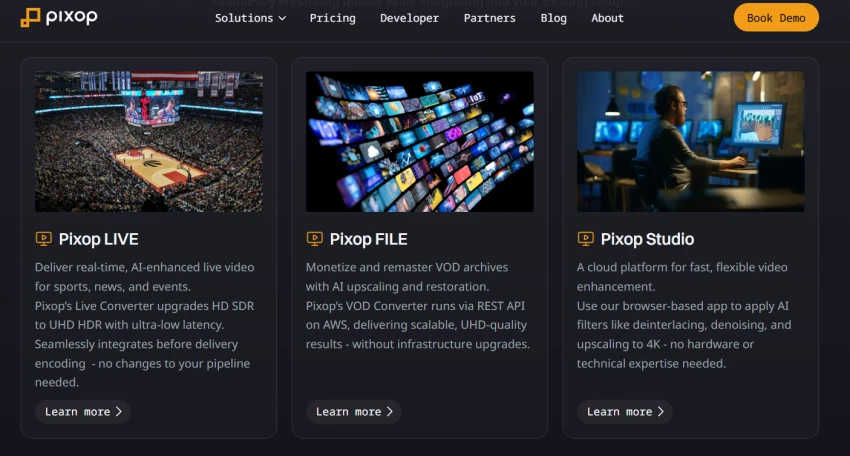
Not every motion graphics project begins with pristine footage. Pixop is an AI‑powered online video enhancer that specializes in taking imperfect, low‑resolution, or archival clips and elevating them to modern standards. It uses machine learning models to upscale resolution, remove noise and artifacts, and even handle frame rate conversion, effectively acting as an intelligent finishing lab.
In a motion graphics context, Pixop becomes invaluable when you’re combining newly generated AI clips with older footage, stock material, or smartphone captures. Consistent sharpness and clarity make composited type, icons, and HUD elements feel more integrated with the underlying video, avoiding the look of crisp graphics floating above muddy footage.
Key constraints to note: Pixop can’t invent new composition or animation it only enhances what you give it, larger or longer projects can be costlier because pricing often scales per processed minute and resolution, and you’ll need a bit of trial and error to pick the best filter combinations for different kinds of source material.
Because Pixop runs as a web service, its pricing is usually usage‑based: you pay per minute of processed footage, with different rates depending on resolution and filter complexity. Additional charges can apply for storage if you keep processed files hosted long‑term, while enterprise customers get custom quotes for bulk processing and tailored workflows.
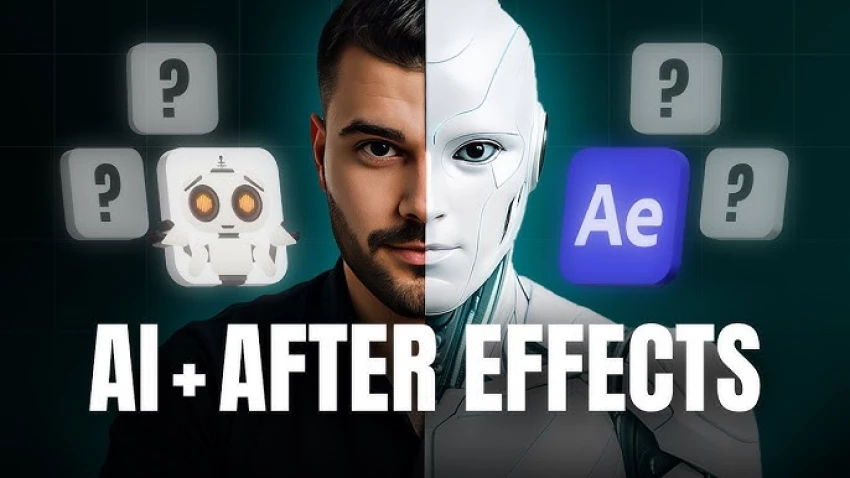
While many of the tools above are end‑to‑end platforms, Adobe After Effects remains the center of gravity for professional motion graphics and it is becoming increasingly AI‑assisted. Recent releases introduce smarter layer and keyframe management, better text formatting controls, and new automation hooks, reducing the time spent wrangling complex timelines and repetitive tasks.
The real leap comes from third‑party AI plugins. Suites for upscaling and restoration, advanced keying and matting, depth map creation, tracking, face detection, and color matching all use AI to accelerate previously time‑consuming chores. Together, these plugins turn After Effects into an AI‑augmented control room where you can combine generative assets from cloud tools with precise, traditional compositing and animation.
Factors to keep in mind: After Effects still has a steeper learning curve than browser‑based apps, plugin ecosystems add extra cost and require you to manage updates and compatibility, and even with AI assistance you must invest manual time and design skills to achieve polished, on‑brand results.
For studios and advanced freelancers, this hybrid environment offers the best of both worlds: the creative flexibility of generative systems and the granular control needed for broadcast, title design, and high‑end brand work. Pricing mixes Adobe’s subscription plans either single‑app or full Creative Cloud with one‑off or subscription‑based plugin licenses, so you’ll want to budget not just for the core app but also for the specific AI tools you rely on.
Because each platform solves a slightly different problem, it helps to align your choice with your primary use case rather than chasing every new model.
| Use Case | Recommended Tools | Why They Fit |
| Social‑ready motion clips from prompts | Runway, Pika Labs, Genmo | Fast text‑to‑video, built‑in editors, good prompt adherence |
| Animating static key art or UI | Kaiber Motion, Luma Dream Machine | Strong image‑to‑motion and cinematic camera behavior |
| Sports and high‑energy scenes | Kling 2.5 | Better handling of fast motion and realistic physics |
| Cleaning and upgrading existing footage | Pixop | AI upscaling, restoration, and frame conversion |
| Broadcast‑level title and brand sequences | After Effects + AI plugins | Deep control with AI‑assisted tracking, keying, and enhancement |
A practical workflow many teams adopt is: generate base motion in a cloud AI tool (Runway, Pika, Luma, Genmo, or Kling), enhance or normalize footage in Pixop if needed, then composite and finish everything in After Effects with AI plugins for tracking, masking, and color. This layered approach avoids lock‑in and lets you swap tools as models improve.
The future of motion graphics isn’t about “AI vs designers” it’s about designers who know how to use AI tools together in a smart, seamless way. Tools like Runway, Kaiber, Pika, Luma, Kling, and Genmo are great for quickly generating ideas and raw motion, while Pixop and After Effects (with AI plugins) are better for refining, organizing, and polishing everything into professional-quality work.
If your focus is fast content like social media or music visuals it makes sense to start with browser-based AI tools and then do light edits. But if you’re working with brands or broadcasters, a stronger setup works better, with After Effects as the core, supported by AI tools and enhancement platforms like Pixop.
In the end, the best approach is simple: let AI take care of the heavy lifting, but keep control of the creative vision, style, and final output in your own hands.
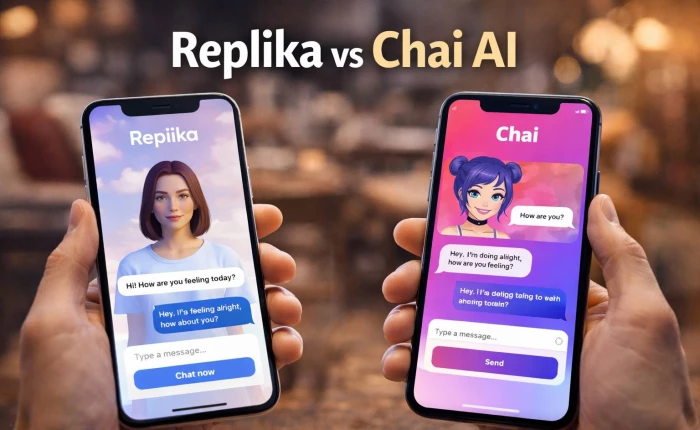
I’ve used both Replika and Chai AI side by side for a while, and the longer I ke...
Grace Howard3 hours ago
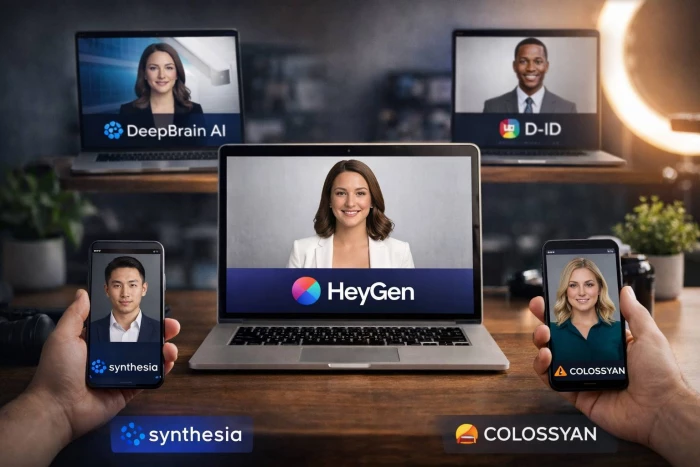
HeyGen is one of the most popular AI avatar video tools right now, but it is not...
Noura Belkacem2 days ago
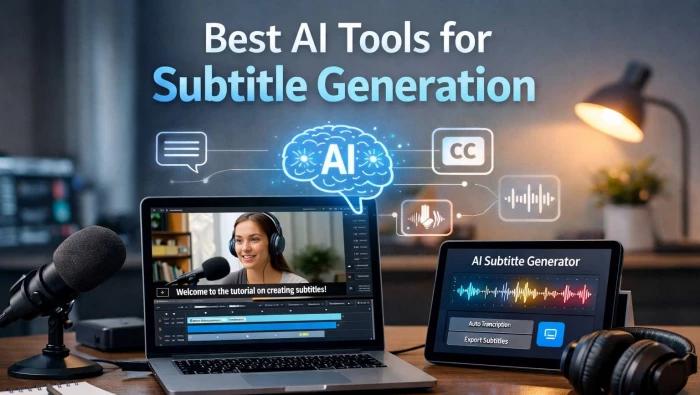
AI subtitle generators have matured from “nice-to-have” add-ons to essential inf...
Sandra Campos3 days ago
AI video generation has gone from experimental to essential, powering everything...
Peter Woods5 days ago
The gap between “I recorded something” and “I’m proud to publish this” used to b...
Alexander Hughes1 week ago

Character AI did something remarkable: it proved that people don’t just want “a...
Peter Woods1 week ago
Discussion