AI video generation has gone from experimental to essential, powering everything from TikTok clips and YouTube explainers to high‑end brand ads and film‑style sequences. What used to require large crews and editing teams can now be prototyped or even fully produced by a single creator with the right tools.
In 2026, the AI video space is crowded, but a handful of platforms clearly lead the pack for quality, control, and reliability across different use cases. This guide breaks down the 8 best AI video tools right now, explains what each one does best, and compares them side by side so you can choose the right stack for your workflow.
The table below gives a high‑level snapshot of the leading AI video generators creators and teams are gravitating to in 2026.
| Tool | Best For | Typical Starting Price (USD/month) | Max Resolution | Max Clip Length (approx) | Key Strength |
| Runway Gen-4 | Filmmaking and advanced editing | ~12–15 | Up to 720p–1080p | ~10 seconds | Physics‑aware motion, strong editing tools |
| OpenAI Sora | Story-driven, multi‑shot narratives | Included in ChatGPT Plus/Pro from ~20 | Up to 1080p (Pro) | Up to ~25s (Pro) | Cohesive, multi‑shot storytelling |
| Kling AI | High‑action, photoreal human shots | ~10 | Up to 1080p | ~10 seconds | Realistic humans, consistency, speed |
| Luma Dream Machine | Cinematic brainstorming and 4K shots | From 9.99 | Up to 4K | ~10 seconds | Film‑style motion, HDR/ACES workflows |
| Pika | Social content and dynamic camera moves | From ~10–35 | Up to 1080p | ~10 seconds | Creative camera control, stylized content |
| Google Veo 3.1 | Reliable, cinematic all‑rounder | ~19.99 via Google AI plan | Up to 4K | ~8 seconds per shot | Strong prompt adherence, video+audio realism |
| Synthesia | Business, training, talking‑head videos | From ~29 | Up to 1080p | Varies by plan | Avatar‑led explainers, localized training |
| Adobe Firefly (Video) | Brand‑safe clips inside Adobe ecosystem | From 9.99 (Adobe AI/CC entry) | Up to 1080p | ~5 seconds per shot | Tight Adobe integration, commercial safety |
Runway started as an AI‑first video editor and has evolved into one of the most powerful end‑to‑end AI video platforms. Gen‑4, its current flagship model, is tuned for realistic motion, physics‑aware interactions, and flexible editing workflows rather than purely flashy results.
You can go from text or images to short clips, then refine them with inpainting, outpainting, background replacement, and other post‑production style tools inside the same interface. While its default resolutions and clip lengths (around 720p–1080p and ~10 seconds) are modest compared to some competitors, the platform’s strength is control and iteration rather than raw spectacle.
Where Runway really earns its place:
This is the tool to choose if you think like a filmmaker or editor using AI as a component of a larger production pipeline, not a one‑click solution for finished videos.
OpenAI’s Sora focuses less on individual shots and more on turning a story or script into a cohesive visual narrative. Instead of thinking purely in “prompts,” you can think in scenes and transitions, which makes it ideal when you want multi‑shot sequences that feel like a short film or ad spot.
Sora is available through ChatGPT’s higher‑tier plans, with Plus offering shorter, watermarked clips and Pro unlocking longer, higher‑resolution, watermark‑free outputs. It supports text‑to‑video, image‑to‑video, and multi‑shot composition, with up to around 25 seconds per clip in Pro and up to 1080p resolution. Its biggest advantage is temporal and stylistic consistency: characters, environments, and camera language tend to stay coherent across shots.
When Sora is the smart choice:
Reach for Sora when your priority is narrative structure campaigns, story‑driven explainers, and character‑based content where continuity matters more than experimenting with wild visual styles.
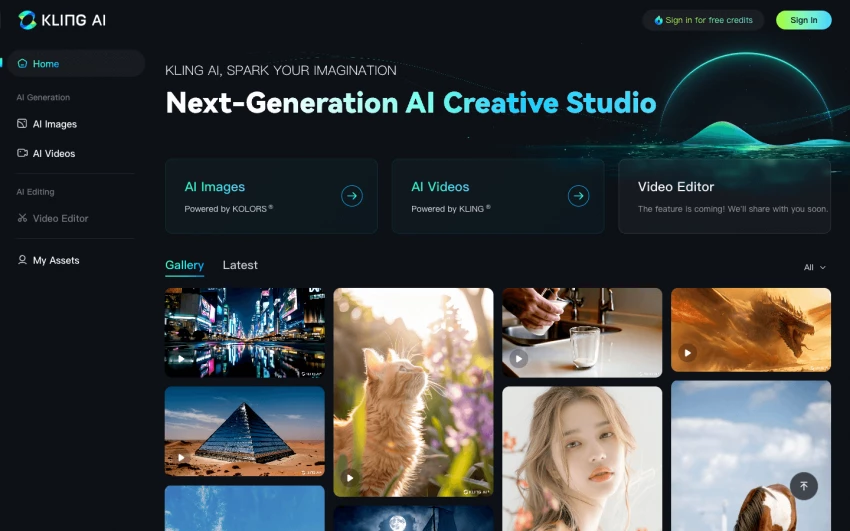
Kling AI has developed a reputation for handling realistic human subjects, dynamic motion, and fast generation better than many rivals in its price class. It is often highlighted for sports, action, and scenarios where accurate body movement and camera motion matter.
The tool supports text‑to‑video and image‑to‑video, offers transformation between a starting and ending frame, and aims to keep subjects consistent across different angles of the same scene. Clip lengths hover around 10 seconds at 1080p, and generation speed is one of its selling points, which is great for creators iterating heavily on look and framing.
Why Kling stands out in practice:
Choose Kling when you need fast‑turnaround, high‑impact shots with believable humans and motion perfect for short ads, teasers, and high‑energy social edits.
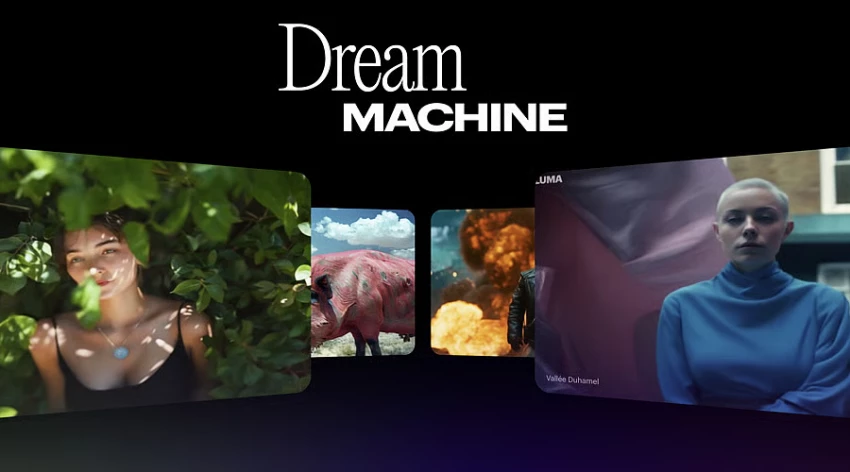
Luma’s Dream Machine is built for cinematic, visually rich results, and has made significant technical strides especially around color workflows and HDR output. For professional post‑production teams, support for 4K, 16‑bit ACES EXR, and HDR pipelines is a big deal, because it allows AI footage to slot more cleanly into existing color‑grading and finishing setups.
On the creative side, Dream Machine excels at rapidly exploring variations: you can generate multiple directions from a single prompt, then push those ideas further by iterating on selected frames. Its free or low‑tier plans are useful for drafting and concepting, while paid plans unlock watermark‑free, commercially usable clips.
Where Dream Machine truly delivers:
It is best used as your cinematic idea engine, helping you visualize scenes, mood, and camera language in high fidelity before you commit budgets to full production.
Pika leans into stylized, fast‑moving content with lots of camera movement, making it especially attractive to creators designing shorts, reels, and TikTok‑style content. Its model is known for fluid pans, pushes, and orbiting moves that give otherwise simple scenes a more cinematic or anime‑like feel.
Like other modern generators, Pika supports text‑to‑video and image‑to‑video, up to around 10 seconds per clip at 1080p on common plans. It tends to shine when you want a creative, stylized look rather than strict photorealism, which is often exactly what performs on social feeds.
Why Pika clicks with creators:
If your priority is scroll‑stopping, stylized content with lively camera motion for vertical platforms, Pika is one of the most fun and productive tools to keep in your stack.
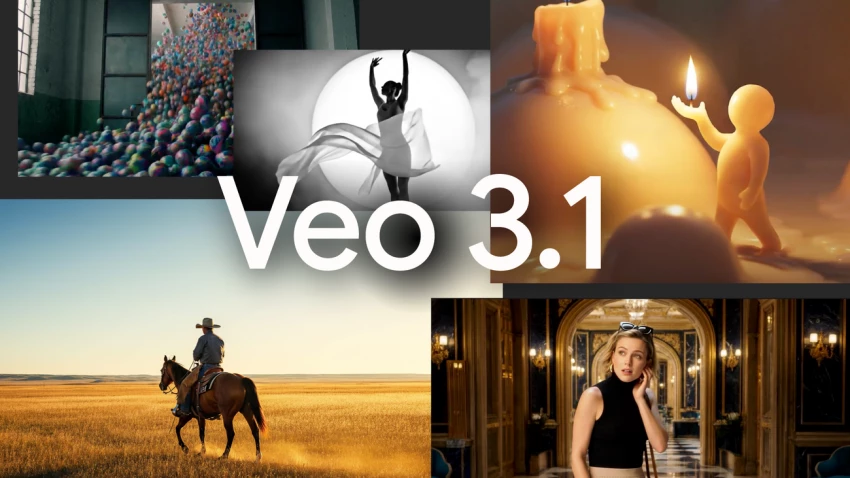
Google’s Veo 3.1 has quickly become the “safe” choice when you need consistent, cinematic AI video without wrestling endlessly with prompts. It plugs into Google’s AI plans and is typically accessed via the Gemini interface, which makes it feel more like a friendly assistant than a hardcore production tool.
Veo stands out for its prompt adherence and ability to match both text prompts and reference images closely, reducing the trial‑and‑error loops that plague many generators. It supports text‑to‑video and image‑to‑video, generates both visuals and audio, and can output up to 4K for short shots making it a strong fit for product clips, B‑roll, social ads, and even parts of narrative pieces.
How it fits best into your workflow:
Google Veo 3.1 is ideal when you want high‑quality visuals with minimal technical friction, especially for creators and marketers who value speed and predictability over deep manual control.
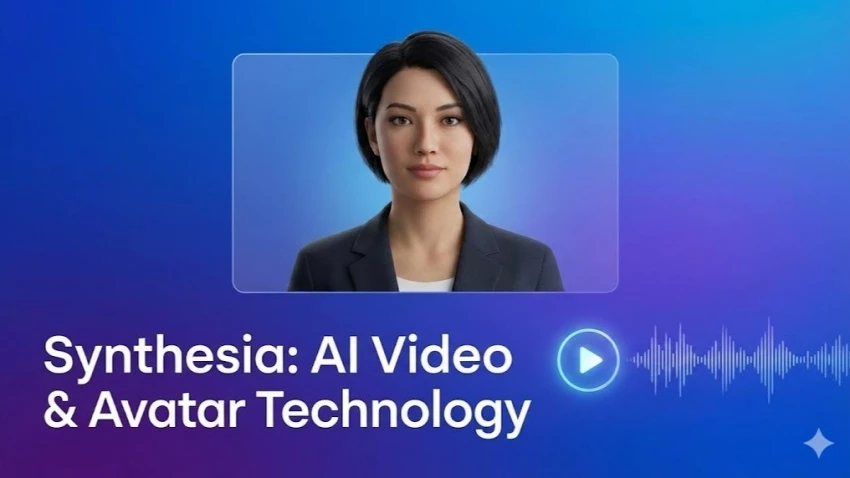
Synthesia occupies a slightly different niche: instead of purely generative free‑form video, it specializes in professional talking‑head videos using AI avatars. You feed it a script, pick (or train) an avatar, and the platform generates presenter‑style videos suitable for training, onboarding, explainers, or internal communications.
Its strengths are reliability, localization, and enterprise features rather than experimental visuals. Businesses can quickly spin up multi‑language versions of the same video, with synchronized lip‑sync and consistent brand templates, which is hard to match manually at scale.
Where Synthesia earns maximum ROI:
It is the obvious fit when you need repeatable, branded, presenter‑style content especially for HR, L&D, support, and SaaS onboarding videos that must be updated frequently.
Adobe’s Firefly video capabilities slot into the broader Creative Cloud ecosystem, making them a natural fit for designers and editors already living in Premiere Pro, After Effects, and Photoshop. The focus is on commercially safe outputs, tight integration, and practical production tasks rather than raw generative novelty.
In practice, that means using Firefly to extend shots, generate B‑roll, replace backgrounds, or create short clips (often around 5 seconds at up to 1080p) that you then refine in traditional tools. The ability to move assets seamlessly between Adobe apps, combined with enterprise‑friendly licensing, makes Firefly a safe choice for agencies and brands.
Why Firefly makes sense for pros:
It is best viewed as an assistive AI layer inside an existing Adobe pipeline, helping editors and motion designers move faster while staying within brand and legal guidelines.
Use this table when you need to pick a tool based on a specific job rather than brand name.
| Use Case / Need | Recommended Tools | Why They Fit Best |
| Script → short film / narrative ad | OpenAI Sora, Runway Gen‑4 | Multi‑shot consistency, narrative structure |
| Reliable, cinematic one‑off clips | Google Veo 3.1, Luma Dream Machine | Strong prompt adherence, cinematic quality |
| High‑action, realistic humans | Kling AI, Runway Gen‑4 | Accurate motion, realistic human movement |
| TikTok/Reels, stylized social content | Pika, Luma Dream Machine | Dynamic camera, stylized visuals |
| Training, onboarding, corporate explainers | Synthesia | Avatar‑based, multi‑language, template‑driven |
| Brand‑safe B‑roll inside pro editing workflow | Adobe Firefly, Runway Gen‑4 | Tight NLE integration, safe licensing |
| High‑end post‑production and color workflows | Luma Dream Machine | 4K, HDR, ACES/EXR support |
Even the “best” tool will disappoint if it does not align with your budget, workflow, and content goals. When you select your stack, focus on three practical questions rather than chasing hype:
1. What are you actually producing?
Short social clips, narrative content, and training videos each demand different strengths from the underlying model and platform.
2. How will AI fit into your pipeline?
Decide whether AI is responsible for most of the final output or mainly supports ideation, pre‑viz, and B‑roll so you can choose tools with matching controls.
3. Which tools integrate with your existing ecosystem?
If you live in Adobe, Firefly plus Runway might make sense; if you live in Google and ChatGPT, Veo plus Sora may be more efficient and familiar.
For most creators, a hybrid setup works best, for example:
● Scripting and ideation in ChatGPT or Gemini
● Shot generation in Veo, Sora, Kling, Pika, or Luma depending on style
● Final assembly and polish in Runway or Adobe Premiere/After Effects
No AI video tool dominates everything in 2026, each one is built for a different strength.
Veo 3.1 and Dream Machine handle cinematic visuals and precise prompts. Sora and Runway Gen-4 lean toward storytelling and structured scenes. Pika and Kling are built for fast, attention-grabbing clips, while Synthesia focuses on training content and Firefly integrates smoothly into Adobe workflows.
The real advantage comes from combining tools. One for concepts, one for visuals, one for editing better results than forcing a single tool to do it all.
I’ve used both Replika and Chai AI side by side for a while, and the longer I ke...
Grace Howard3 hours ago
HeyGen is one of the most popular AI avatar video tools right now, but it is not...
Noura Belkacem2 days ago
AI subtitle generators have matured from “nice-to-have” add-ons to essential inf...
Sandra Campos3 days ago
AI has transformed motion graphics by automating time-consuming tasks like keyfr...
Noura Belkacem5 days ago
The gap between “I recorded something” and “I’m proud to publish this” used to b...
Alexander Hughes1 week ago

Character AI did something remarkable: it proved that people don’t just want “a...
Peter Woods1 week ago
Discussion