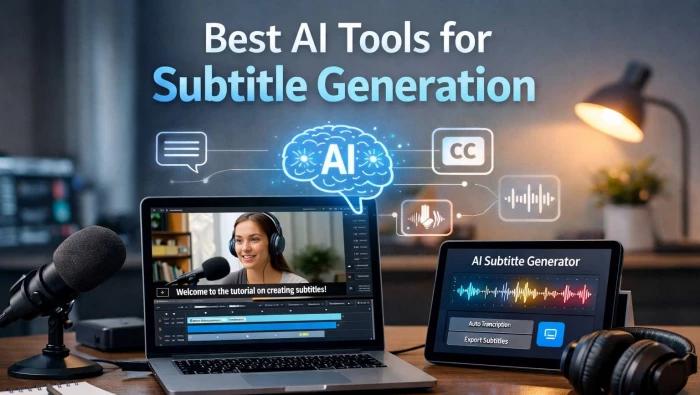
AI subtitle generators have matured from “nice-to-have” add-ons to essential infrastructure for YouTube channels, course creators, agencies, and even enterprises. Used well, they can dramatically cut captioning time, open your content to global audiences, and drive measurable watch-time and SEO gains.
AI subtitle tools sit on top of modern speech recognition models that can now hit 90–95%+ accuracy on clean audio, even in noisy real‑world footage. Instead of spending hours manually typing captions, you upload a video, let the engine auto‑transcribe in the background, then polish timings and wording in a browser editor.
Beyond pure convenience, subtitles now correlate directly with revenue: they improve accessibility compliance, increase completion rates on muted mobile viewing, and make your spoken content fully searchable for both viewers and search engines. For global creators, the newest generation of tools also layers in translation and even AI dubbing, so a single shoot can ship in 5–20 languages without a studio‑scale budget.
| Tool | Best suited for | Languages (approx.) | Stand‑out strengths |
| HappyScribe | Agencies, global brands, compliance‑heavy orgs | 120+ | AI + human subtitles, style guides, robust formats |
| VEED.io | Social/video‑first marketers and editors | 100+ (auto‑subs) | On‑canvas editing, flashy styles, social export |
| Descript | Podcasters, editors who work “from text” | 20–30+ | Edit video by editing transcript, overdub, multitrack |
| Kapwing | Teams pumping out short‑form content | 60+ (est., auto‑subs) | Browser‑based studio, 1‑click subs, AI effects |
| Media.io | Solo creators needing quick multi‑language subs | 90+ | Fast web workflow, subtitle translation, visual FX |
| Maestra | Enterprises/localization‑heavy teams | 125+ | Multi‑engine AI, transcription + translation + dubbing |
| Subvideo.ai | Power users optimizing accuracy & speakers | 20+ (Whisper‑based) | Tuned Whisper, speaker labels, advanced editor |
| TurboScribe | Budget‑conscious bulk transcribers | 20+ (Whisper‑based) | Simple pipeline, batch jobs, good accuracy for price |
This mix deliberately spans casual YouTubers through to teams dealing with hour‑long webinars, legal content, and brand‑critical campaigns.
HappyScribe positions itself as a serious subtitle workstation rather than a lightweight editing toy. It combines a strong AI engine for fast automatic subtitles with the option to order human‑verified captions off the same interface, which is crucial for broadcast, compliance, or educational clients who cannot afford sloppy transcripts.
The platform supports subtitles in over 120 languages and variants, with features like customizable style guides, speaker labels, and multiple import/export formats including SRT, VTT, and burnt‑in captions. That style‑guide layer is especially useful if you manage multiple brands or clients and want line length, casing, and punctuation to be consistent across an entire catalog, not just per‑video.
VEED.io leans heavily into the creator economy, pairing its auto‑subtitle engine with a full online video editor. You can trim clips, stack B‑roll, add progress bars or emojis, and simultaneously design subtitles that actually look like part of the creative rather than an afterthought.
The subtitle workflow is intentionally visual: you drop your footage onto the timeline, trigger auto‑captions, then tweak text on the video canvas while you scrub through scenes. Support for dynamic effects, brand kits, and responsive formats (9:16, 1:1, 16:9) makes it particularly strong for TikTok, Reels, and Shorts, where kinetic captions are often the hook that keeps muted scrollers from swiping away.
Descript completely reframes how you think about subtitles and editing: in its world, your transcript is the timeline. Once your audio or video is transcribed, you can delete filler words, move paragraphs, or correct names in the text and Descript ripples those edits through the underlying media.
For subtitle work, this means you can clean entire episodes, refine the script, and generate polished captions in the same environment. The tool also supports AI dubbing, multitrack editing, screen recording, and collaborative commenting, which makes it attractive for podcast networks and remote production teams who want one workspace for editing, reviewing, and exporting content alongside its captions.
Kapwing is built for teams that live in the browser and need to push out content fast. Its auto‑subtitle feature lets you generate captions in a single click, then refine the look via fonts, background boxes, opacity, and animated text effects. Because it also layers in AI video generation, silence removal, background noise cleanup, and image tools, it becomes a practical hub for social‑media‑first workflows.
Subtitles in Kapwing tie directly into its templating system, so you can create reusable layouts where caption style, position, and safe margins are locked in. For agencies managing dozens of snackable clips per week across clients, this reduces the typical “rebuild styles from scratch” friction that slows down lower‑value production work.

Media.io operates as a broader online media toolkit, but its auto‑subtitle generator is surprisingly capable for creators who just want to drag‑and‑drop a file and leave with a ready‑to‑publish asset. It offers AI subtitles with translation into up to 90 languages, plus an editor that lets you adjust font, color, border, layout, and timing before exporting.
Where this tool shines is in its all‑in‑one convenience for non‑technical users: the same account can handle background removal, watermark removal, visual filters, and basic cutting alongside subtitle work. If you’re a solo YouTuber or small business owner, being able to do everything from one dashboard matters more than ultra‑fine control over every caption frame.
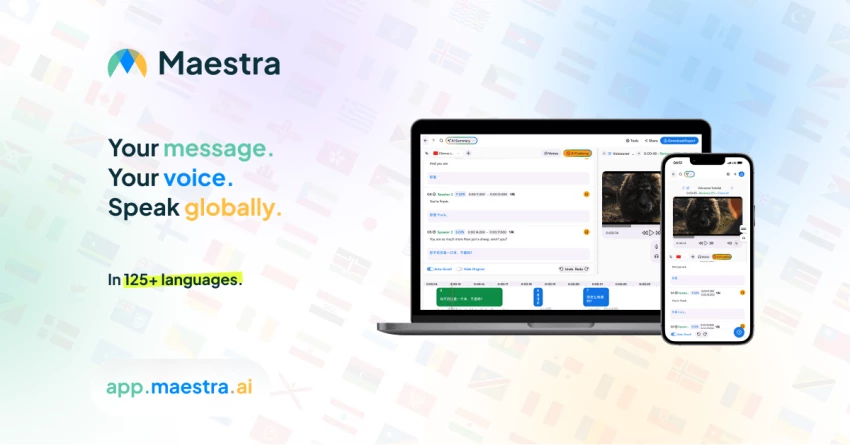
Maestra takes a more enterprise‑like approach by combining transcription, translation, subtitle generation, and even AI dubbing within a single suite. One of its distinctive angles is a multi‑engine architecture that taps into different AI providers (such as large language and translation models) and cross‑references outputs, which can reduce the amount of manual cleanup required, especially on noisy or jargon‑heavy audio.
With support for 125+ languages, Maestra is tailored to teams distributing webinars, MOOCs, corporate town halls, or marketing videos into multiple territories. The interface exposes timelines, styling options, and export choices in a way that feels familiar to editors but remains approachable for marketers or trainers who are not professional video people.
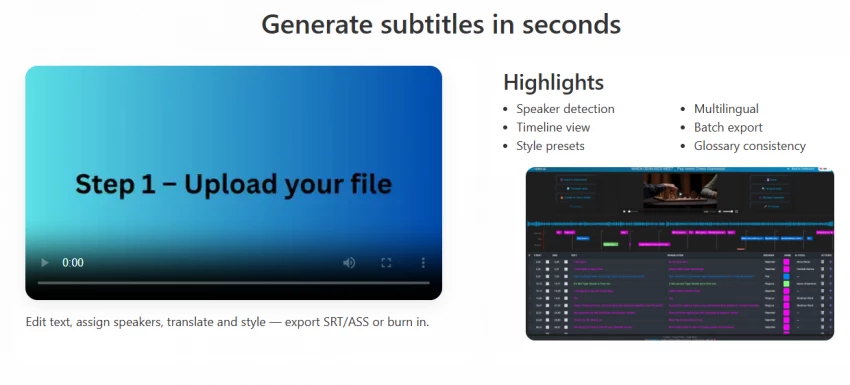
Subvideo.ai is built squarely around subtitle quality, using a tuned implementation of OpenAI’s Whisper model as its backbone. Whisper has become a de facto benchmark for ASR (automatic speech recognition) thanks to its strong performance on accents and noisy environments, and Subvideo.ai layers on additional tuning plus tools like multi‑speaker labeling to better handle interviews, podcasts, or panel discussions.
Its editor goes beyond simple text corrections by exposing a detailed timeline, styling panel, and real‑time preview, as well as the ability to export hardcoded subtitles directly into MP4 when you want captions baked into the frame. This combination of model choice and workflow flexibility makes it particularly attractive to power users who care about error rates, diarization quality, and fine‑grained control over how captions look on‑screen.
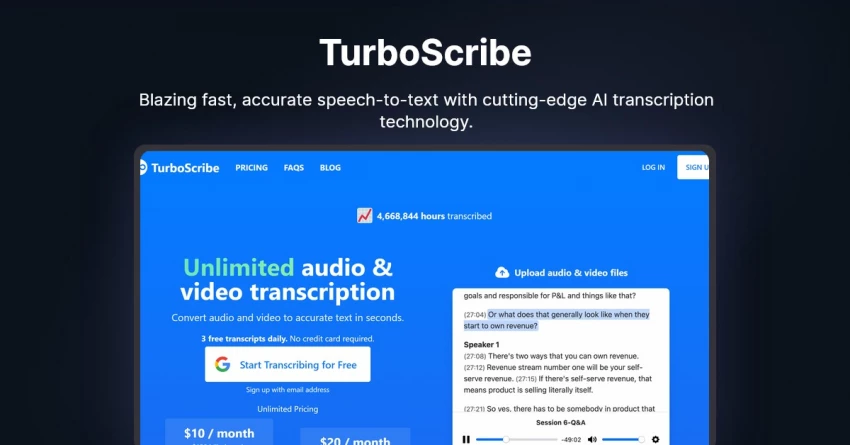
TurboScribe sits at the more minimalistic end of the spectrum: it also uses Whisper under the hood but focuses on giving you a clean, no‑distraction pipeline for bulk transcription and subtitle generation. You upload files, let the engine process them with a good default configuration, then make corrections in a simple text editor before exporting standard subtitle formats.
There’s no full non‑linear editor or cinematic caption effects here, but that’s exactly the appeal if you’re dealing with lecture archives, meeting recordings, user interviews, or internal training videos. Fast processing, sensible pricing, and a low learning curve mean teams can funnel hours of content through TurboScribe each week without feeling like they need a producer on staff just to manage subtitles.
| Scenario | Recommended tool(s) | Why it fits |
| Agency work across many languages and clients | HappyScribe, Maestra | High language coverage, style guides, human services |
| Short‑form social clips with kinetic captions | VEED.io, Kapwing | Visual editing, caption styling, social templates |
| Podcasts, audiograms, long form talk shows | Descript, Subvideo.ai | Text‑based editing, speaker labels, multitrack workflows |
| Solo creators wanting quick web‑only workflows | Media.io, Kapwing | Simple UI, browser‑based, translation built‑in |
| Bulk internal videos on a strict budget | TurboScribe, Subvideo.ai | Whisper‑based accuracy, batch handling, lean interfaces |
The strongest pattern across these tools is convergence: almost all of them now combine auto‑subtitles with some mix of editing, branding, and translation, but they still differ in how deep they go on each axis. Matching your primary bottleneck speed, accuracy, creative control, or localization against that axis is what turns “just another AI app” into an actual workflow multiplier.
AI subtitle tools aren’t just speeding things up, they’re changing how content is created. Captions are now a creative layer that helps convey emotion, improve clarity, and keep viewers engaged, especially on mute.
The bigger shift is accessibility: solo creators and small teams can now produce polished, multilingual videos without expensive tools or specialists. Subtitles have evolved from a technical add-on into a powerful creative and strategic asset.
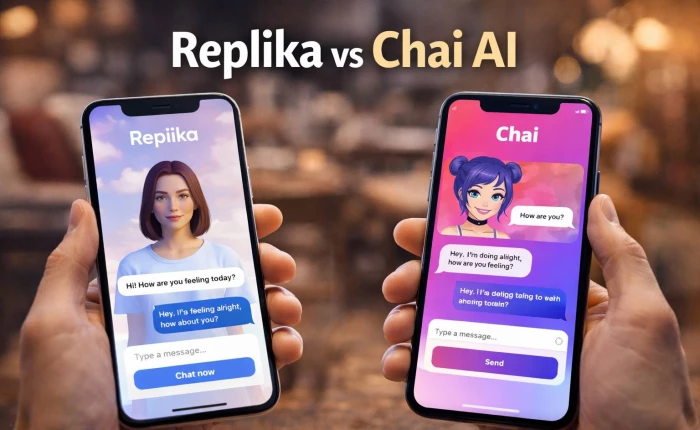
I’ve used both Replika and Chai AI side by side for a while, and the longer I ke...
Grace Howard3 hours ago
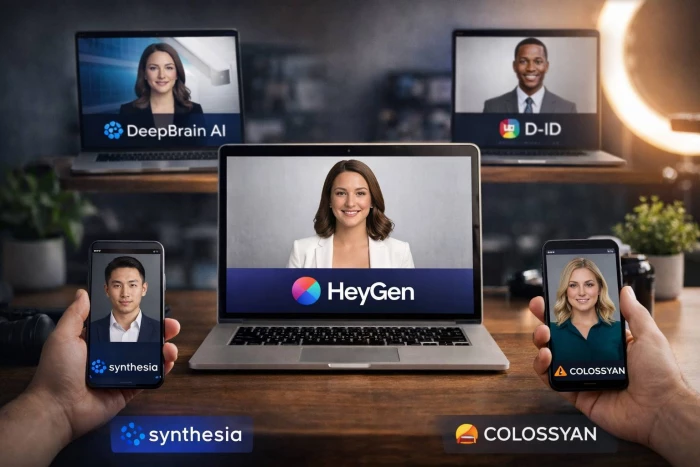
HeyGen is one of the most popular AI avatar video tools right now, but it is not...
Noura Belkacem2 days ago

AI has transformed motion graphics by automating time-consuming tasks like keyfr...
Noura Belkacem5 days ago
AI video generation has gone from experimental to essential, powering everything...
Peter Woods5 days ago
The gap between “I recorded something” and “I’m proud to publish this” used to b...
Alexander Hughes1 week ago

Character AI did something remarkable: it proved that people don’t just want “a...
Peter Woods1 week ago
Discussion