When Suno AI first started appearing in conversations, expectations were low. Many AI music tools sound impressive in theory but fall apart when played. The assumption was simple. Type a prompt, get something robotic, laugh briefly, and move on.
That did not happen.
Instead of awkward noise, Suno produced something structured. There were verses, a chorus, rhythm, and even emotional flow. It was not flawless, but it was coherent and listenable. That moment made one thing clear. Suno AI is not chasing perfection. It focuses on turning ideas into sound as quickly as possible.
Using it feels less like operating software and more like interacting with a creative assistant that is enthusiastic, unpredictable, and sometimes surprisingly capable.
Suno AI Explained Without the Hype
Suno AI is a text to music generation platform. Users describe a song using plain language, themes, or a few lyrical lines, and the system generates a full track that includes vocals, melody, and lyrics.
A short poetic idea about freedom, distance, or emotion can turn into a complete song in moments. No instruments are needed. Musical knowledge is not required. Writing lyrics is optional, since Suno can generate them automatically.
That accessibility is what makes the platform both exciting and slightly intimidating. Nearly every barrier between imagination and sound is removed.
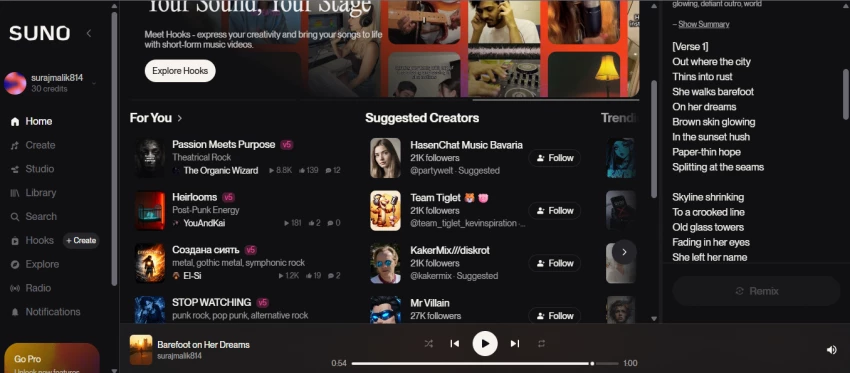
When the system works well, the output feels intentional. Lyrics follow structure. Melodies stay consistent. The result may not sound studio polished, but it often sounds real.
Suno performs best when treated as a creative helper, not a precision production tool.
Using Suno AI in Practice
After generating multiple songs across different prompts, patterns begin to appear. Suno has clear strengths and equally clear limits.
What Stands Out During Use
Idea generation Suno is strong at creating starting points. It works well for demos, mood exploration, and testing lyrical concepts.
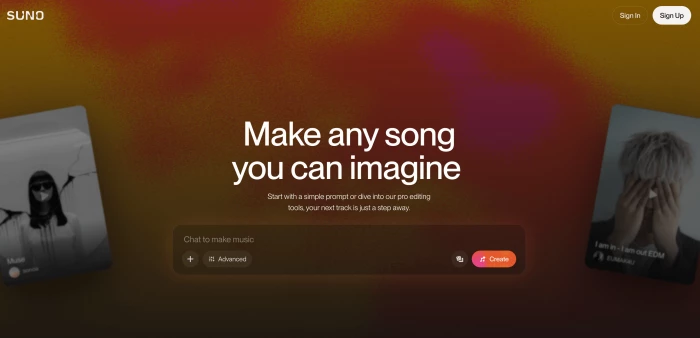
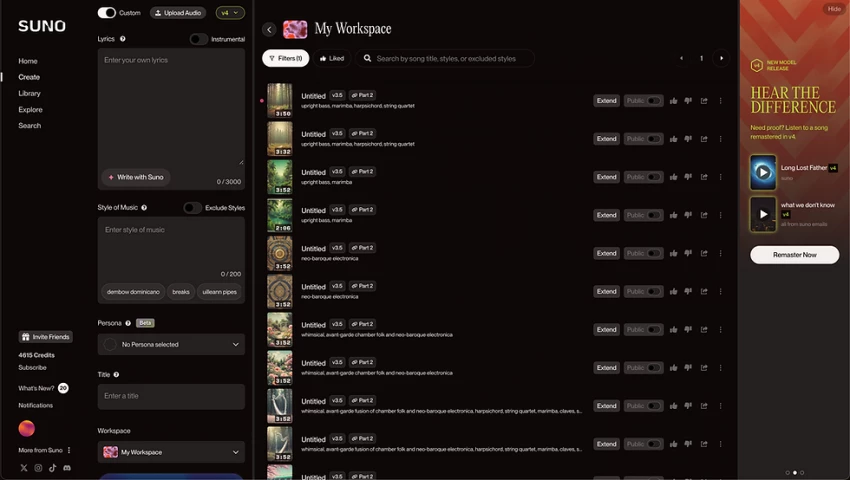
Ease of use The interface is simple. A prompt is entered, a button is clicked, and a song appears. No learning curve is required.
Output quality Some songs feel surprisingly strong. Others feel average. The clarity and detail of the prompt matter a lot.
Creative control Users can guide the mood and style, but fine control over vocals, instruments, or structure is limited.
Speed Generation is fast, which encourages experimentation without breaking creative momentum.
Consistency Results vary. Regenerating tracks is often necessary to get something that feels right.
Pricing and Access
Suno AI uses a freemium model. New users can generate a limited number of songs for free. This is enough to understand how the platform works and whether it feels useful.
Regular use quickly reaches credit limits. Paid plans allow more generations and make sense for users who want to explore ideas consistently.
Whether the price feels reasonable depends on intent. Compared to traditional music production tools or hiring musicians, it can feel accessible. Compared to casual experimentation, it may feel unnecessary.
What Users Commonly Experience
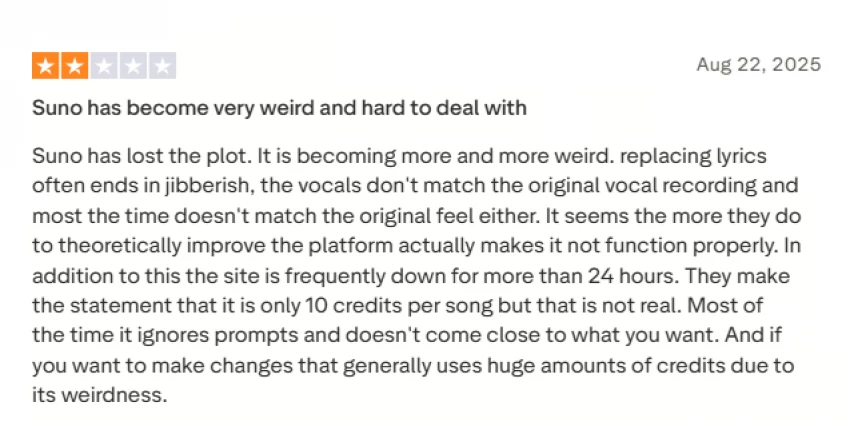
Feedback from users tends to follow a similar arc. Initial excitement, followed by frustration when limitations appear.
Positive Reactions
Many users describe emotional responses to the songs they generate. Personalized tracks for family members, creative writing projects, or personal moments often feel more meaningful than expected.
Common Complaints
Problems arise when users want to refine results. Changing a single lyric usually requires regenerating the entire song, which can mean losing everything else that worked.
Other recurring concerns include:
No separate audio tracks or stems
Vocals and instruments cannot be isolated
Limited editing outside the platform
Vocal styles sounding similar across outputs
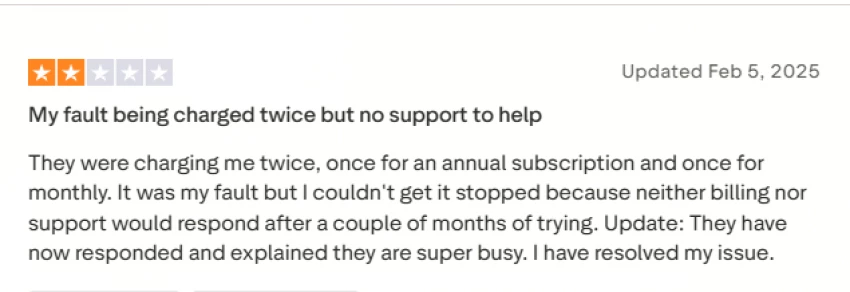
Some users also mention confusion around credits, inconsistent prompt handling, and slow customer support responses, especially for billing issues.
Overall, Suno often feels impressive at first and unpredictable when pushed further.
Pros and Cons Overview
Strengths
Creates full songs with vocals
Very easy to use
Fast generation times
Strong song structure for an AI tool
Useful for brainstorming and demos
Limitations
Free credits run out quickly
Output quality varies
Limited fine control over music details
Not ideal for professional releases
Licensing terms can feel unclear
Final Thoughts
Suno AI stands out because it encourages creativity, not because it replaces musicians. It turns vague ideas into sound faster than most tools available today.
Some outputs will impress. Others will feel forgettable. But the process itself often sparks new ideas, and that is where Suno’s real value lies.
It is not built for polished commercial production. It is built for experimentation, inspiration, and curiosity. Users expecting instant hits may be disappointed. Users approaching it with an open mindset may find it surprisingly rewarding.
In the end, Suno AI is less about perfect songs and more about making creativity easier to start.






Discussion