Building an app no longer requires a full development team or months of coding.
No-code app builders allow non-technical users to create applications using visual editors, logic blocks, and prebuilt components instead of writing code.
What’s changed in recent years is the addition of AI-enhanced features—such as AI-generated logic, text, workflows, databases, or chat interfaces. These tools reduce setup time, help non-technical users make smarter decisions, and speed up MVP launches.
This guide covers five widely used no-code & AI app builders, explaining what each one does best, where it struggles, and who should use it.
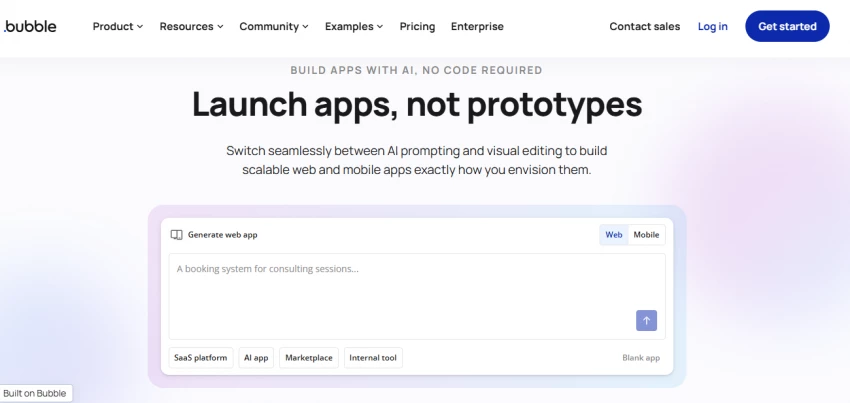
Bubble is a powerful no-code platform for building fully custom web applications. It’s best suited for founders, startups, and teams building serious MVPs or SaaS products without writing backend code.
1. Visual frontend and backend builder
2. Built-in database and API handling
3. Workflow automation and logic editor
4. AI-assisted features (text generation, workflow suggestions via plugins)
5. Plugin marketplace for payments, auth, and AI services
1. Web apps (responsive web)
2. Deployed on Bubble hosting or custom domains
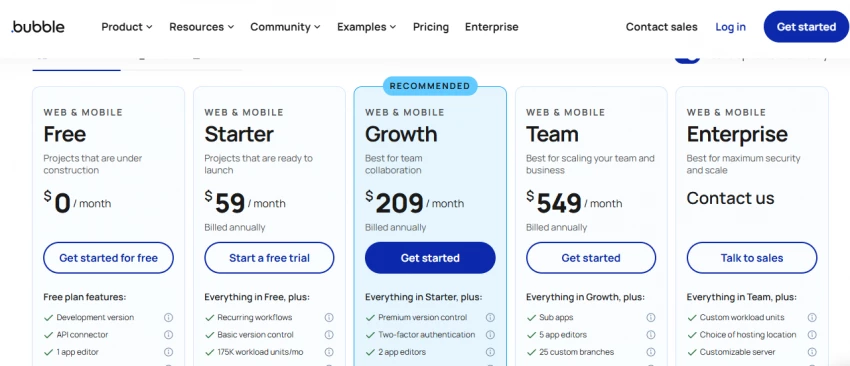
1. Free tier for learning
2. Paid plans scale from starter to production-grade, with higher costs for performance and capacity
3. Good value for complex apps, less ideal for small one-page tools
| Platform | Reviews |
| Trustpilot | (1.7/5) |
| G2 | (4.4/5) |
| Capterra | (4.6/5) |
1. Very flexible and powerful
2. Can replace traditional backend development
3. Large community and plugin ecosystem
1. Steep learning curve
2. Performance tuning can be complex
3. Web-only (no native mobile apps)
1. SaaS MVPs
2. Marketplaces
3. Internal dashboards
4. AI-powered web apps
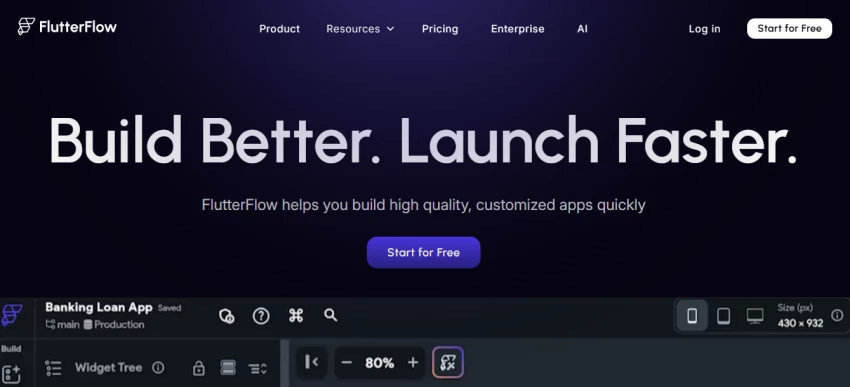
FlutterFlow is a visual app builder that generates real Flutter code. It’s best for teams and creators who want no-code speed with the option to export and customize code later.
1. Visual UI builder for Flutter apps
2. AI-assisted UI and code generation
3. Firebase and API integration
4. Logic flows and state management
5. Exportable production-ready code
1. iOS
2. Android
3. Web
4. Desktop (via Flutter)
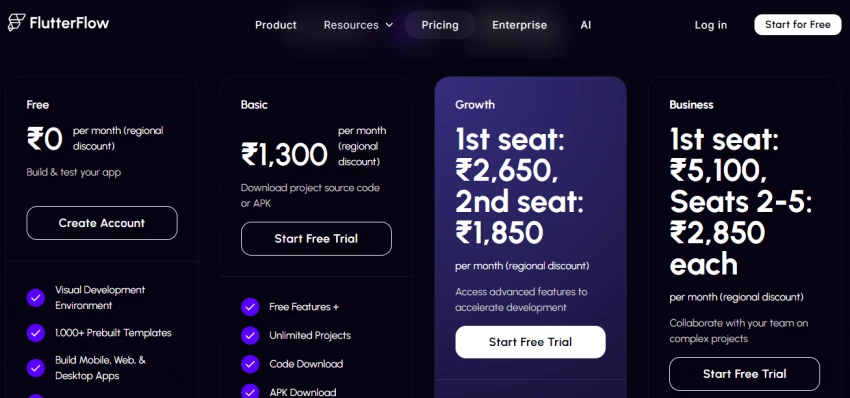
1. Free tier available
2. Paid plans unlock code export and advanced features
3. Strong value for teams planning to scale
| Platform | Reviews |
| Trustpilot | (2.7/5) |
| G2 | (4.5/5) |
| Capterra | (4.4/5) |
1. Real app code ownership
2. Multi-platform support
3. Good balance of no-code and control
1. Requires understanding app concepts
2. Less beginner-friendly than simpler tools
1. Mobile MVPs
2. Cross-platform apps
3. Startups planning long-term scalability
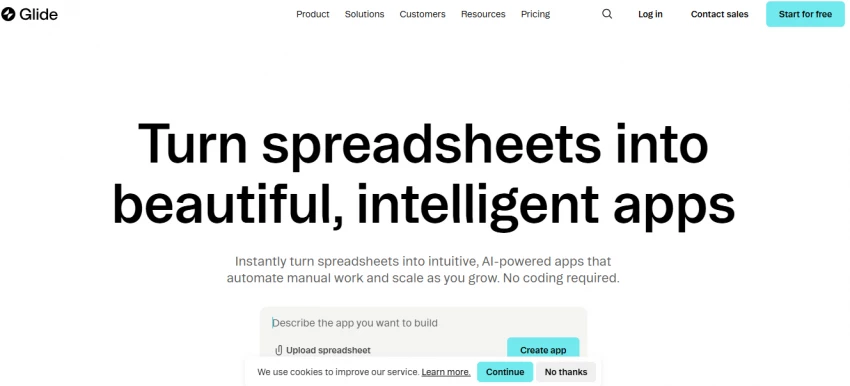
Glide is designed for fast internal tools and simple apps, especially those built around spreadsheets or databases. It’s ideal for operations teams and small businesses.
1. Spreadsheet-driven app logic
2. AI-powered data actions and summaries
3. Prebuilt components
4. Role-based access
5. Quick deployment
1. Web apps
2. Progressive web apps (PWA)
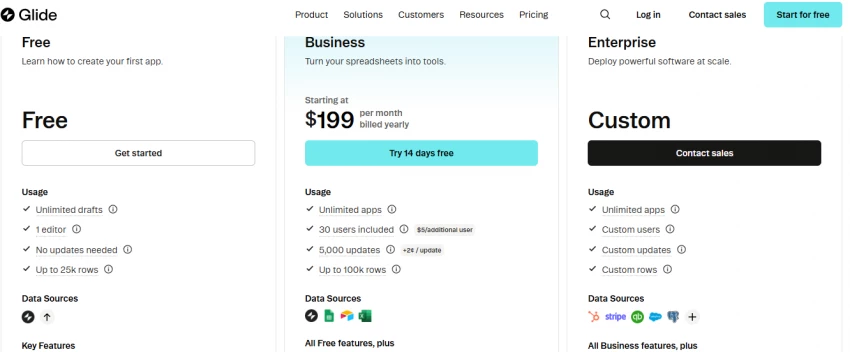
1. Free tier for basic apps
2. Paid plans for business and internal use
3. Good value for productivity apps
| Platform | Reviews |
| Trustpilot | (3.4/5) |
| G2 | (4.7/5) |
| Capterra | (4.7/5) |
1. Extremely fast to build
2. Very beginner-friendly
3. Great for internal tools
1. Limited UI flexibility
2. Not suited for complex public apps
1. Internal dashboards
2. CRM tools
3. Inventory and ops apps
Adalo focuses on native mobile apps with a simple drag-and-drop builder. It’s best for non-technical creators building straightforward mobile apps.
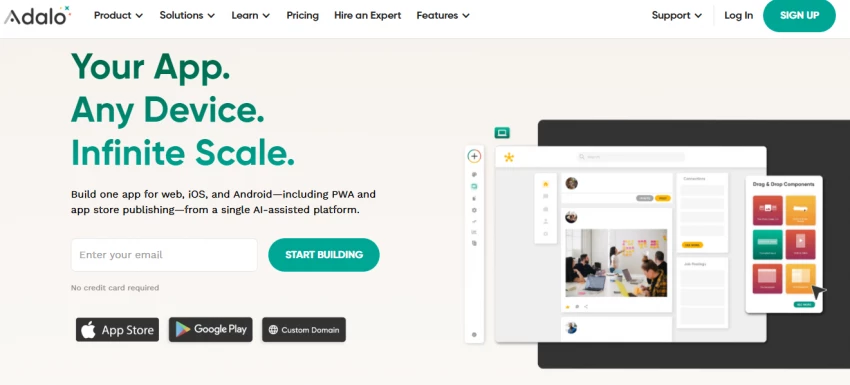
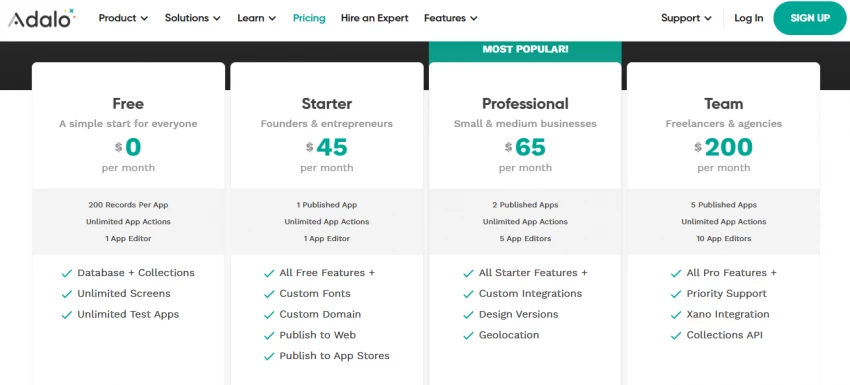
1. Drag-and-drop mobile UI
2. Built-in database
3. Basic AI integrations via APIs
4. App store publishing support
1. iOS
2. Android
3. Web apps
1. Free plan with limitations
2. Paid plans required for app store publishing
3. Fair value for simple apps
| Platform | Reviews |
| Trustpilot | (2.0/5) |
| G2 | (4.3/5) |
| Capterra | (3.4/5) |
1. True native mobile apps
2. Easy learning curve
3. App store deployment support
1. Performance limits for large apps
2. Less flexible than Bubble or FlutterFlow
1. Simple consumer apps
2. MVPs
3. Prototypes
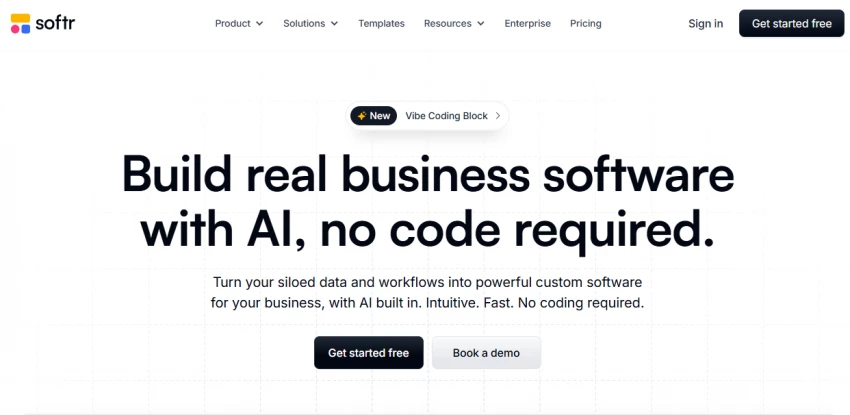
Softr is a no-code frontend builder that works on top of data sources like Airtable and Google Sheets. It’s best for portals, directories, and internal tools.
1. Prebuilt UI blocks
2. AI-assisted content generation
3. User authentication and permissions
4. Airtable, Google Sheets, and database integrations
1. Web apps
2. Custom domains
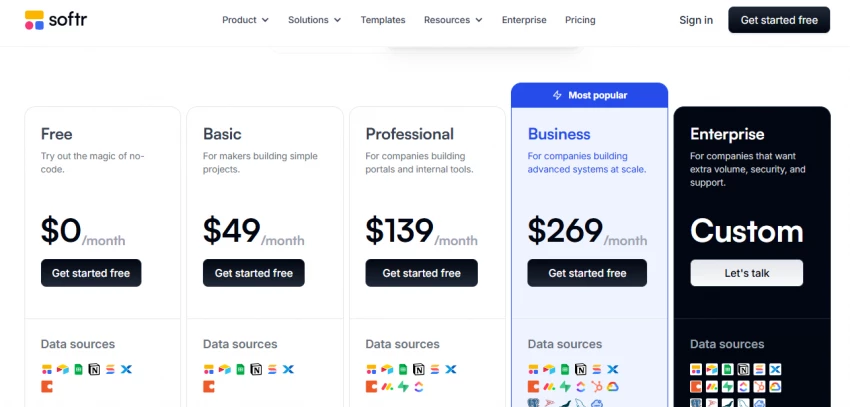
1. Free plan for basic use
2. Paid plans scale with features
3. Good value for portals and dashboards
| Platform | Reviews |
| Trustpilot | (4.3/5) |
| G2 | (4.7/5) |
| Capterra | (4.7/5) |
1. Clean, professional UI
2. Fast setup
3. Non-technical friendly
1. Depends heavily on external data sources
2. Not suited for complex logic
1. Client portals
2. Membership sites
3. Internal tools
| Platform | Best For | AI Support | Platforms | Price Range |
| Bubble | Complex web apps | Medium | Web | Medium–High |
| FlutterFlow | Scalable mobile apps | Medium | iOS, Android, Web | Medium |
| Glide | Internal tools | Light | Web/PWA | Low–Medium |
| Adalo | Simple mobile apps | Light | iOS, Android, Web | Medium |
| Softr | Portals & dashboards | Light | Web | Low–Medium |
● Fastest to launch internal tools: Glide
● Best for serious web SaaS apps: Bubble
● Best long-term scalable mobile apps: FlutterFlow
● Simplest mobile app builder: Adalo
● Best for portals and dashboards: Softr
If your goal is speed and simplicity, choose Glide or Softr.
If you want maximum control without coding, Bubble is the strongest option.
If you care about real app ownership and scalability, FlutterFlow stands out.

YouTube Shorts has shifted from a side experiment to one of the fastest ways to...
Samuel Osei1 day ago
Digital advertising has become brutally competitive: users scroll faster, acquis...
Samuel Osei4 days ago
AI image generators have shifted from experimental toys to core creative tools....
Peter Woods5 days ago
AI-powered image editors are now central to modern content creation, marketing,...
Alexander Hughes6 days ago
AI text-to-speech (TTS) has evolved from robotic audio to almost human‑sounding...
Samuel Osei1 week ago
IntroductionGraphic design is no longer limited to people who know Photoshop sho...
Funke Ogunleye1 week ago
Discussion