In today’s fast-paced digital workplace, communication software plays a critical role in how effectively teams collaborate and get work done. Beyond simply enabling messages and meetings, the most effective communication tools streamline workflows, reduce misunderstandings, and keep everyone aligned in real time. When designed with usability, integration, and clarity in mind, communication software can significantly boost team efficiency by helping people focus less on managing conversations and more on delivering results.
Benefits of internal communication software
● Streamlined communication: Reduces email overload by keeping conversations and updates in one place.
● Higher productivity: Employees spend less time searching for information and more time doing focused work.
● Improved alignment: Ensures everyone receives the same information, goals, and company updates.
● Knowledge preservation: Important information is stored and searchable, preventing knowledge loss.
● Employee engagement: Encourages transparency and two-way communication, helping teams feel connected.
Below is a carefully curated list of 10 internal communication platforms that consistently deliver measurable efficiency gains
.1. Slack
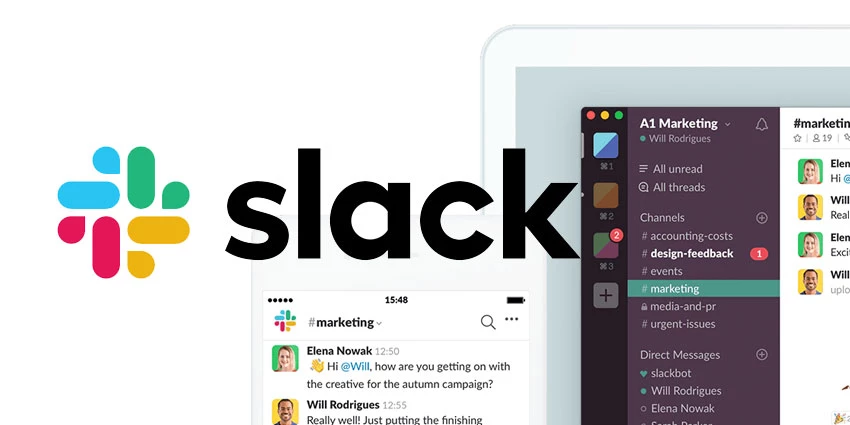
Slack is a leading internal communication platform focused on channel‑based messaging and integrations.
Key features
● Channel‑based chat, DMs, threads, and huddles for quick voice/screen‑share.
● Large marketplace of integrations (Google Workspace, Zoom, project tools, CRM, HR).
● Powerful search, custom workflows, and automation to reduce repetitive tasks.
Pros
● Intuitive, fast for day‑to‑day team chat and cross‑functional collaboration.
● Deep ecosystem and bots make it easy to centralize alerts and updates.
Cons
● Can become noisy with many channels and notifications.
● Free plan limits access to older message history.
Best for
Fast‑moving knowledge teams needing integrations.
Indicative pricing
Free tier; paid plans from around 4–5 USD/user/month (billed annually), exact prices on Slack’s pricing page.
2. Microsoft Teams
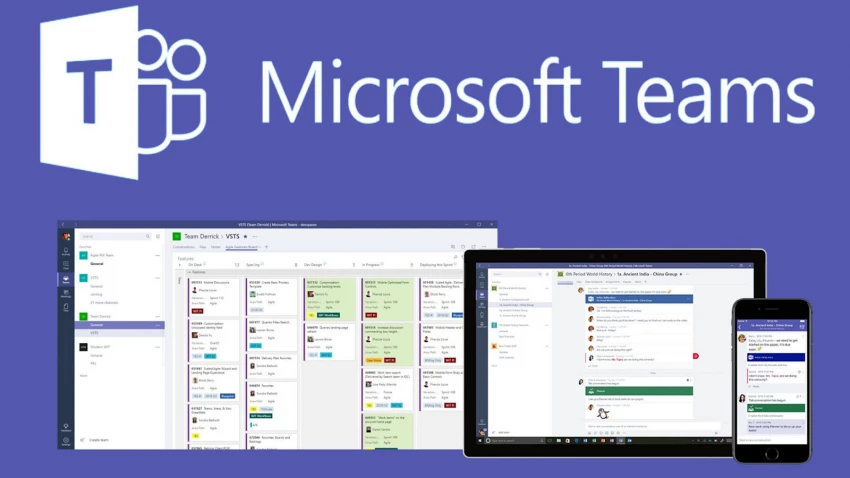
Microsoft Teams combines chat, meetings, and file collaboration, tightly integrated with Microsoft 365.
Key features
● Team channels, group chat, and meetings in one interface.
● Native integration with Outlook, SharePoint, OneDrive, Word, Excel, and PowerPoint.
Pros
● Excellent fit for organizations already using Microsoft 365.
● Strong meeting features (recordings, captions, webinars) and enterprise‑grade security.
Cons
● Interface and admin controls can feel complex for smaller teams.
● Heavier client; performance can lag on older devices.
Best For
Microsoft 365 organizations.
Indicative pricing
● Included in many Microsoft 365 Business plans; Teams‑focused options and prices vary by region and plan level.
3. Zoom Workplace (with Team Chat)
Zoom Workplace adds persistent chat and collaboration capabilities to Zoom’s well‑known video meetings.
Key features
● Persistent channels and 1:1 chat plus integrated Zoom meetings.
● Screen sharing, whiteboards, recordings, and apps inside meetings.
Pros
● Frictionless jump from chat to meeting, ideal for remote teams.
● Widely adopted; easy onboarding where Zoom is already standard.
Cons
● Chat experience is less mature than Slack/Teams in some workflows.
● Advanced features may require higher‑tier plans.
Best For
Remote/hybrid teams already on Zoom.
Indicative pricing
● Free tier with limits; business plans charged per user/month (exact figures on Zoom pricing page).
4. ClickUp
ClickUp is a work management platform that embeds chat, comments, docs, and whiteboards directly into tasks and projects.
Key features
● Task‑level comments, inbox, and document collaboration.
● Chat views, whiteboards, and automation tying communication to work.
Pros
● Reduces “lost in chat” problems by attaching conversations to tasks.
● All‑in‑one approach can replace multiple separate tools.
Cons
● Feature‑rich interface can feel overwhelming initially.
● Some teams may still prefer a dedicated chat app alongside it.
Best For
Teams wanting tasks, docs, and comms in one place.
Indicative pricing
● Free tier; paid tiers typically in the low single‑digit USD/user/month range, with details on ClickUp’s pricing page.
5. Simpplr
Simpplr is a modern, AI‑powered intranet and internal communication platform focused on top‑down and organization‑wide communication.
Key features
● Personalized news feeds, announcements, and resources by role and location.
● Analytics for engagement and content performance plus mobile apps.
Pros
● Strong for leadership communications, policy updates, and knowledge hubs.
● Helps reduce information overload through personalization.
Cons
● More suited to mid‑large enterprises than very small teams.
● Often implemented alongside rather than instead of chat tools.
● Usually sold via custom enterprise contracts; public per‑seat pricing is not standard.
Best for
Mid‑large enterprises needing top‑down comms.
Indicative pricing
Usually sold via custom enterprise contracts; public per‑seat pricing is not standard.
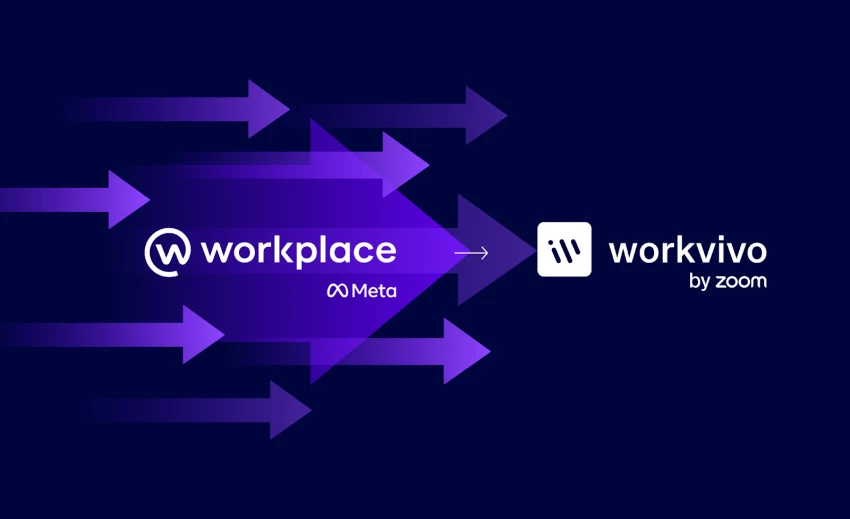
6. Workvivo
Workvivo (now part of Zoom) is an employee experience and internal comms platform with social‑style engagement.
Key features
● Social feed, posts, shout‑outs, and surveys for employee engagement.
● Intranet‑like hubs for news, resources, and communities.
Pros
● Strong at building community and culture in distributed workplaces.
● Combines intranet, comms, and engagement in one platform.
Cons
● Can be more than needed for very small or informal teams.
● Implementation and change management effort is higher than simple chat apps.
Best for
Culture‑focused, distributed companies.
Indicative pricing
● Typically custom/enterprise pricing; details provided on request by vendor.
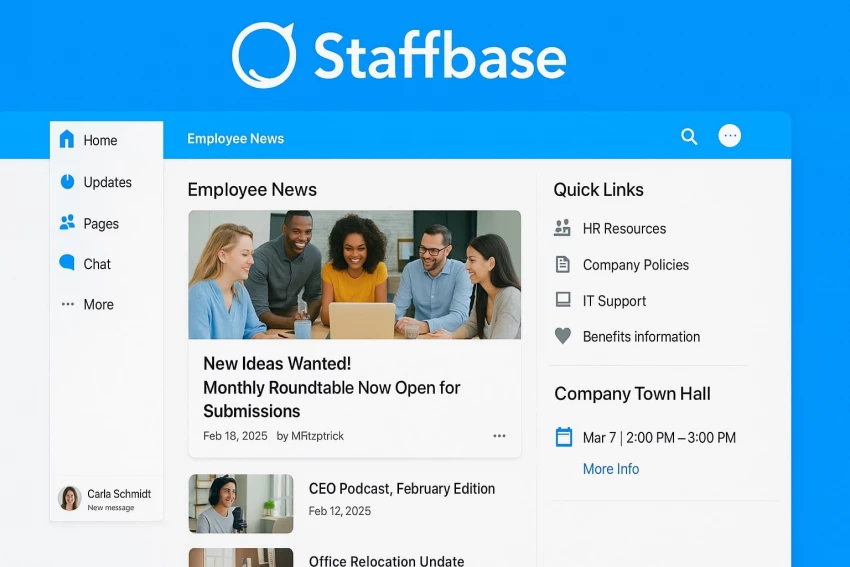
7. Staffbase
Staffbase is a branded intranet and employee communication platform especially popular for reaching non‑desk and frontline workers.
Key features
● Branded employee app and intranet with news, updates, and content targeting.
● Tools for campaigns, crisis comms, and measurement.
Pros
● Excellent for aligning distributed workforces under one branded hub.
● Strong mobile experience for frontline employees.
Cons
● Not a lightweight chat replacement; best as a strategic comms layer.
● Higher cost and implementation overhead than SMB‑oriented tools.
Best for
Frontline and non‑desk employees.
Indicative pricing
● Generally custom pricing for mid‑market and enterprise deployments.
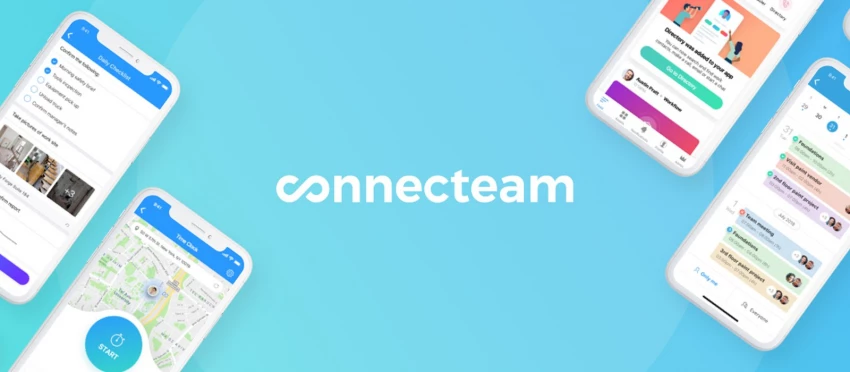
8. Connecteam
Connecteam is a mobile‑first employee communication and operations platform designed for deskless teams.
Key features
● In‑app chat, updates, forms, scheduling, and task management.
● Mobile app focus with role‑based access and templates.
Pros
● Very strong fit for frontline, field, and shift‑based teams.
● High satisfaction scores for ease of setup and day‑to‑day use.
Cons
● Admin configuration can feel complex in deeper settings.
● Less suited if most employees are desk‑based knowledge workers using other suites.
Best for
Deskless, shift, and field teams.
Indicative pricing
● Plans often start from a flat monthly price for a set number of users (for example, bundles for first 30 users), with tiers varying by region and edition.
9. Workplace from Meta
Workplace from Meta brings a familiar social‑network style environment to internal business communication.
Key features
● Groups, chat, live video, and social feed for updates and collaboration.
● Integrations with productivity tools and mobile apps.
Pros
● Familiar UI for employees used to social media‑style interaction.
● One‑click video and Q&A posts support open communication.
Cons
● Some organizations have concerns around data location and governance with a social‑network‑style tool.
● May overlap with other social and chat tools if not clearly positioned.
Best for
Organizations wanting familiar social UI.
Indicative pricing
● Historically offered per‑user subscription tiers; current pricing and migration options (e.g., to Workvivo) should be confirmed directly with Meta/Workvivo.
Some newer internal communication tools emphasize unlimited message history and social‑style feeds even on free or low‑cost plans; Pebb is one such example.
Key features
● Unlimited message history for up to a defined user limit on free tier.
● Social feed with likes, comments, and community “clubs.”
Pros
● Attractive for cost‑conscious teams that need long‑term history.
● Community‑building features enhance informal knowledge sharing.
Cons
● Younger products may lack the depth of integrations and governance of incumbents.
● Roadmaps and long‑term support are still maturing compared to larger vendors.
Best for
Cost‑conscious teams wanting long‑term history.
Indicative pricing
● Typically generous free plan; paid plans add admin controls and advanced features, with exact tiers listed on vendor site.
Conclusion:
Internal communication software can be a powerful driver of team efficiency but only when it is chosen and implemented with intention. Tools that truly improve performance go beyond basic messaging; they reduce friction, centralize knowledge, support transparency, and fit naturally into daily workflows. When teams spend less time searching for information, clarifying messages, or switching between platforms, they gain more time for focused, meaningful work.
Ultimately, the value of internal communication software is not measured by the number of features it offers, but by how well it enables teams to collaborate, make decisions, and move work forward with clarity and speed. Organizations that invest in the right tools and pair them with clear communication practices create an environment where employees stay aligned, engaged, and productive. In that sense, effective internal communication software is not just a technological upgrade, but a strategic advantage.
Choosing the Right Tool
There is no universally “best” internal communication tool or software , only the best fit for your workflow.
● If speed and automation matter → Slack
● If your company runs on Microsoft → Teams
● If knowledge keeps getting lost →Simpplr, Staffbase, Workvivo, ClickUp
● If security and control are critical → Microsoft Teams, Staffbase, Simpplr
● If simplicity and budget matter → Connecteam, Workplace from Meta, Zoom Workplace
The real efficiency gain doesn’t come from installing a tool, it comes from using fewer tools, more intentionally.


Discussion