
Merlin AI made a strong promise: instead of paying separately for ChatGPT, Claude, and Gemini, you could access multiple AI models through one browser extension. For many casual users, that pitch still works. But once you start depending on it daily, the limitations become hard to ignore.
The biggest complaints are not about the idea itself, but about how Merlin works in practice. The so-called unlimited Pro plan is not really unlimited, unused credits do not roll over, the extension can slow down browsing, and support has frustrated a lot of users. If you need transparent pricing, better performance, or more dependable output quality, there are stronger options now.
This guide breaks down the best Merlin AI alternatives in 2026, who each tool is really for, what users say about them, and how they compare on pricing, model access, and usability.
The main reason people search for Merlin alternatives is simple: the product promises more than it consistently delivers. Based on user feedback across review sites and community discussions, the most common pain points are hidden usage caps, no credit rollover, browser slowdown, inconsistent output quality, and weak support.
That does not make Merlin useless. It just means the tool is better for casual browsing than for serious, daily AI workflows.
| Platform | Starting Price | AI Models | Chrome Extension | Free Plan | Best For |
| Merlin AI | $19/mo | 26+ models | Yes | 102 queries/day | Multi-model access in browser |
| Monica AI | $8.30/mo | GPT-5, Claude, Gemini, DeepSeek | Yes | 40 queries/day | All-in-one AI assistant |
| Sider AI | $4.20/mo | 20+ models | Yes | 10 queries/day | Budget-friendly sidebar assistant |
| HARPA AI | $12/mo | GPT-5.2, Sonnet 4.5, Gemini 3 Pro | Yes | 10 msgs/day | Browser automation + AI chat |
| ChatHub | $14.99/mo | 30+ models | Yes | Limited | Side-by-side model comparison |
| Poe | $16.67/mo | GPT, Claude, Gemini, custom bots | No | 3K–10K points/day | Custom bot creation |
| TypingMind | $39 one-time | Any model via API keys | No | Free with ads | Full API control |
| MaxAI | $9.99/mo | GPT-4, Claude, Gemini | Yes | 40 responses/day | Summarization and translation |
| Perplexity AI | $20/mo | Multiple models + web search | Yes | Generous | Research and citations |
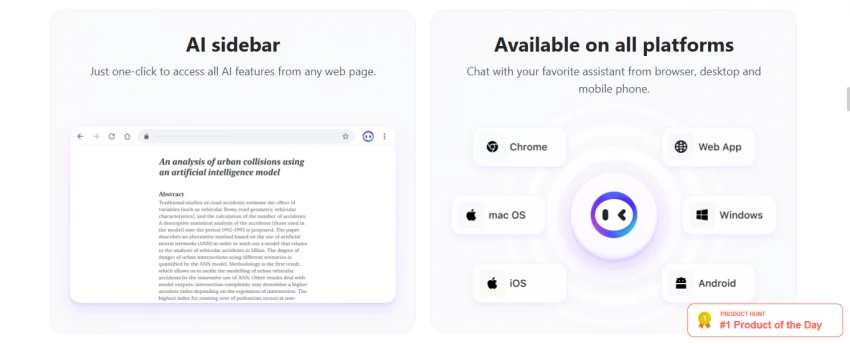
Best for: Users who want a polished all-in-one browser AI with image and video generation
Monica is one of the closest Merlin alternatives in terms of layout and browser workflow. It works as a sidebar extension, supports multiple AI models, and can be used across websites without switching tabs. What makes it stand out is that it feels cleaner and more polished than Merlin.
It goes beyond text assistance by offering image generation, short video creation, voice input, rewriting, translation, and summarization. That makes it especially useful for content creators who want one tool for multiple tasks.
The downside is the credit system. The lower-priced plans are attractive, but advanced usage can burn through them quickly. For heavy users, the platform becomes more expensive than it first appears.
Pricing
Free: $0.
Pro: $8.30/month.
Max: $16.60/month.
Ultra: $82.90/month.
User sentiment
Users like Monica for quick drafts, summaries, and browser convenience. The main complaints are about credit limits and the fact that some advanced features can feel locked behind higher tiers.
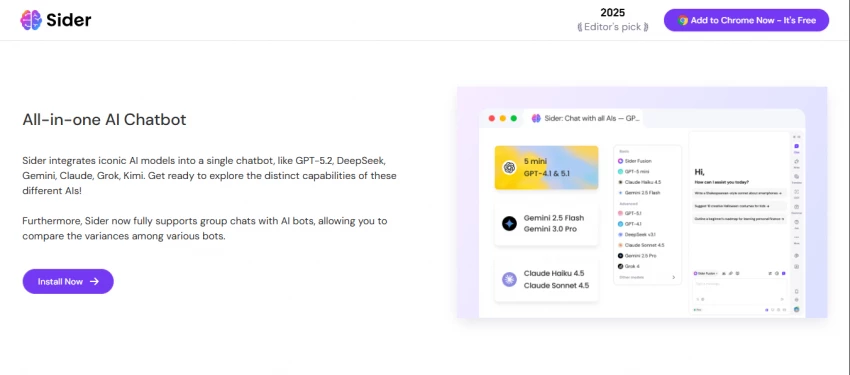
Best for: Users who want the cheapest multi-model browser extension
Sider has grown into one of the most widely used AI browser extensions. Its biggest strength is price. If you want access to several models without spending much, Sider is one of the strongest options available.
It also has a very useful group chat feature that lets you compare multiple AI answers side by side. That alone makes it a smart choice for people who regularly test prompts or compare model quality.
The trade-off is that the free plan is quite limited, and the cheaper tiers still rely on a usage system that can feel restrictive if you are a heavy user. Still, for entry-level value, it is difficult to beat.
Pricing
Free: $0.
Starter: $4.20/month.
Basic: $6.70/month.
Pro: $12.40/month.
Unlimited: $16.70/month.
User sentiment
Users praise Sider for affordability, translation, and model comparison. The most common complaints are around credit limits and occasional extension bugs.
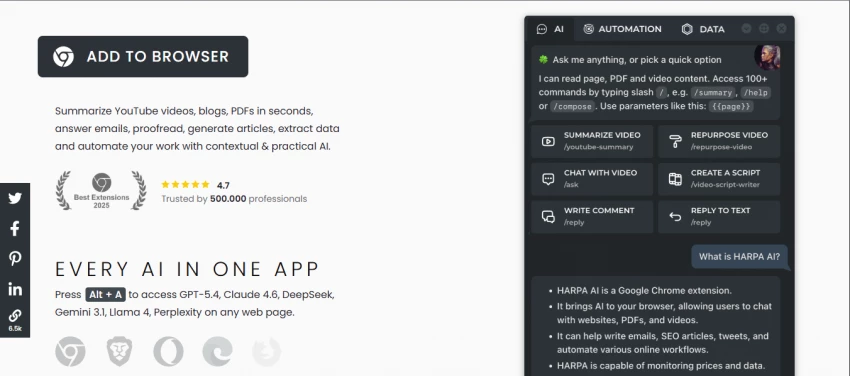
Best for: Users who need browser automation alongside AI chat
HARPA is more than an AI sidebar. It is a browser automation tool with AI built into it, which makes it useful for workflows that involve repetitive web tasks. You can monitor pages, extract data, fill forms, and automate actions while also using AI models for writing or summarizing.
This makes HARPA especially appealing for power users, researchers, and marketers who need more than just conversational AI. It also supports bringing your own API keys, which gives advanced users better cost control.
The pricing is tied to a token-based system, so new users may need a little time to understand how usage works. But once you get used to it, HARPA feels more functional than flashy.
Pricing
Demo: Free.
For Everyone: $12/month.
For Pros: $19/month.
For Life: $240 one-time.
User sentiment
Users like the automation and page-aware features. The main criticism is that the token system can be confusing at first.
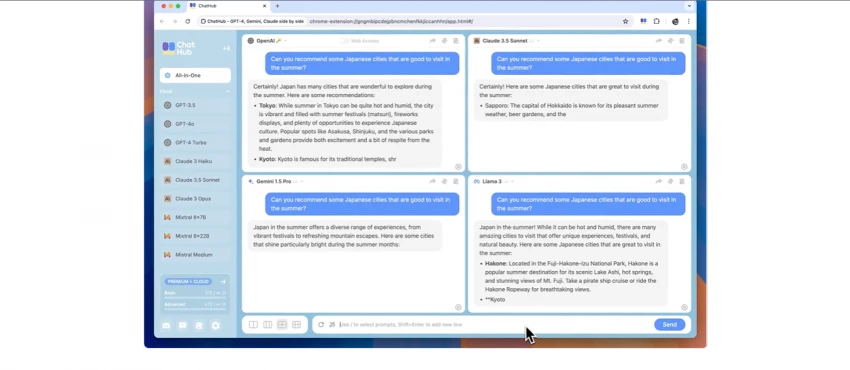
Best for: Comparing AI model responses side by side
ChatHub is built around a very clear idea: send one prompt to multiple models and compare their answers in one view. If you care about choosing the right model for the right task, this is one of the most useful tools on the list.
It supports many major models and works across browser extension, web app, and mobile app formats. It also includes document uploads, image generation, and chat history search, which makes it flexible for everyday use.
It is not as deeply integrated into browsing as Merlin or Monica, but it is a better fit for people who value comparison and research over convenience alone.
Pricing
Free: Limited.
Pro: $14.99/month billed annually.
Unlimited: $24.99/month billed annually.
User sentiment
Users love the side-by-side comparison feature. The main downside is the lack of a generous free tier.
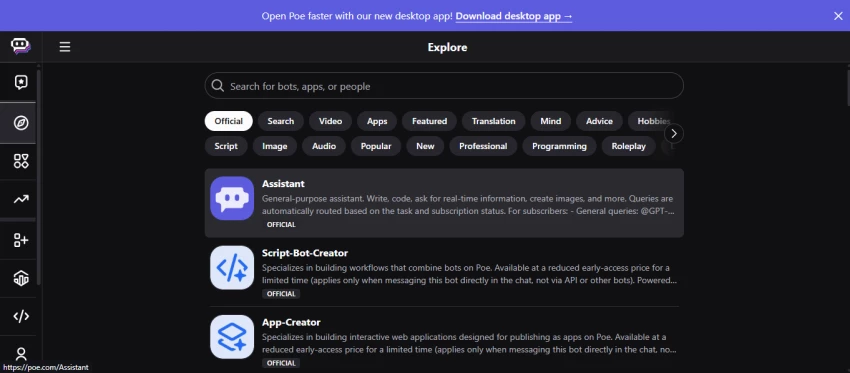
Best for: Users who want custom bots and model exploration
Poe is not a browser extension, but it earns a place here because of its breadth and flexibility. It gives you access to multiple models and lets you create custom bots with specific instructions, personas, and knowledge settings.
That makes it especially attractive for creators and power users who want to build specialized AI experiences. If you want to create a chatbot around your own workflow or brand voice, Poe is one of the best options available.
The downside is that it does not fit the browser-sidebar use case. You have to work inside Poe’s app or website, so it is less seamless than Merlin for day-to-day browsing.
Pricing
Free: 3,000–10,000 compute points/day.
Monthly: $19.99/month.
Annual: $199.99/year.
User sentiment
Users like the custom bot creation and model variety. The compute point system can feel confusing, especially for new users.
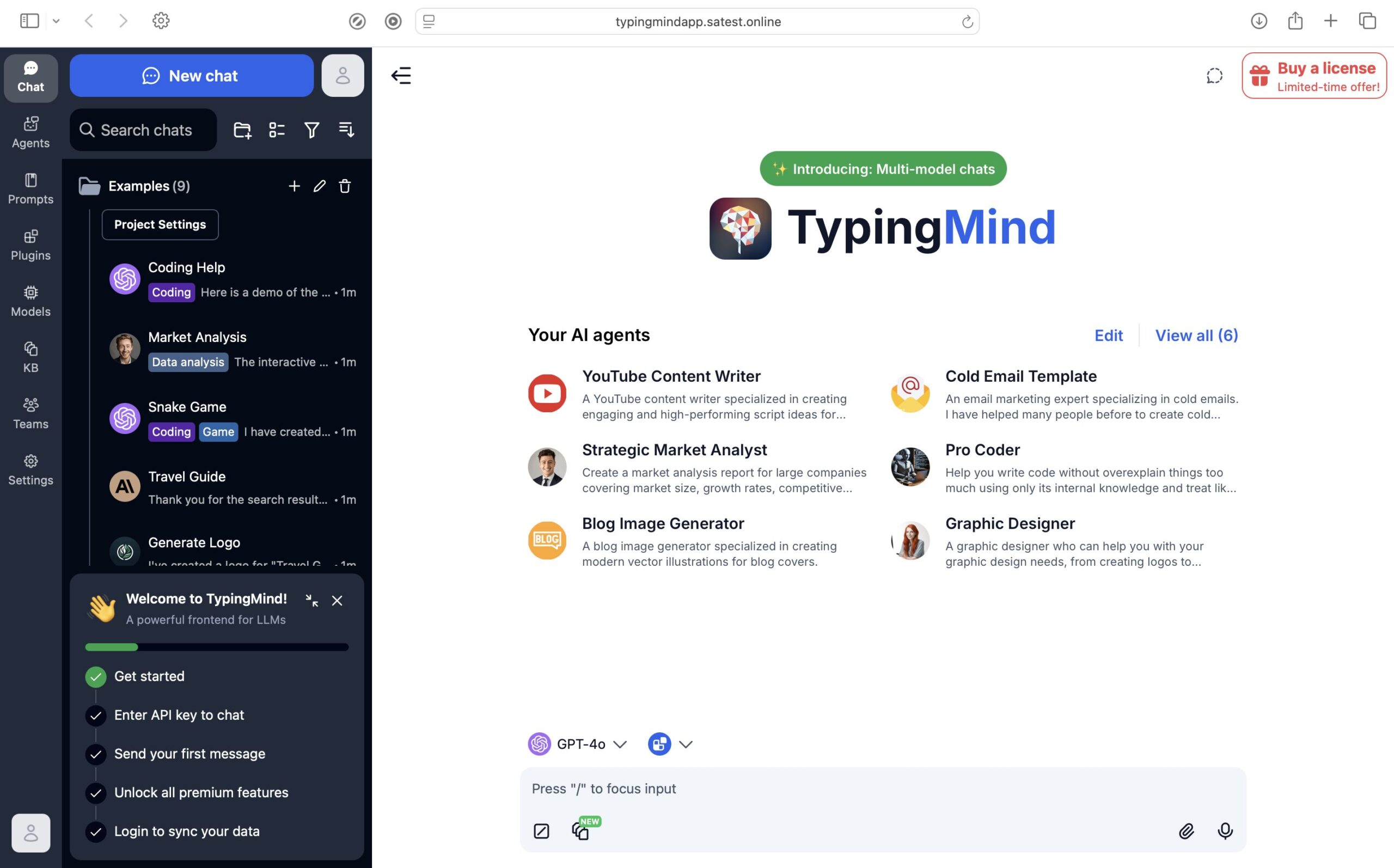
Best for: Power users who want full control through API keys
TypingMind takes a very different approach. Instead of bundling model access into a subscription, it gives you a polished interface and lets you connect your own API keys. That means you pay once for the platform and then pay actual usage costs separately through providers like OpenAI or Anthropic.
This setup is ideal for technical users, developers, and anyone who wants full control over costs and model selection. It is especially attractive if your usage varies a lot from month to month.
The trade-off is that it is not beginner-friendly. If you want a simple install-and-go extension, this is not that product.
Pricing
Standard: $39 one-time.
Extended: $79 one-time.
Premium: $99 one-time.
User sentiment
TypingMind is highly respected by advanced users. The biggest praise is its cost efficiency, while the biggest barrier is the setup complexity.
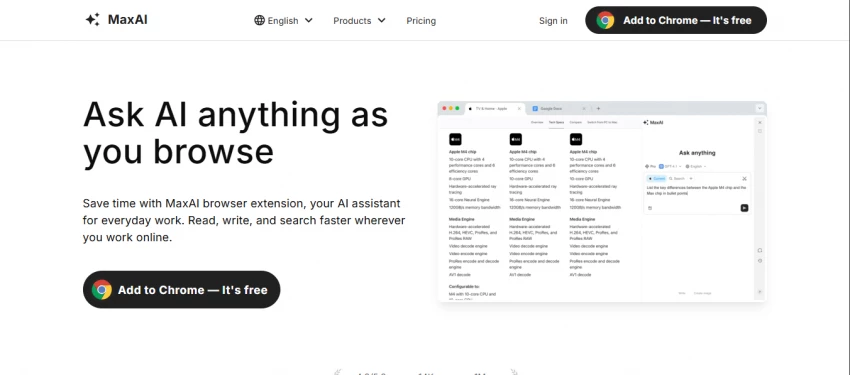
Best for: Summarization, translation, and content extraction
MaxAI is a focused tool rather than a broad AI platform. It does three things especially well: summarization, translation, and extraction from documents or images.
That makes it very useful for readers, writers, students, and professionals who constantly deal with long text, screenshots, or multilingual content. Its side-by-side translation view is particularly helpful.
It does not try to compete on model variety or browser automation, so if you want a broad all-purpose assistant, this may feel too narrow. But if its core strengths match your workflow, it is excellent.
Pricing
Free: 40 AI responses/day.
Pro: About $9.99/month.
Elite: About $12/month.
User sentiment
Users like the focused design and practical output. Complaints are minimal and usually relate to browser compatibility or the lack of advanced power-user features.
Best for: Research-heavy workflows where citations matter
Perplexity is not a direct Merlin clone, but it is one of the most valuable AI tools for research. Its biggest advantage is that answers come with inline citations, which makes it ideal for fact-checking, writing, and anything that needs source-backed information.
It also supports live web search and multiple models, which gives it more depth than a standard chatbot. For content writers and researchers, that combination is hard to beat.
It is less useful for creative tasks, browser automation, or quick sidebar workflows. But for accuracy-first use cases, it is one of the strongest choices available.
Pricing
Free: Generous usage.
Pro: $20/month.
Yearly: $200/year.
User sentiment
Users consistently praise Perplexity for source-backed answers and research quality. The main criticism is that it is not meant for creative or browser-integrated workflows.
| Platform | Free Plan | Cheapest Paid | Mid-Tier | Top Tier | Billing Model |
| Merlin AI | 102 queries/day | $19/mo | $29/mo | Teams plan available | Subscription |
| Monica AI | 40 queries/day | $8.30/mo | $16.60/mo | $82.90/mo | Subscription |
| Sider AI | 10 queries/day | $4.20/mo | $12.40/mo | $16.70/mo | Subscription |
| HARPA AI | 10 msgs/day | $12/mo | $19/mo | $240 one-time | Token + subscription |
| ChatHub | Limited | $14.99/mo | $24.99/mo | Higher tiers available | Subscription |
| Poe | 3K–10K points/day | $19.99/mo | $16.67/mo annual | Enterprise options | Subscription |
| TypingMind | Free with ads | $39 one-time | $79 one-time | $99 one-time | One-time + API costs |
| MaxAI | 40 responses/day | $9.99/mo | $12/mo | Higher business tiers | Subscription |
| Perplexity AI | Generous free tier | $20/mo | — | — | Subscription |
The best Merlin alternative depends less on feature lists and more on how you actually use AI day to day. If you want something cheap, light, and easy to keep open in your browser, Sider AI is probably the easiest place to start. It is one of the most affordable options on the list, and the side-by-side model comparison feature makes it especially useful if you often test prompts across different AI engines.
So the real answer is not that one tool replaces Merlin for everyone. It is that each alternative solves a different problem better than Merlin does. The right choice depends on whether you care most about price, research quality, automation, control, or convenience.
Merlin AI still has value for casual users, but the market has moved forward. Several alternatives now offer better pricing, clearer limits, stronger specialization, or more trustworthy research features.
If you want the best all-around browser replacement, Monica and Sider are the strongest starting points. If you care more about accuracy, Perplexity is the obvious pick. And if you want control over cost and model access, TypingMind is hard to beat.
The bigger lesson is simple: there is no single Merlin killer. There are now several better tools, each designed for a different kind of user..

New Claude Model Targets Agentic AI WorkflowsAnthropic has launched Claude Sonne...
Samuel Osei3 months ago

Gemini’s Image Tools Get a Wider RolloutGoogle is expanding access to Gemini’s p...
Alexander Hughes3 months ago

Two AI video generators, two very different first days. I ran PixVerse through i...
Alexander Hughes3 months ago

Two of the most talked-about AI chat platforms. I opened both, picked a characte...
Alexander Hughes3 months ago

The two-minute versionIf you only read one thing, read this. The rest of the doc...
Alexander Hughes3 months ago

Why Seedance 2.5 mattersSeedance 2.5 is the latest release in ByteDance’s Seedan...
Alexander Hughes3 months ago
Discussion