AI & ML
6 min read
Best Zapier Alternatives: A Deep Dive Into Modern Automation Tools
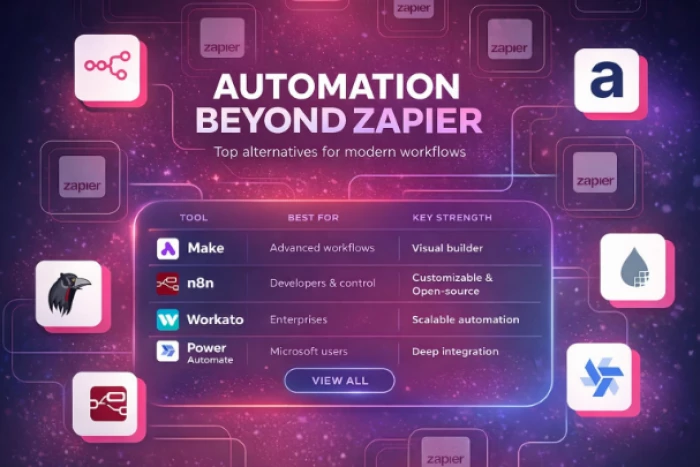
Automation is no longer a luxury in digital work. It has quietly become the system that keeps modern businesses running efficiently. From capturing leads to sending emails, updating databases, and syncing tools, automation removes the need for repetitive manual effort.
For many years, Zapier has been the default solution for this. It introduced a simple idea: connect apps together and let them communicate automatically. If a new lead comes in, send it to your CRM. If someone fills a form, notify your team. These workflows, known as “Zaps,” made automation accessible even to non-technical users.
However, as businesses scale and workflows become more complex, many users start to feel the limitations. Some want deeper control over logic, others want better pricing, and some need more advanced systems that go beyond simple triggers and actions.
This is where Zapier alternatives come in. These tools are not just replacements. In many cases, they represent the next stage of automation, offering more flexibility, control, or specialization.
| Tool | Best For | Key Strength | Complexity Level |
| Make | Advanced workflows | Visual builder | Medium |
| n8n | Developers & control | Open-source & customizable | High |
| Workato | Enterprises | Scalable automation | High |
| IFTTT | Beginners | Simple automation | Low |
| Power Automate | Microsoft users | Deep integration | Medium |
| Integrately | Small businesses | One-click automation | Low |
| Pabbly Connect | Budget users | Fixed pricing | Medium |
| Gumloop | AI workflows | Smart automation | Medium |
This table shows a clear pattern. Zapier alternatives are not trying to be identical replacements. Each one focuses on a specific type of user or workflow.
Zapier is known for its simplicity. You select a trigger, define an action, and the system runs in the background. But this simplicity also limits how complex your workflows can become.
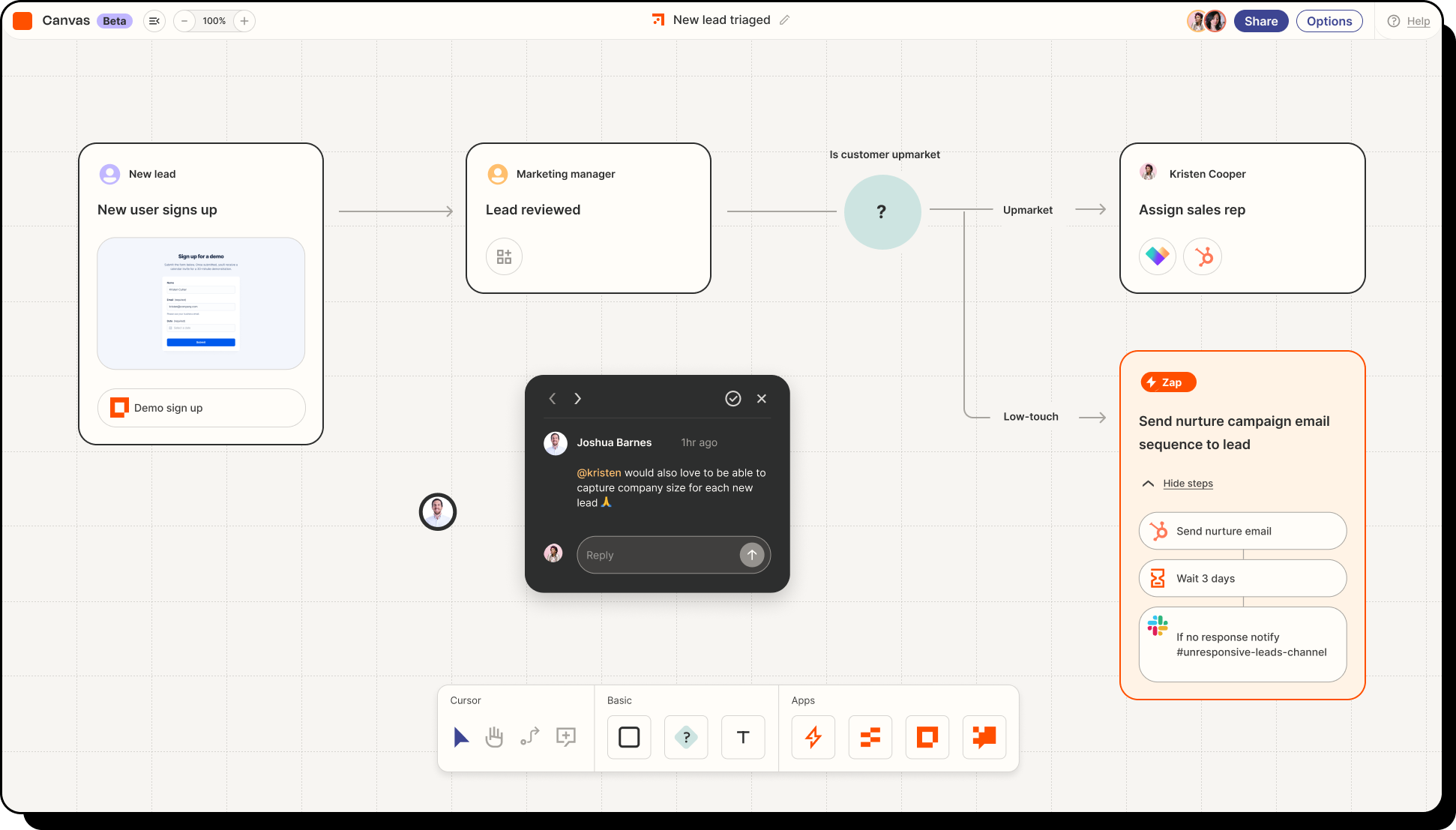
A strong alternative improves one or more areas such as flexibility, pricing, or scalability.
Some tools allow branching logic and multi-layer workflows. Others provide self-hosting and developer-level customization. Some are built for enterprise environments, while others simplify automation even further.
The right choice depends on how far you want to take automation.
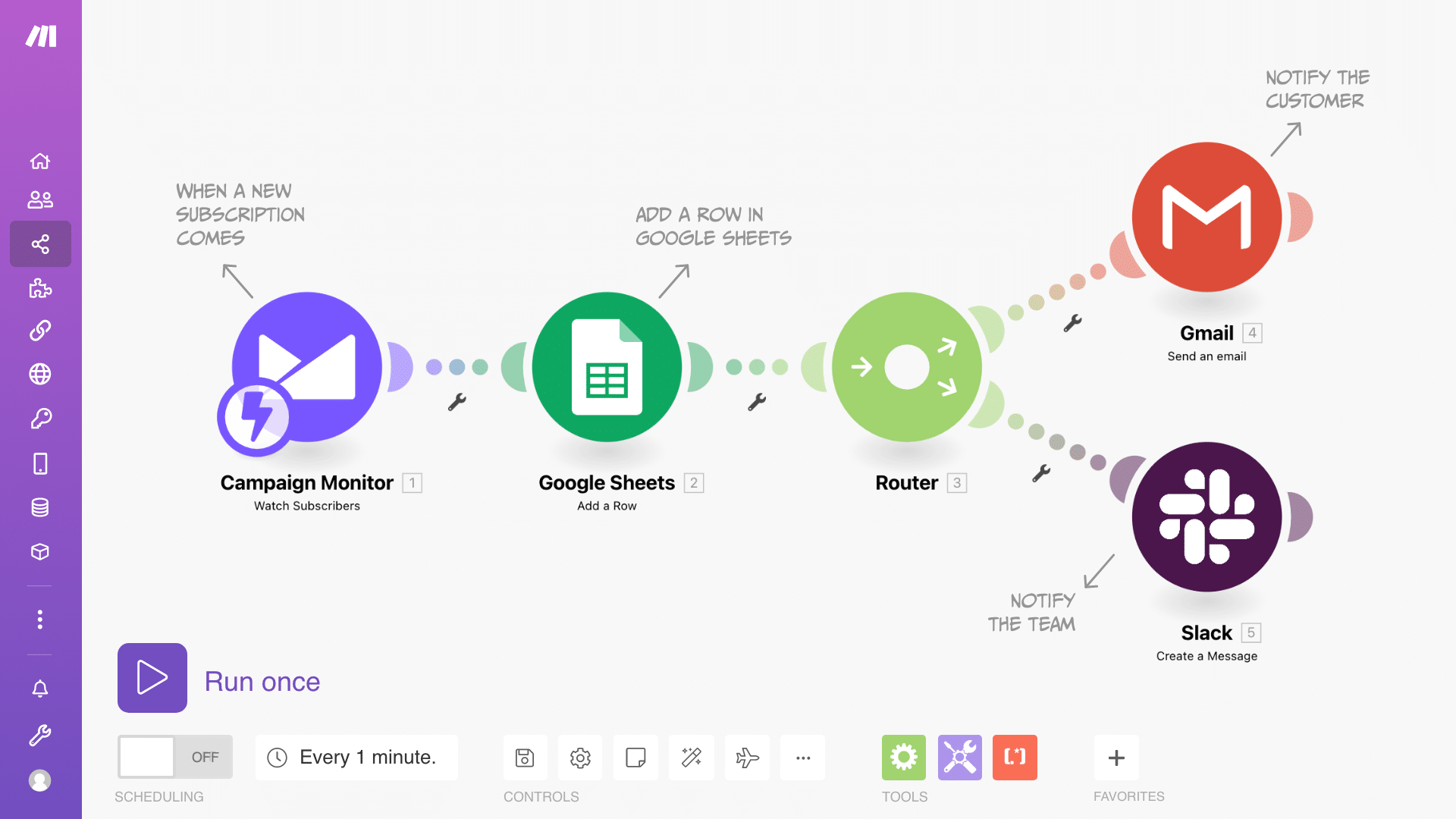
Make is often the first tool people explore when Zapier starts to feel limiting.
Instead of a simple step-by-step structure, Make uses a visual system where workflows are displayed as connected modules. This allows users to see exactly how data flows through each step.
The platform supports branching logic, filters, and advanced error handling. This makes it possible to design workflows that adapt based on different conditions rather than following a fixed path.
Make is ideal for users who want more control without writing code.
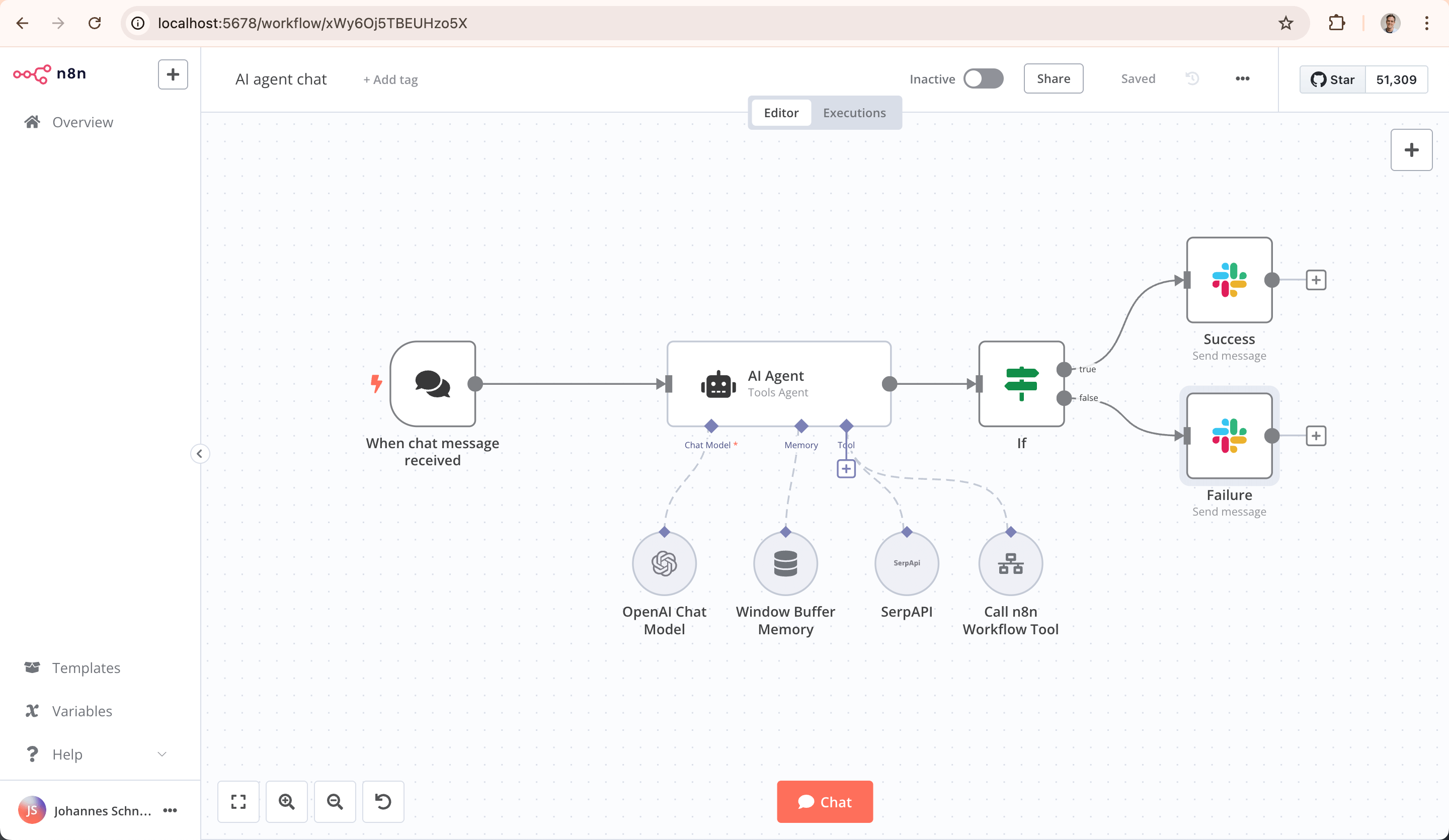
n8n is designed for users who want complete ownership of their automation systems.
Because it is open-source, it can be self-hosted. This means businesses can run it on their own servers, which is important for data privacy and compliance.
It also allows custom scripting, which makes it far more flexible than most no-code tools. Instead of being limited to predefined actions, users can build workflows that behave exactly as needed.
This makes n8n particularly powerful for developers and technical teams.
Workato is built for organizations where automation is part of core operations.
It supports complex workflows involving multiple systems, teams, and databases. It also includes enterprise features such as governance controls, monitoring, and security layers.
Unlike simpler tools, Workato is designed to manage large-scale business processes rather than just individual automations.
Because of this, it is commonly used in enterprise environments where reliability and scalability are critical.
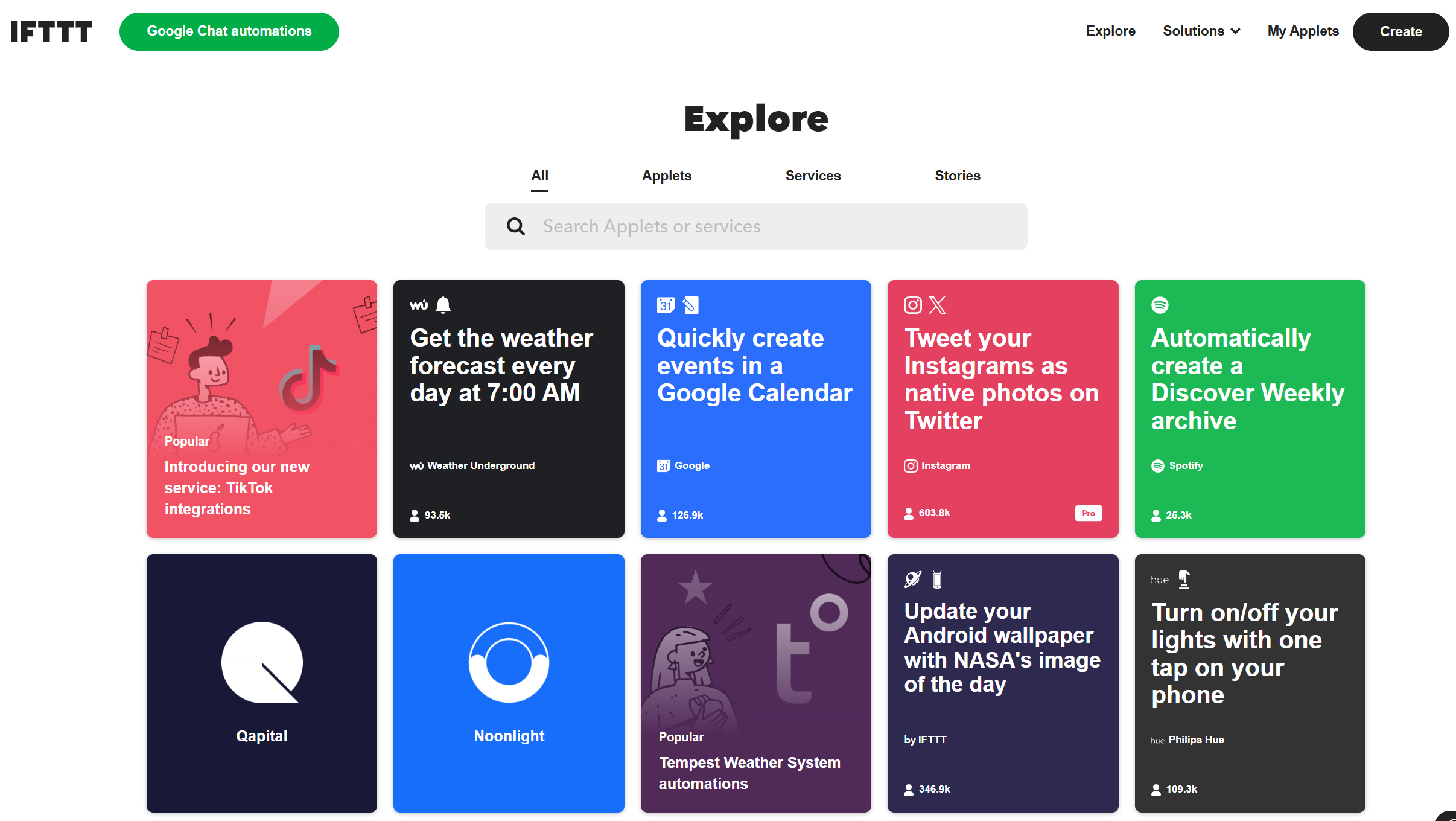
IFTTT focuses on simplicity.
It follows a basic logic where one trigger leads to one action. This makes it extremely easy to use, even for beginners.
It is particularly popular for personal workflows and smart home automation. For example, turning on lights automatically or saving social media posts.
However, it is not designed for complex business workflows.
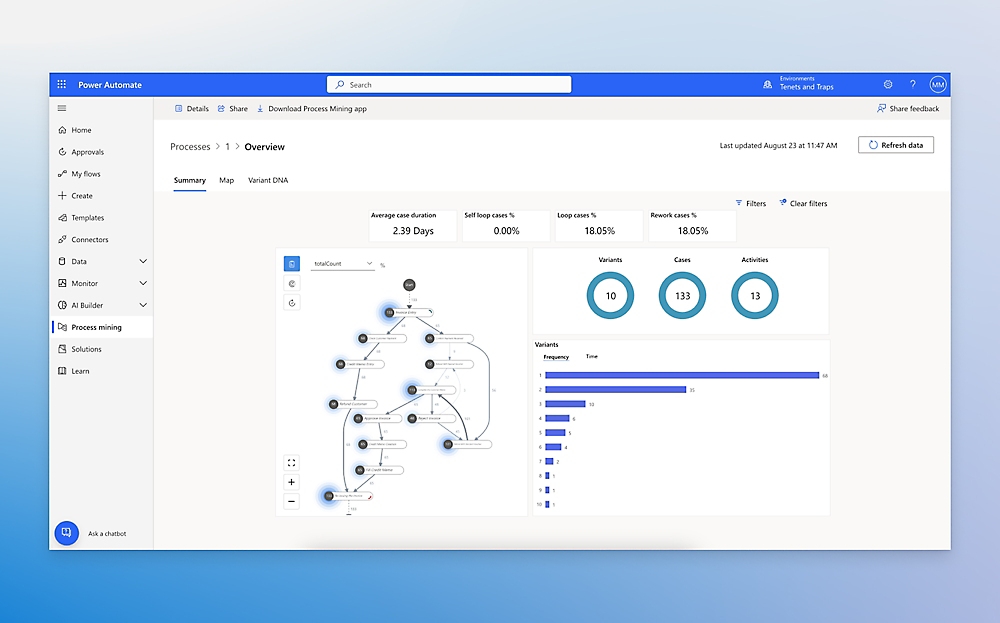
Power Automate is most effective when used within Microsoft’s ecosystem.
It integrates deeply with tools like Excel, Outlook, Teams, and SharePoint. This allows businesses to automate workflows without leaving their existing environment.
It also supports robotic process automation, which enables automation across systems that do not have APIs.
For companies already using Microsoft tools, it often becomes the most natural choice.

Integrately focuses on speed and ease of use.
Instead of building workflows from scratch, users can choose from pre-built automations and activate them quickly.
This makes it ideal for small businesses or users who want quick results without dealing with complex setups.
However, it is less flexible when it comes to advanced workflows.
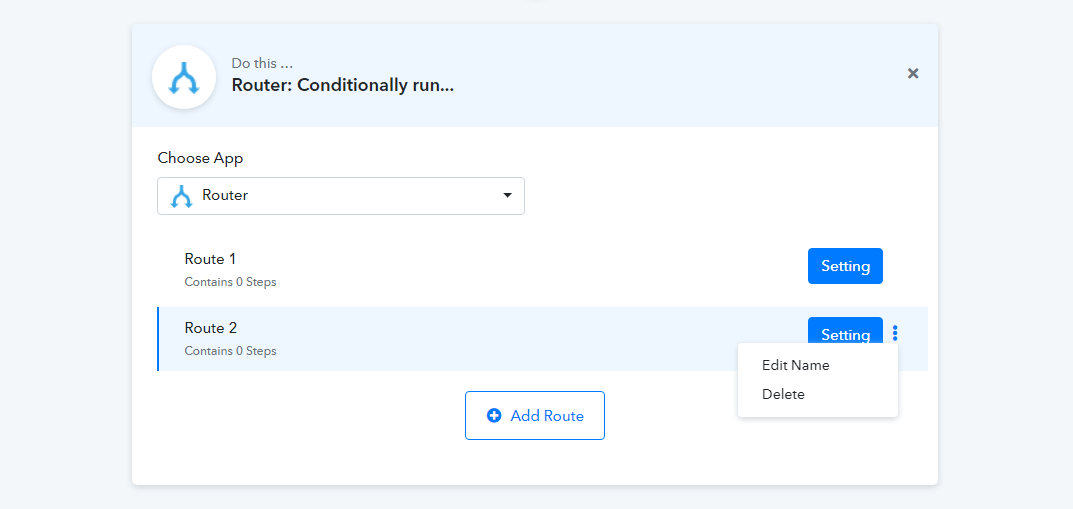
Pabbly Connect is designed for users who want to avoid scaling costs.
Instead of charging per task like Zapier, it offers fixed pricing plans. This makes it easier to manage costs as automation usage grows.
It still supports multi-step workflows and integrates with many popular apps.
For businesses running frequent automations, this pricing model can be a major advantage.

Gumloop represents a newer generation of automation tools.
Instead of just connecting apps, it introduces AI into workflows. This allows automation systems to analyze data, make decisions, and trigger actions intelligently.
This approach moves automation beyond simple task execution into smarter systems that adapt and respond.
It is particularly useful for users exploring AI-driven workflows.
| Feature | Zapier | Make | n8n | Workato | Power Automate |
| Ease of Use | Very Easy | Medium | Medium-High | Medium | Medium |
| Visual Workflow Builder | Limited | Advanced | Advanced | Advanced | Moderate |
| Custom Logic | Basic | Strong | Very Strong | Strong | Strong |
| Self-Hosting | No | No | Yes | No | No |
| Best For | General use | Advanced users | Developers | Enterprises | Microsoft users |
This comparison highlights a key insight. Zapier remains the easiest tool to start with, but alternatives quickly become more powerful as workflows grow.
Switching from Zapier usually happens when your needs evolve.
If your workflows are becoming too complex or expensive, it may be time to explore alternatives.
Users often switch when they need:
Each of these needs points toward a different type of tool.
Zapier made automation simple and accessible. It introduced a system that allowed anyone to connect apps without coding but the automation space is evolving rapidly. New tools are pushing beyond simple workflows into more advanced, flexible, and intelligent systems. The best alternative is not about replacing Zapier. It is about choosing a platform that aligns with your workflow, your scale, and your future goals because in the end, automation is not just about saving time. It is about building systems that grow with you.

New Claude Model Targets Agentic AI WorkflowsAnthropic has launched Claude Sonne...
Samuel Osei3 months ago

Gemini’s Image Tools Get a Wider RolloutGoogle is expanding access to Gemini’s p...
Alexander Hughes3 months ago

Two AI video generators, two very different first days. I ran PixVerse through i...
Alexander Hughes3 months ago

Two of the most talked-about AI chat platforms. I opened both, picked a characte...
Alexander Hughes3 months ago

The two-minute versionIf you only read one thing, read this. The rest of the doc...
Alexander Hughes3 months ago

Why Seedance 2.5 mattersSeedance 2.5 is the latest release in ByteDance’s Seedan...
Alexander Hughes3 months ago
Discussion