Runway made AI video generation feel practical. Text-to-video, image-to-video, motion brushes, and timeline-style editing in a browser lowered the barrier for creators who had never opened Premiere Pro. That combination of generation plus editing is still rare. But over the past year, a different pattern has started to appear in creative teams. Runway stays in the stack, but it stops being the only place where ideas turn into finished video.
Once projects move from “let’s experiment” to “let’s ship this on a deadline,” gaps start to show. Video length limits, pricing at scale, motion coherence, and the lack of multi-model choice push creators to look at other platforms. Not to replace Runway completely, but to cover the parts it does not handle as strongly as specialised tools.
What follows is not another generic “top 10” list. Each alternative below solves a specific Runway pain point: cost at scale, cinematic quality, text handling, social-first workflows, or all-in-one generation and editing.
| Tool | Where It Beats Runway Most Clearly |
| ImagineArt AI | Multi-model cinematic quality (Veo, Sora, Kling, PixVerse) in one place |
| Luma Dream Machine | Depth-aware, 3D-consistent motion for complex scenes |
| Pika | Social-first video pacing and trendy motion styles |
| Kling AI | High-fidelity, long-form cinematic text-to-video |
| Hailuo AI | Fast experimental shots and short sequences for iteration |
| InVideo | Template-driven marketing videos with stock, voiceover, and script workflows |
| Krea | Real-time visuals, ideation, and image/video crossovers |
| Canva | Simple, template-based content with light AI video for non-editors |
Most switching stories follow the same arc. Runway Gen-2 and Gen-3 become the first serious AI video tools in the workflow. Early tests are impressive: short clips for social posts, concept tests for campaigns, and quick explainer sequences. As teams push further, a few patterns start showing up:
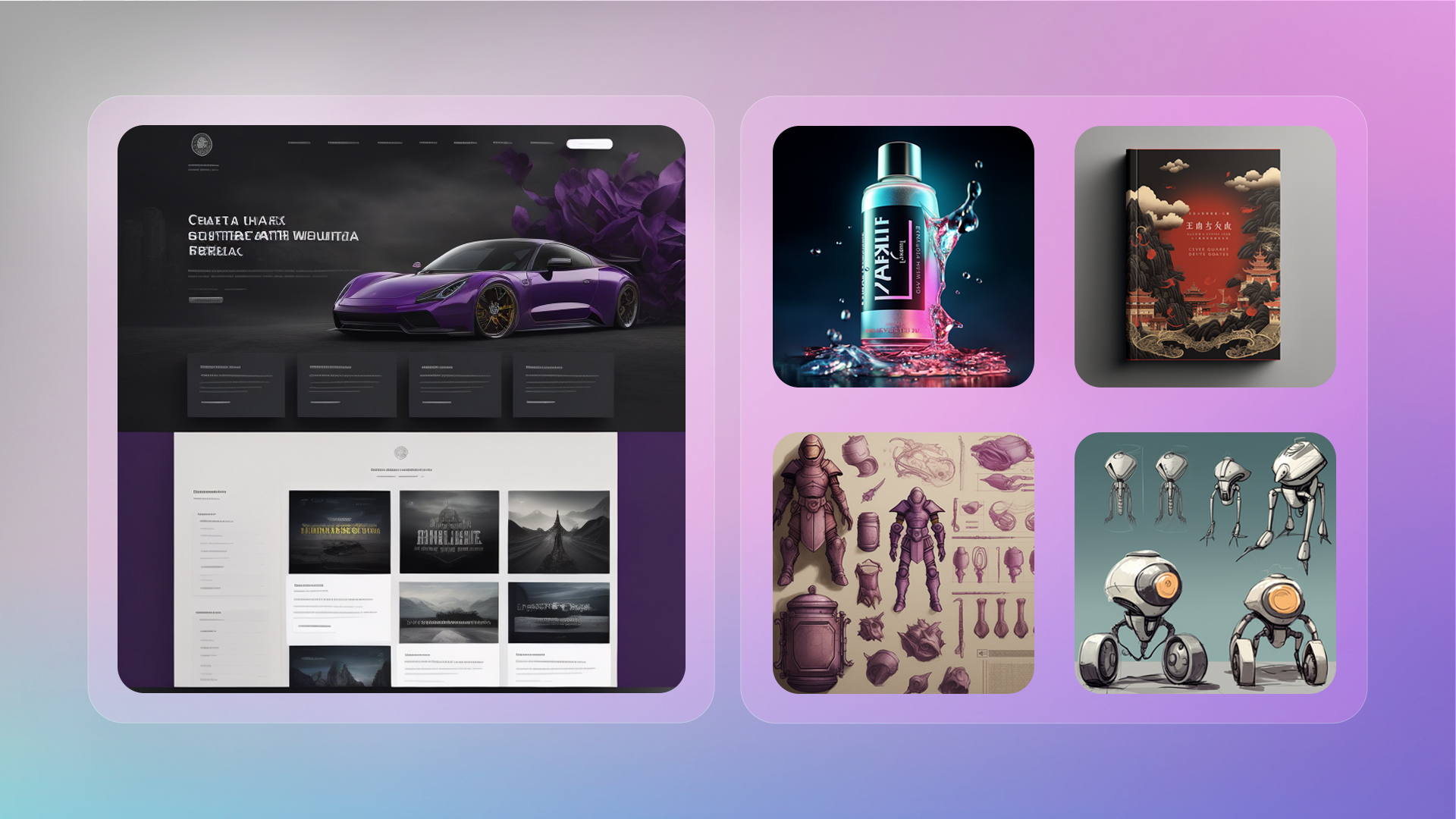
ImagineArt sits closest to the “Runway, but more models and more control” end of the spectrum. It integrates seven top-tier video models into a single workspace: Hailuo, Kling, Veo 3.1, Seedance, Runway, PixVerse, and Sora 2. That multi-model layer becomes critical when a specific shot needs a particular motion or visual character.[
ImagineArt supports text-to-video, image-to-video, motion transfer, personalisation, avatars, face swaps, animation, and video ad formats. Video can be generated at 24 FPS in 1080p, with different models used for different segments inside the same project if needed. A cinematic shot can start in Sora 2 for storytelling, cut to Kling for action, and finish in Hailuo for stylised motion.
A node-based workflow ties that all together. Instead of linear prompts, projects can be assembled visually: input nodes for assets, transformation nodes for motion and style, and output nodes for final renders or export. This is the kind of structure that becomes valuable when creative teams run larger campaigns with multiple deliverables and need to track exactly how each shot was produced.
Where it beats Runway: multi-model cinematic quality inside one interface, plus node-based project control for serious campaigns.

Luma Dream Machine grew out of Luma’s background in 3D scene reconstruction and NeRF-based technology. That heritage shows up immediately in how it handles spatial consistency. Where some Runway outputs can struggle keeping objects stable in motion or maintaining accurate geometry across a pan, Dream Machine leans into 3D-aware generation.
Shots with camera moves around products, architectural spaces, or complex environments hold together more convincingly because the model has a stronger sense of depth and volume. This makes it particularly interesting for product spins, interior previews, and any scene where camera motion is part of the storytelling, not just subject motion.
Where it beats Runway: depth-aware, spatially stable motion when the camera moves through the scene.

Runway can absolutely produce clips for social media, but its design leans more toward cinematic experimentation than social-native format design. Pika approaches the problem from the opposite direction. It focuses on short, fast, platform-friendly sequences with pacing and styling that feel more like footage already dominating feeds.
Speed of iteration matters here. Pika’s interface and presets make it easier to test several variations of a hook or motion concept before committing budget. Dynamic motion and highly stylised effects align particularly well with TikTok, Reels, and Shorts content.
Where it beats Runway: quick, trend-aligned social video concepts that match platform-native motion and pacing.
Kling AI appears repeatedly in lists of Runway competitors for a reason. Its higher-end models target cinematic stor
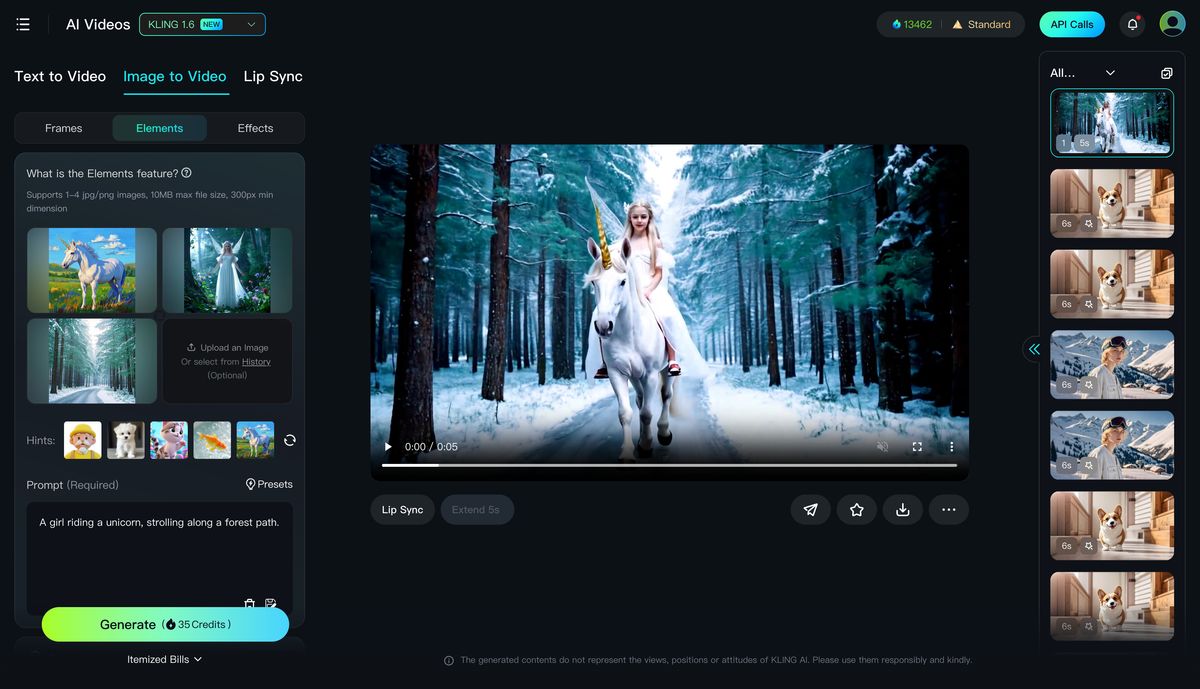
ytelling, with improved motion coherence, camera moves, and lighting compared to earlier-generation tools.
Where Runway tends to encourage short sequences stitched together in an editor, Kling leans toward more continuous footage where the same scene carries through longer. That difference in how motion and narrative are handled matters when the output is intended to anchor a hero ad or high-impact brand piece.
Where it beats Runway: sustained, cinematic motion better suited for hero shots and narrative-led ads.

Hailuo AI often shows up bundled inside platforms like ImagineArt or Veo4.dev because it excels at fast, experimental sequences. Short clips with unusual motion, stylised effects, or bold transitions slot easily into more complex edits without requiring extensive prompt engineering.
For teams that like to throw 10–20 different motion tests at a concept and then pick the two that “click” in the edit, Hailuo’s speed and versatility align better with that exploration-first approach than Runway’s more monolithic generation model.
Where it beats Runway: rapid experimentation with short, stylised motion ideas.
While Runway is strongest in prompt-driven creative video, InVideo comes from a different tradition: template-driven marketing video designed to ship.similarweb+1
Its workflows are built around real marketing inputs: blog posts, tweets, slide decks, text scripts. These get turned into structured videos with stock footage, on-screen text, and voiceover. A large stock media library via Pixabay integration, over 1,000 voices in 75 languages, and a commercial-friendly template library make it feel closer to a production tool for non-editors than a generative playground.
Runway can achieve similar outputs, but it takes more manual prompting and editing. InVideo is the more natural fit when the job is “turn this script or article into something that can run as an ad by tomorrow.”
Where it beats Runway: structured marketing videos built from existing written content, with stock and voice baked in.
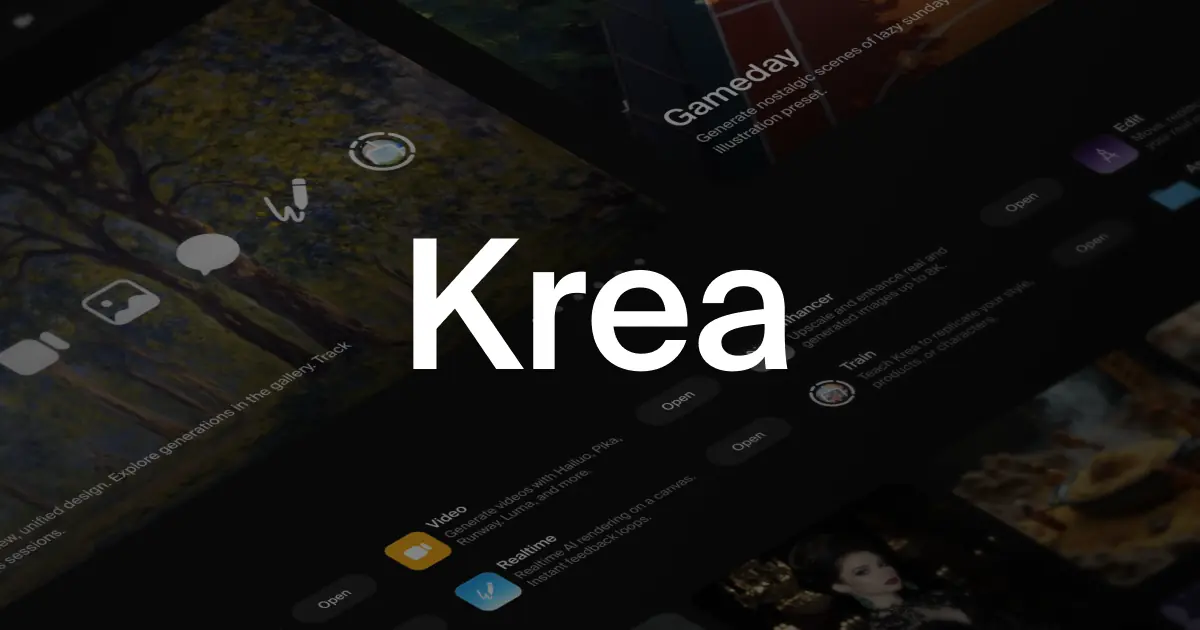
Krea is not purely a video tool. It sits upstream in the creative process, where ideas are still forming and visual direction is fluid. The platform offers real-time generation for images and a broader creative suite that includes video and 3D, built around an interactive canvas.gaga+2
For teams that like to explore style, composition, and framing before committing to a video prompt, Krea’s interactive process suits that phase better than Runway’s model-first approach. Once the visual language is locked in, those outputs can feed into Runway, ImagineArt, or another video platform.
Where it beats Runway: early-stage visual ideation and fast iteration on looks that later inform video.
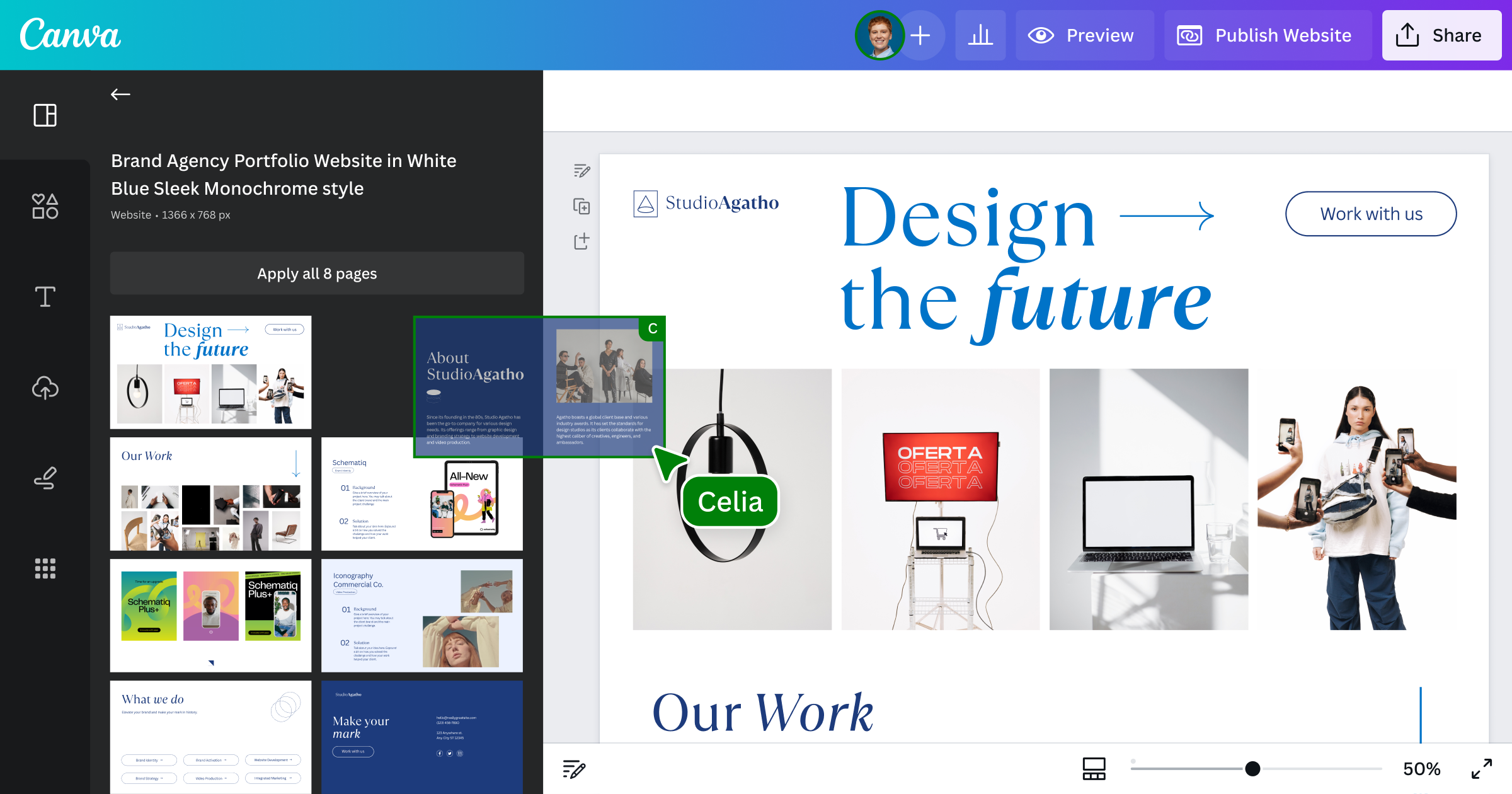
Canva is not a Runway rival in terms of raw generative capability, but it is a real alternative for a large class of users who never wanted advanced controls in the first place. Its AI video features sit inside a familiar design environment used daily by social teams, marketers, and small businesses.artificialstudio+1
Simple text-to-video generation, quick clip assembly, on-brand templates, and one-click resizing make it enough for announcement posts, simple promos, and lightweight brand content. Runway is overkill for many of those jobs. Canva wins by being the tool that team members already know, with enough AI added that they rarely need to leave it
Where it beats Runway: everyday marketing and social content where speed, templates, and collaboration trump advanced video controls.
Looking purely at traffic and category overlap, Similarweb identifies invideo.io, klingai.com, pictory.ai, hailuoai.video, pika.art, vidnoz.com, krea.ai, and capcut.com as core Runway competitors.
Runway remains one of the strongest all-rounders in the group, but this competitive set makes one thing clear: single-purpose tools around it are becoming very good at the one thing they choose to do.
| Creator type | Best Runway alternative(s) to explore first |
| Performance marketer turning scripts into ads | InVideo |
| Brand team shooting for high-end cinematic spots | ImagineArt, Kling |
| 3D-conscious creator working with spatial scenes | Luma Dream Machine |
| Short-form social content creator | Pika, CapCut, Vidnoz |
| Visual designer exploring looks and style boards | Krea |
| Small business doing simple promos and posts | Canva |
| Experimental creator testing many motion ideas | Hailuo, ImagineArt |
Runway remains one of the most important tools in the AI video space. It still offers one of the best combinations of generative power and editing control in a single environment. Used alone, it can take a project from prompt to publish. Used alongside the right alternatives, it becomes even more valuable.
The real shift in 2026 is not “Runway vs alternatives.” It is “Runway plus the right specialised tools for this specific job.” Cinematic storytelling, short-form ads, motion tests, script-based videos, and visual ideation all benefit from different strengths. Once those strengths are clear, choosing the right Runway alternative for each project stops being guesswork and starts being part of a deliberate creative system.

New Claude Model Targets Agentic AI WorkflowsAnthropic has launched Claude Sonne...
Samuel Osei3 months ago

Gemini’s Image Tools Get a Wider RolloutGoogle is expanding access to Gemini’s p...
Alexander Hughes3 months ago

Two AI video generators, two very different first days. I ran PixVerse through i...
Alexander Hughes3 months ago

Two of the most talked-about AI chat platforms. I opened both, picked a characte...
Alexander Hughes3 months ago

The two-minute versionIf you only read one thing, read this. The rest of the doc...
Alexander Hughes3 months ago

Why Seedance 2.5 mattersSeedance 2.5 is the latest release in ByteDance’s Seedan...
Alexander Hughes3 months ago
Discussion