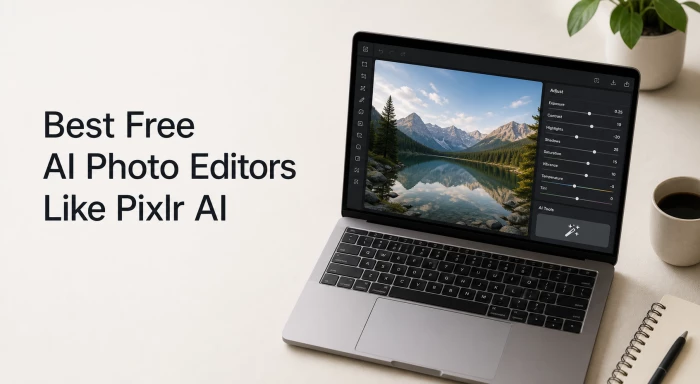
Free AI photo editors have moved far past basic auto-filters. The current generation handles background removal on transparent fabric, fills missing image regions through generative AI, removes objects without leaving artifacts, and produces commercially usable output without paid upgrades. Pixlr AI helped define the category, but it is no longer the only browser-based option that delivers serious results without a subscription.
This guide compares the strongest free AI photo editors available in 2026 - across feature depth, free-tier limits, AI capability tiers, and ideal use cases. Every tool listed below offers a genuinely usable free plan, not a trial that locks core editing behind a paywall.
BEST OVERALL Pixlr Strongest mix of AI tools, layer editing, and free-tier features. | BEST FOR BEGINNERS Canva Template-driven design with one-click AI for social and print assets. | BEST FOR PROS Photopea Closest free alternative to Photoshop, now with AI generative fill. |
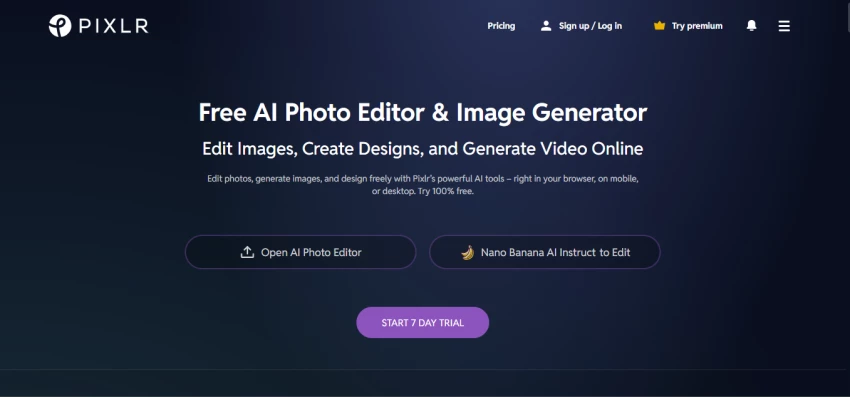
Pixlr has held a leading position in browser-based image editing for more than 15 years. The 2026 platform combines a Photoshop-style advanced editor (Pixlr E), a beginner-friendly editor (Pixlr X), a graphic design tool (Pixlr Designer), a dedicated background remover, and a batch editor - all reachable from a single account.
Recent additions include a Nano Banana-powered conversational editor, AI image and video generation, generative fill, generative expand, AI face swap, AI background removal, and one-click image upscaling. The free tier provides 3 daily saves with a starting pool of around 40 to 50 AI credits and is ad-supported. Paid tiers begin at roughly $1.99 to $2.49 per month, which is among the lowest entry prices in this category.
That combination - broad tool coverage, low paid entry, and a usable free plan is the benchmark against which every alternative in this comparison is measured.
Each tool below was assessed against six factors that matter most in real creator workflows:
• Free-tier usefulness - what is actually possible without paying.
• AI feature depth - background removal, generative fill, object removal, enhancement.
• Output quality - accuracy on fine edges, hair, fabric, and complex backgrounds.
• Ease of use - interface clarity for users without editing experience.
• Workflow fit - batch editing, mobile access, templates, and exports.
• Commercial usability - whether the free output is safe to use professionally.
The eight platforms below represent the strongest free options currently available. Each card lists the standout AI feature, primary audience, free-tier limits, and any notable trade-offs.
Browser-based suite covering quick edits, layer-heavy work, and AI generation. Pixlr X targets beginners, Pixlr E targets users familiar with Photoshop, and Pixlr Designer adds template-driven graphic design. The 2026 release introduced a conversational editor that applies edits from natural-language prompts.
| Standout AI Tool | AI Cutout, Generative Fill, Nano Banana conversational editor |
| Best For | Layer-based editing without software installation |
| Free-Tier Limits | 3 saves per day, ~40–50 AI credits, ad-supported |
| Paid Entry Point | Plus at $1.99–$2.49/month for 80 AI credits, no ads |
| Mobile App | Yes - iOS and Android |
| Watermarks on Free Plan | No watermark, but commercial license requires paid tier |
A design-first platform with AI photo editing baked in. Magic Edit, Magic Eraser, and the one-click Background Remover address the most common photo tasks. The greatest strength is integration - an edited image can become a finished social post, presentation slide, or print asset without ever leaving the interface.
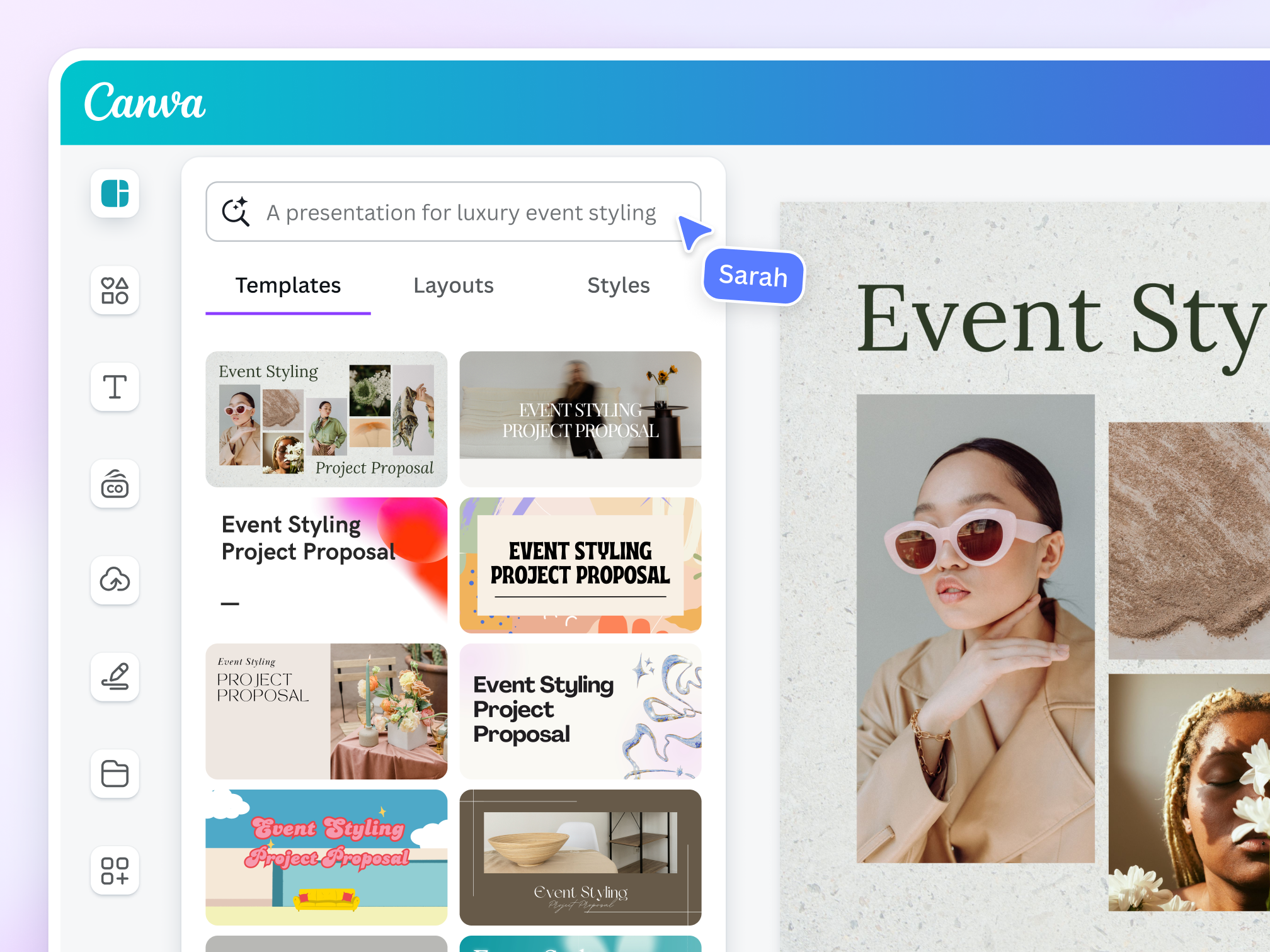
| Standout AI Tool | Magic Edit, Magic Eraser, Background Remover |
| Best For | Template-driven creators, social media managers, small teams |
| Free-Tier Limits | Limited AI tool usage per month, restricted premium asset library |
| Paid Entry Point | Canva Pro from $18/month (higher AI limits, brand kit) |
| Mobile App | Yes - full-featured iOS and Android |
| Watermarks on Free Plan | None on user-created designs |
The closest free analog to Adobe Photoshop. The 2026 version added AI-powered features including generative fill, AI object selection, and content-aware removal. Photopea opens native .PSD files without conversion, which makes it valuable to anyone receiving Photoshop assets from clients or agencies.
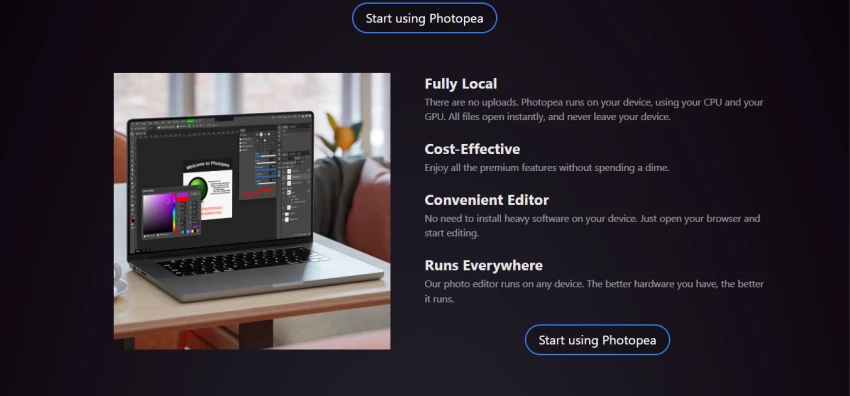
| Standout AI Tool | AI generative fill, AI object selection, content-aware removal |
| Best For | Users familiar with Photoshop who need a free alternative |
| Free-Tier Limits | No account required, ad-supported, full feature set |
| Paid Entry Point | Premium from $5/month (ad-free, more cloud storage) |
| Mobile App | Browser-based only (works on mobile browsers) |
| Watermarks on Free Plan | None |
An accessible all-rounder built around one-click AI enhancement. The Auto Enhance feature adjusts exposure, contrast, saturation, sharpness, and noise reduction in a single action - useful for creators producing volume content who prioritize speed over fine control.
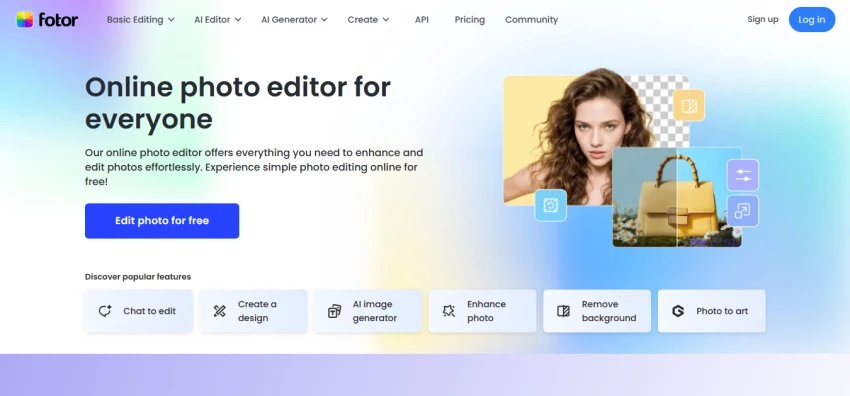
| Standout AI Tool | AI Enhance, AI portrait retouch, background removal |
| Best For | Beginners, casual users, fast batch enhancement |
| Free-Tier Limits | Limited AI usage per day, watermark on some AI outputs |
| Paid Entry Point | Fotor Pro around $8.99/month for unlimited AI |
| Mobile App | Yes - iOS and Android |
| Watermarks on Free Plan | On select AI-generated outputs |
Adobe's lightweight, browser-based design tool with selected Firefly AI features built in. Background removal and basic generative tools are usable for free; deeper Generative Fill capabilities remain gated to the paid Creative Cloud tier. Output quality on clean-contrast subjects is excellent.
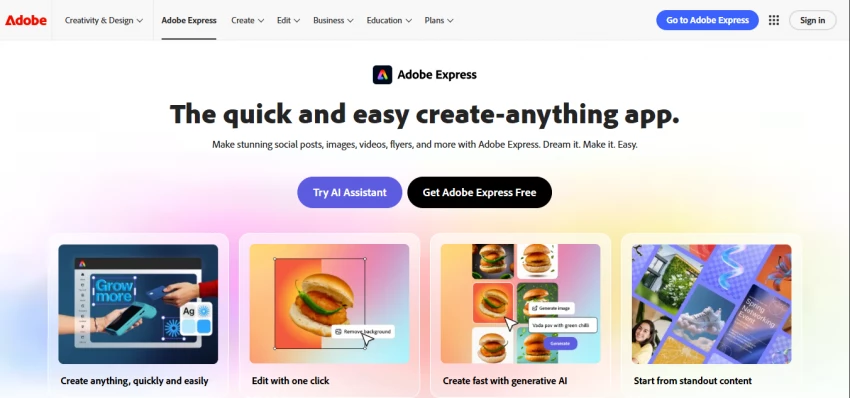
| Standout AI Tool | AI Background Remover, basic Firefly generative tools |
| Best For | Quick branded social assets, users in the Adobe ecosystem |
| Free-Tier Limits | Limited monthly generative credits, basic feature access |
| Paid Entry Point | Premium around $9.99/month for full Firefly access |
| Mobile App | Yes - iOS and Android |
| Watermarks on Free Plan | None on standard exports |
Specialist e-commerce editor focused on product photography. AI is trained to preserve product accuracy while generating marketplace-ready backgrounds for Amazon, Etsy, Shopify, and similar platforms. Batch processing handles up to 250 images per run on paid plans.
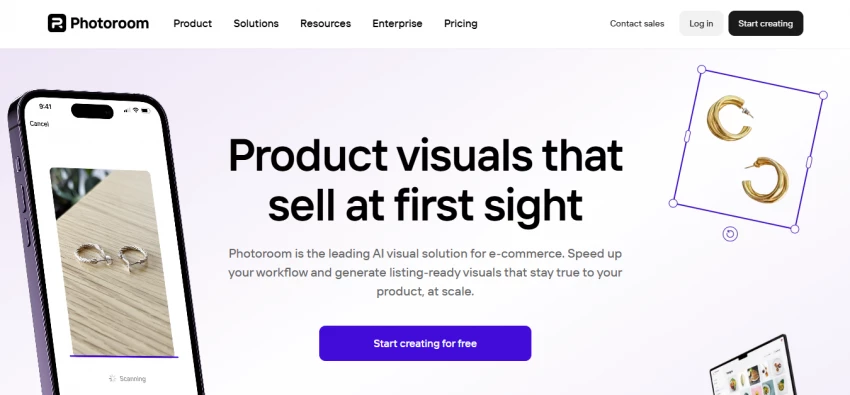
| Standout AI Tool | AI Background Remove + Replace, marketplace templates |
| Best For | E-commerce sellers, product photographers, dropshippers |
| Free-Tier Limits | Limited daily exports, watermark on free outputs |
| Paid Entry Point | Pro from $9.99/month, removes watermark and limits |
| Mobile App | Yes - iOS and Android |
| Watermarks on Free Plan | Yes, on free-tier outputs |
Stability AI's image utility hub bundling specialized AI tools - Cleanup (object removal), Remove Background, Image Upscaler, Uncrop, Reimagine, and Replace Background - each available as a focused single-purpose interface rather than a general editor.
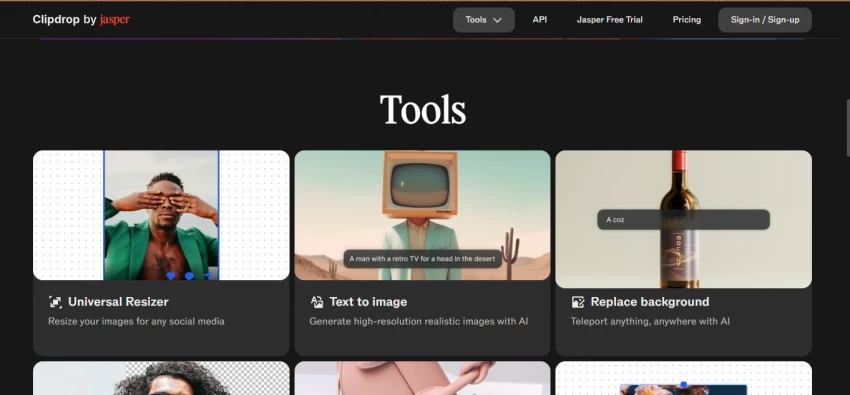
| Standout AI Tool | Cleanup, Image Upscaler, Replace Background |
| Best For | Quick single-task fixes, no-account workflows |
| Free-Tier Limits | Daily usage caps on each tool, lower-resolution exports |
| Paid Entry Point | Pro from $9/month, higher resolution and faster processing |
| Mobile App | Yes - iOS and Android |
| Watermarks on Free Plan | None, but reduced output resolution |
AI photo editor with a particular strength in portrait and beauty retouching. Built-in features include AI background generation, skin smoothing, face enhancement, and AI image generation. Available as a browser tool and as a mobile companion app branded YouCam Enhance.
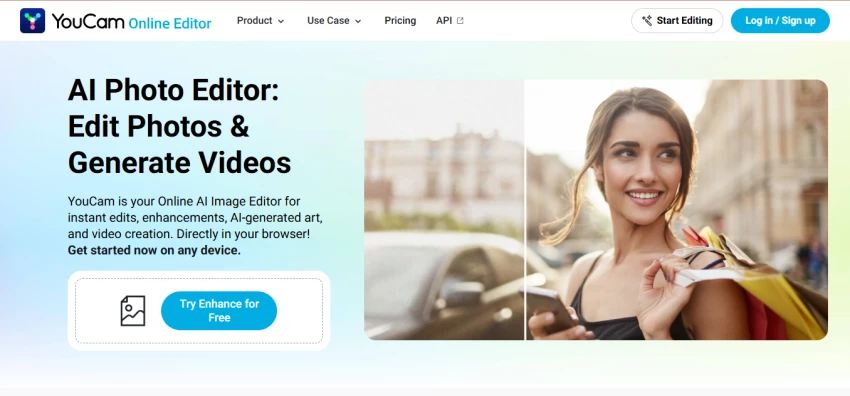
| Standout AI Tool | AI Background Generation, portrait retouching, AI image generation |
| Best For | Portrait creators, influencers, beauty and lifestyle content |
| Free-Tier Limits | Limited daily AI generations, watermark on some outputs |
| Paid Entry Point | Premium around $7.99/month for unlimited features |
| Mobile App | Yes - iOS and Android (YouCam Enhance) |
| Watermarks on Free Plan | On select AI generations |
A direct, side-by-side view of how the eight tools compare on the features that matter most. Cells are color-coded by capability strength.
| Excellent | Strong | Good | Average | Limited | None |
| Tool | BG Removal | Object Removal | Generative Fill | AI Enhance | Batch Edit | Mobile App |
|---|---|---|---|---|---|---|
| Pixlr | Excellent | Strong | Strong | Good | Strong | Strong |
| Canva Free | Strong | Good | Good | Good | Limited | Excellent |
| Photopea | Strong | Strong | Strong | Average | Limited | Limited |
| Fotor | Good | Good | Average | Excellent | Good | Strong |
| Adobe Express | Strong | Average | Limited | Good | Limited | Strong |
| Photoroom | Excellent | Strong | Good | Strong | Excellent | Strong |
| Clipdrop | Excellent | Excellent | Good | Strong | Limited | Strong |
| YouCam Online | Strong | Good | Good | Strong | Limited | Strong |
Free-plan caps and paid entry points across the eight platforms. Prices reflect publicly listed monthly rates as of May 2026 and may vary by region or promotion.
| Tool | Free-Plan Limits | Paid Plan Starts | Notable Point |
|---|---|---|---|
| Pixlr | 3 saves/day, ~40 AI credits, ads | Plus from $1.99/mo | Lowest entry price in category |
| Canva Free | Limited monthly AI usage | Pro from $18/mo | Highest cost but biggest design library |
| Photopea | Full features with ads, no account needed | Premium from $5/mo | Best free Photoshop alternative |
| Fotor | Limited daily AI, some watermarks | Pro around $8.99/mo | Strong auto-enhance on free tier |
| Adobe Express | Limited monthly generative credits | Premium around $9.99/mo | Best for Adobe ecosystem users |
| Photoroom | Limited exports, watermark | Pro from $9.99/mo | Built specifically for e-commerce |
| Clipdrop | Daily caps, lower-res exports | Pro from $9/mo | Single-task tools, no general editor |
| YouCam Online | Limited generations, some watermarks | Premium around $7.99/mo | Strongest on portrait retouch |
The right editor depends less on overall scores and more on the specific task in front of the user. The matrix below maps common workflows to the most suitable platform.
| Use Case | Recommended Tool | Why It Wins |
|---|---|---|
| E-commerce product photos at scale | Photoroom | Marketplace templates, batch up to 250 images |
| Social media posts and stories | Canva Free | Built-in templates, instant export to platforms |
| Layer-based composite editing | Photopea or Pixlr E | Photoshop-style controls without installation |
| Portrait and beauty retouching | YouCam Online | AI skin smoothing, face enhancement, backdrop generation |
| Quick single-task fixes | Clipdrop | Cleanup, upscale, replace background in seconds |
| One-click photo enhancement | Fotor | AI Auto-Enhance adjusts everything in a single tap |
| Branded marketing assets | Adobe Express | Firefly tools integrated with Creative Cloud assets |
| Background removal on fine hair | Pixlr or Clipdrop | Consistently clean edges on complex subjects |
| Mobile-first editing on the go | Canva or Pixlr Mobile | Full feature parity with desktop versions |
| Free PSD file editing | Photopea | Opens Photoshop files natively, no conversion |
Free AI photo editors have improved dramatically, but every platform carries trade-offs that affect real workflows. Awareness of these limitations prevents wasted time and rejected client work.
⚠ Commercial Licensing Restrictions Free-tier output is not automatically licensed for commercial use on every platform. Pixlr, for example, gates the commercial license behind a paid subscription. Anyone using AI editors for client work should verify the licensing terms before publication. |
⚠ Watermark Surprises on Exports Several tools - Photoroom, Fotor, YouCam - apply watermarks to specific AI-generated outputs even when the underlying edit appears free. The watermark is often visible only after download, which can disrupt deadlines. |
⚠ Daily Save and Credit Caps Pixlr's free plan allows 3 saves per day. Many users hit this limit on the first project. Workflow planning matters: complete edits in a single session and download immediately, rather than saving drafts and returning later. |
⚠ Resolution Caps on Free Exports Clipdrop, Photoroom, and similar tools cap free-tier export resolution below print or large-display quality. For social media this is rarely an issue; for high-resolution print, paid tiers become necessary. |
⚠ Inconsistent Output on Complex Edges Fine hair, semi-transparent fabric, and glass surfaces remain difficult for every free AI tool. Testing the same image across two or three editors before committing to a workflow is a practical habit, especially for portrait and product photographers. |
A single best tool does not exist for the entire creator community. The recommendations below match the strongest free AI photo editor to each common audience.
| User Type | Recommended Tool | Reasoning |
|---|---|---|
| Beginner with no design experience | Canva Free | Templates and one-click AI keep the learning curve minimal |
| Social media creator | Canva + Fotor | Templates for distribution, fast enhancement for batch posting |
| E-commerce seller | Photoroom | Marketplace-ready outputs and batch processing pay back instantly |
| Portrait photographer | Pixlr or YouCam | Strong AI cutout and dedicated retouching tools |
| Graphic designer or art director | Photopea | Full Photoshop replacement with PSD compatibility and AI fill |
| Student or hobbyist | Pixlr | PixlrEdu offers free upgrades for verified schools and learners |
| Adobe Creative Cloud subscriber | Adobe Express | Firefly access and seamless asset sharing across Adobe apps |
| Solo entrepreneur or freelancer | Pixlr Plus tier | Lowest paid entry point unlocks commercial license and ad-free use |
Key Takeaway Pixlr remains the strongest all-round free AI photo editor in 2026, but the best choice depends on the specific workflow. Canva wins for design integration, Photopea for layered editing, Photoroom for e-commerce, Clipdrop for single-task speed, and YouCam for portraits. Testing two or three tools against a real project - rather than relying on demo screenshots - is the most reliable way to find the right fit. |

New Claude Model Targets Agentic AI WorkflowsAnthropic has launched Claude Sonne...
Samuel Osei3 months ago

Gemini’s Image Tools Get a Wider RolloutGoogle is expanding access to Gemini’s p...
Alexander Hughes3 months ago

Two AI video generators, two very different first days. I ran PixVerse through i...
Alexander Hughes3 months ago

Two of the most talked-about AI chat platforms. I opened both, picked a characte...
Alexander Hughes3 months ago

The two-minute versionIf you only read one thing, read this. The rest of the doc...
Alexander Hughes3 months ago

Why Seedance 2.5 mattersSeedance 2.5 is the latest release in ByteDance’s Seedan...
Alexander Hughes3 months ago
Discussion