AI & ML
12 min read
Best Unlucid AI Alternatives in 2026: Top Picks for Image and Video Creation

The pitch behind Unlucid AI is hard to argue with at first glance. Free, browser-based, no signup friction, and a generous set of preset effects that let almost anyone turn a still image into a moving one in seconds. That is also why many Unlucid AI reviews tend to highlight its appeal for quick experimentation and casual creative use. For weekend testing and one-off social posts, that pitch holds. The cracks start showing the moment a project needs longer scenes, brand-safe consistency, or anything resembling a commercial-grade license trail.
The platforms profiled below were picked because each one closes a specific gap often raised in Unlucid AI reviews. Some deliver longer narrative clips. Some prioritize photoreal motion. Some target social-first creators who want effect-driven outputs without sacrificing resolution. Pricing, model strengths, and editorial trade-offs are laid out plainly so the right pick depends on workflow rather than hype.
The platform combines text-to-image, light editing, and short-form video animation in one browser-based interface. According to Toolify and AItools.aiting, the suite spans more than 15 preset video effects layered on top of a Gems-based credit economy. Loose content filtering is the platform's distinguishing feature, drawing in artists working in surreal, fantasy, and adult-adjacent genres that mainstream tools tend to reject.
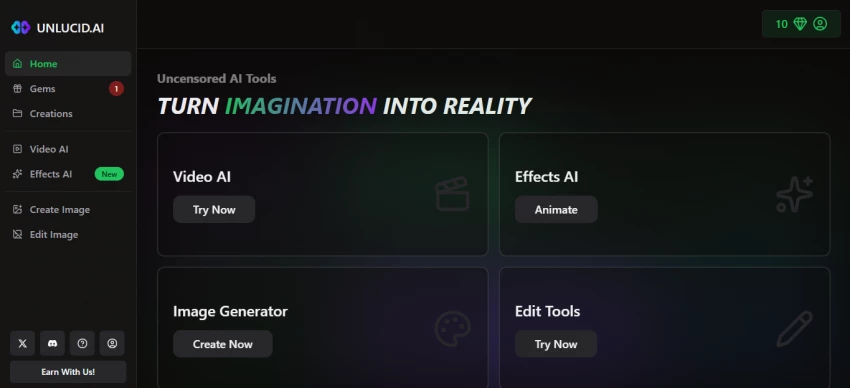
That distinguishing feature also doubles as a ceiling. Reviews from AppCritica and HitPaw flag clip lengths capped at 3 to 5 seconds, motion artifacts on complex prompts, and a documentation trail thin enough that commercial publishing carries real risk. Brands chasing repeatable output, agencies needing licensed deliverables, or creators producing connected sequences usually outgrow the platform within a few projects.
Selection rested on five criteria: output quality across both motion and image generation, control depth (character locking, camera direction, scene continuity), pricing math at sustained usage, commercial license clarity, and how the tool actually feels when iterating on a single shot multiple times. Source verification leaned on Magic Hour, ToolJunction, Atlas Cloud, Soloa, Tekpon, ToolWorthy, and AI Tool Radar, with vendor pricing pages checked between February and May 2026. The Artificial Analysis Text-to-Video leaderboard served as the tiebreaker on contested quality claims.
Tools without free trials, recently discontinued platforms, and any service with unclear commercial terms were dropped before the final ranking. The eight that remained span entry-level social tooling, mid-market production tools, and frontier cinematic models.
The matrix below frames each pick against the dimensions Unlucid AI users typically run into first: free access, entry pricing, and whether sound is generated alongside video or has to be added separately in post.
| Tool | Best For | Free Tier | Entry Paid Plan | Native Audio |
|---|---|---|---|---|
| Runway | Studio editing and generation | Yes, watermarked | $15 per month | No |
| Kling AI | Long, photorealistic clips | 66 daily credits | $6.99 per month | Yes |
| Pika | Stylized effects, social clips | 80 credits per month | $8 per month | Yes, Pika 2.5 |
| Luma Dream Machine | Cinematic HDR motion | 8 draft videos per month | $30 per month | No |
| PixVerse | Budget short-form video | 90 plus 60 daily credits | $8 per month annual | Yes |
| Higgsfield AI | Cinematic camera control | Limited free credits | $15 per month | Yes, via integration |
| ImagineArt | Unified image and video hub | Yes | Varies by plan | Partial |
| Vidu AI | Anime and high-motion video | Yes | Varies by plan | Yes, Q1 model |
Pricing verified through Magic Hour, ToolJunction, Tekpon, and direct vendor pages between February and May 2026. Credit allowances and tier names shift periodically; figures listed reflect the most recent confirmed snapshot.
Runway has been in the AI video conversation longer than nearly any competitor, and Gen-4.5 currently leads the Artificial Analysis Text-to-Video leaderboard at 1,247 Elo points per Soloa late-2025 benchmark data. What sets it apart from Unlucid AI is not just the underlying model. It is the editing surface wrapped around the generator. Inpainting, motion brush, masking, video-to-video transformation, and a frame-accurate timeline all live inside the same browser tab.
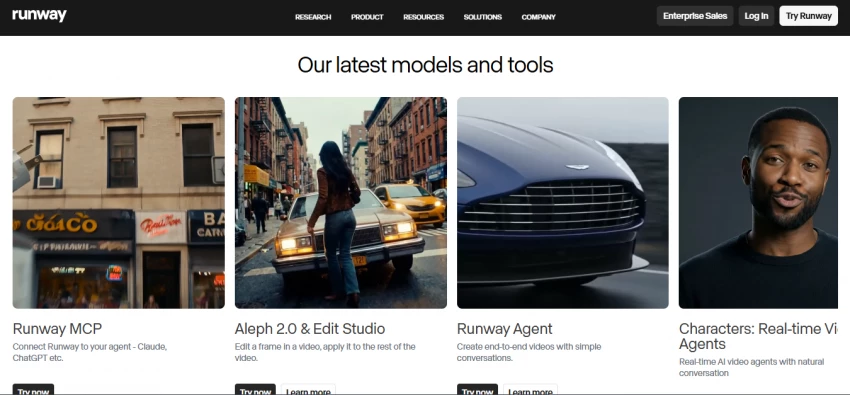
The Standard plan runs $15 per month, with Pro tiers reaching $35 and Unlimited stretching to $95 per Vivideo March 2026 pricing review. The free tier provides watermark-free output but exhausts quickly on Gen-4.5 jobs, which burn around 25 credits per second according to Soloa. World consistency is the design pitch behind Gen-4.5, meaning characters, environments, and lighting hold steady across regenerations without explicit re-prompting.
The trade-off comes down to credit math. Pricing per second of usable output is the highest in this comparison. For creators who only need a 5-second clip with a fun effect, Runway is overkill. For anyone building a sustained narrative or needing to make tweaks at frame level, the platform pays back the cost.
| Stands out for | Filmmakers, ad agencies, and editors needing motion brushes, masking, and integrated VFX inside one tool. |
| Less suited for | Casual creators wanting fast, low-cost preset effects. |
Kling AI ships out of Kuaishou and now holds the top ELO ranking among text-to-video models in 2026 per Atlas Cloud and Magic Hour analysis. The February 2026 release of Kling 3.0 introduced native 4K output, multi-shot storyboard control across up to six connected shots, physics-accurate motion, and a single-pass audio generation pipeline. That last item matters more than benchmark scores since most rivals require Premiere, Resolve, or a separate AI audio tool to add sound.
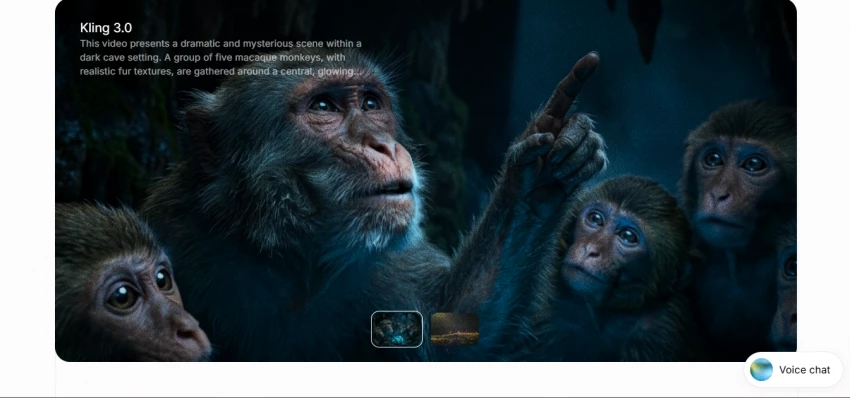
Pricing starts at $6.99 per month for the Standard plan, the lowest commercial-use entry point of any platform on this list per Magic Hour April 2026 verification. The free tier delivers 66 daily credits. Higher tiers reach $64.99 for Premier and $127.99 for Ultra, which adds early access to Kling 3.0 with shorter queues.
The hidden cost is credit volatility. A 10-second 1080p clip with audio consumes around 120 credits per Voiceoverstudioai, and subscription credits expire at the end of each billing cycle rather than rolling over. Iterating 3 to 5 times per shot is normal, so the Standard plan 660 monthly credits disappear faster than the price implies.
| Stands out for | Narrative video, multilingual dialogue, multi-shot scenes, and budget-friendly entry for serious creators. |
| Less suited for | Anyone needing offline editing or built-in compositing tools. |
Pika reads as the closest direct competitor to Unlucid AI in spirit. The Pika 2.5 release leans into effect-driven workflows with Pikaffects such as Inflate, Melt, Explode, and Twist, Pikascenes for compositing, and Pikaframes for keyframe-driven transitions per ToolJunction. Native audio generation arrived with the 2.5 release, automatically layering sound effects matched to the visual.
Pika pricing also makes the platform accessible for creators testing short-form AI video without jumping into enterprise-level tools. The Basic plan starts at $8 per month for 700 credits, with a free tier providing 80 monthly credits per Pika official pricing. Higher tiers unlock 1080p access across all effect modes. The platform also caps single generations at 10 seconds, which fits TikTok and Reels formats but constrains anything longer.
Pika’s strength is also its constraint: it leans hard into stylized, effect-led content. Consistency across multiple clips needs manual stitching, and reviews from AIVeed note that complex scenes often produce visible artifacts. For trend-led social posts, the constraint is invisible. For brand campaigns spanning multiple cuts, it is a deal-breaker.
| Stands out for | Social media creators chasing fast, viral, effect-heavy short clips with built-in sound. |
| Less suited for | Multi-scene narratives or sustained brand campaigns. |
Luma Labs occupies the cinematic frontier. The Ray3 model, with the Ray3.14 refresh shipped in early 2026, delivers native 1080p generation with HDR output and motion physics that AI Tool Radar describes as class-leading. Draft Mode is the workflow standout: a lower-cost preview that lets creators iterate cheaply before burning credits on a finished render. That alone changes the iteration economics.
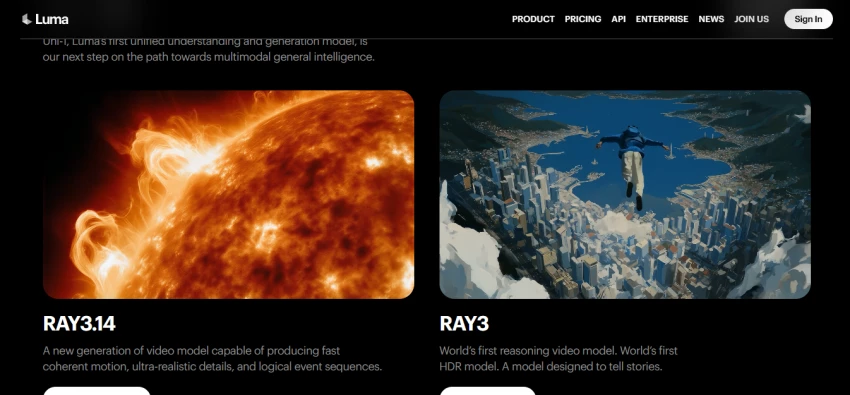
The Plus plan starts at $30 per month with commercial use rights included, scaling to $90 monthly for Pro and $300 for Ultra per Photonpay and Magic Hour pricing checks. The free tier is limited to 8 draft videos per month at 720p with watermarks, which is enough to evaluate the interface but not enough to assess Ray3 quality.
Two limitations matter. A single 10-second 1080p clip burns around 660 credits per ToolWorthy, depleting plan allowances quickly. And Luma does not generate audio natively, so sound design happens in post. For commercial cinematic work, those costs absorb easily. For volume publishing, the math gets uncomfortable.
| Stands out for | Filmmakers, post-production teams, and ad agencies prioritizing cinematic realism and HDR. |
| Less suited for | Volume publishers, hobbyists, and short-form social creators. |
PixVerse threads a different needle. Where Luma optimizes for cinematic quality and Runway optimizes for integrated control, PixVerse optimizes for cost per clip on short-form work. In any PixVerse AI Deep Dive, pricing becomes one of the first reasons creators pay attention. The Standard plan lands at $8 per month on annual billing per ToolJunction, with 1,200 monthly credits and 720p HD output. The Pro plan at $24 monthly opens up 1080p generation.
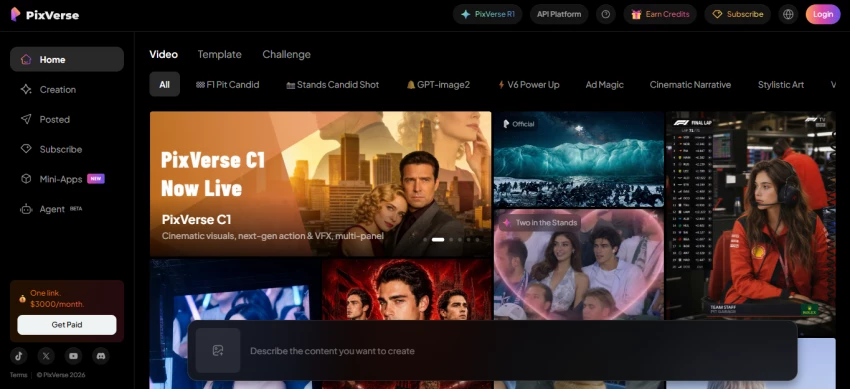
Two PixVerse features earn their keep. Character reference uploads keep a subject visually stable across regenerations, and style locking pins aesthetic choices to avoid drift. Generation speed averages 30 to 60 seconds per clip per ToolJunction, faster than most premium tools on this list. Built-in audio features arrived with the v4 update.
The cost structure rewards careful prompting. Magic Hour review notes that 2 to 5 attempts per usable clip is common, which inflates effective price per output. Maintaining consistency across multi-scene narratives also remains harder than on Kling or Runway, though the gap narrowed in v4.
| Stands out for | Marketers and short-form video creators on a budget who still need character consistency. |
| Less suited for | Photoreal commercial work or extended narrative pieces. |
Higgsfield approaches AI video sideways. Instead of training and shipping its own frontier model, it aggregates top-tier external models (Sora 2, Veo 3.1, Kling 3.0, Nano Banana Pro) and layers cinematic controls on top. Hackceleration review highlights the Cinema Studio toolkit, which adds camera movement direction, lip sync, audio generation, and video upscaling around whichever underlying model the user picks.
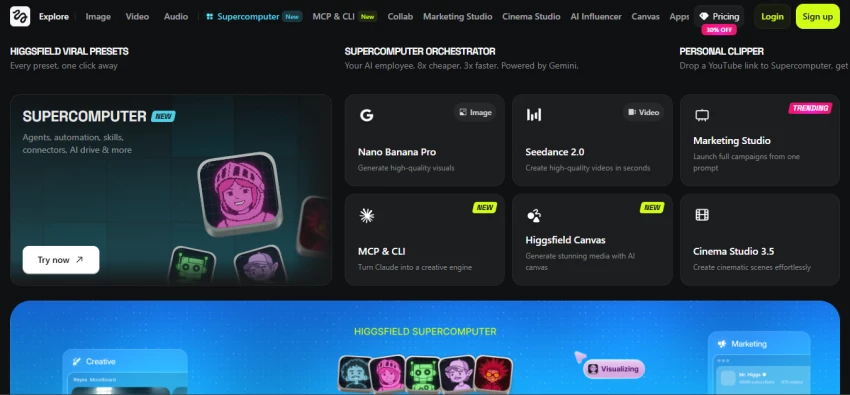
Plans range from a $9 Starter tier up to a $99 Ultra plan per Hackceleration documentation. The catch is access tiering. Starter locks out premium models. Pro at $29 monthly unlocks Sora 2 and Veo 3.1 but provides only 600 credits, which translates to roughly 8 to 15 premium generations according to Yangsweb. Ultra adds 365-day unlimited access to one selected premium model.
For solo creators juggling four subscriptions across Kling, Luma, Runway, and an audio tool, consolidating into one Higgsfield bill simplifies workflow. For anyone already paying for those tools directly, Higgsfield markup over native access is real and worth weighing.
| Stands out for | Multi-tool creators wanting cinematic camera direction and frontier model access bundled. |
| Less suited for | Power users who already subscribe to Kling, Luma, or Runway directly. |
ImagineArt maps most closely to Unlucid AI scope. The platform bundles image generation, video generation, editing tools, drag-and-drop canvas workflows, upscaling, and team collaboration into one workspace. Topai.tools and Smartpostly both flag it as a strong Unlucid replacement for creators who need both still and motion output under one subscription.
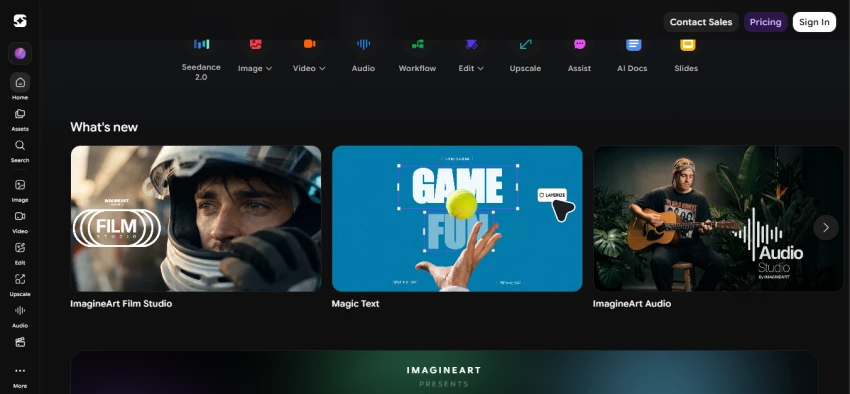
Pricing is structured around credit packs and team seats rather than fixed plans, with access to multiple underlying models built into the platform. The Pika model series is even available inside ImagineArt at a separate monthly rate per the platform documentation, giving creators a second route to Pika without committing to that platform own subscription.
Breadth costs depth. ImagineArt image generation is competent but does not match Midjourney aesthetic ceiling. Its video output works but does not hit Kling 3.0 or Runway Gen-4.5 quality. For creators valuing one bill and one interface over best-in-class output, the trade is reasonable. For specialists, it is not.
| Stands out for | Small teams and solo creators wanting both image and video in one workspace. |
| Less suited for | Specialists chasing top-tier quality in any single discipline. |
Vidu AI sits in a narrower lane. AutoGPT and Domoai reviews position it as the motion specialist, with particular strength in 2D line art, anime, and high-speed choreography. Where general-purpose models tend to smear during rapid camera moves or fight choreography, Vidu Q1 model holds motion coherence with notably fewer artifacts according to Domoai testing.
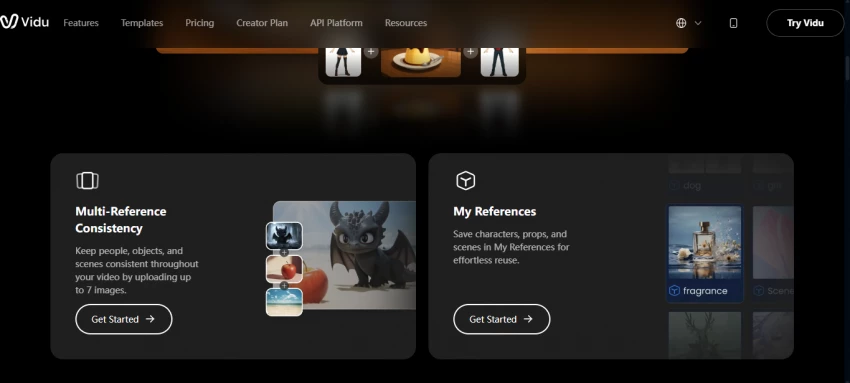
The Q1 Multi-Reference variant accepts up to seven reference images and bundles background music plus sound effects per ReelMind documentation. Credit costs land around 60 credits per Q1 Multi-Reference generation and 40 credits for Q1 Standard. Daily credits on the free account cover light experimentation.
The narrow focus cuts both ways. For animators producing stylized content, Vidu produces output that general-purpose models struggle to match. For photoreal product shots, talking heads, or live-action B-roll, it ranks below Runway, Luma, or Kling. Picking Vidu is a deliberate choice for a specific aesthetic.
| Stands out for | Animators, anime creators, and projects with rapid choreography. |
| Less suited for | Photoreal product, talking-head, or live-action use cases. |
The right pick depends almost entirely on which Unlucid AI limitation the project hit first. Creators leaving because of preset boredom and clip-length caps land naturally on Pika or PixVerse, which preserve the effect-driven workflow while expanding control. Those leaving for narrative work and audio integration find Kling AI fits the gap with the lowest entry price on this list.
Cinematic projects, commercial work, and anything needing HDR or photoreal motion belong with Luma Dream Machine. Studio-grade editing, motion brush, masking, and frame-level control point at Runway. Higgsfield AI fits creators who want multiple frontier models bundled. ImagineArt works for hobbyists wanting one interface for both image and video. Vidu AI is the focused pick for animation and stylized motion.
No platform on this list matches Unlucid AI content permissiveness exactly. Stricter content filters are the default across the alternative landscape, which makes commercial work safer but constrains certain experimental directions. That trade-off should be priced in before switching.
Unlucid AI fits a real but narrow slot. For everything outside that slot, the 2026 alternative landscape offers better quality, clearer commercial terms, and pricing models that scale more predictably with workflow. The decision rarely comes down to which tool is technically best. It comes down to which constraint is hurting the current project most: clip length, motion realism, audio, character consistency, editing control, or cost. Picking the platform that solves that one constraint, then living with the others, is the pragmatic path.

New Claude Model Targets Agentic AI WorkflowsAnthropic has launched Claude Sonne...
Samuel Osei3 months ago
Gemini’s Image Tools Get a Wider RolloutGoogle is expanding access to Gemini’s p...
Alexander Hughes3 months ago
Two AI video generators, two very different first days. I ran PixVerse through i...
Alexander Hughes3 months ago

Two of the most talked-about AI chat platforms. I opened both, picked a characte...
Alexander Hughes3 months ago
The two-minute versionIf you only read one thing, read this. The rest of the doc...
Alexander Hughes3 months ago
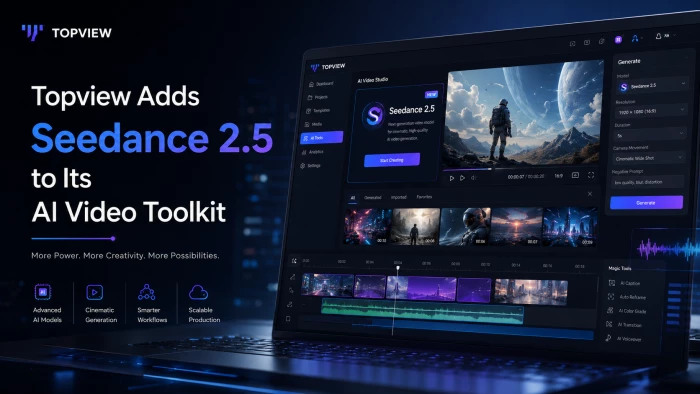
Why Seedance 2.5 mattersSeedance 2.5 is the latest release in ByteDance’s Seedan...
Alexander Hughes3 months ago
Discussion