AI is quietly reshaping how videos are made. Tasks that once demanded hours on a crowded timeline cleaning audio, cutting dead air, reframing for different platforms, even generating b‑roll are now handled in a few clicks by smart assistants built into modern editors. For creators, brands, and filmmakers, the question is no longer whether to use AI, but which tools fit their style, workflow, and budget.
Below is a refined look at seven standout AI‑powered editors, with their strengths, limitations, and typical pricing so you can match the right stack to the kind of videos you actually produce.
Adobe Premiere Pro remains the anchor for professional post‑production. Its Sensei AI layer automates repetitive work while keeping the traditional track‑based editing experience intact. Auto Reframe finds the subject and intelligently converts widescreen footage into vertical or square formats, scene edit detection reconstructs cuts from a flattened file, and Morph Cut hides jump cuts in talking‑head content. Built‑in speech‑to‑text generates accurate captions inside the timeline, making multi‑language delivery and accessibility far easier for high‑volume channels.
Premiere’s biggest strength—its depth also creates its main barrier. New editors often find the interface intimidating, and the software demands powerful hardware to run smoothly, especially with 4K timelines, multiple effects, and heavy AI tools. Collaboration works beautifully if everyone is inside Adobe’s ecosystem, but that also means committing to Creative Cloud as the central hub for your team.
Premiere Pro is sold on a subscription basis. It typically sits in the mid‑to‑upper price range for a single app, with the option to move up to an all‑apps Creative Cloud plan if you need After Effects, Audition, Photoshop, and more. Students and educators usually receive significant discounts, and a time‑limited free trial is often available, but there is no permanent free tier.
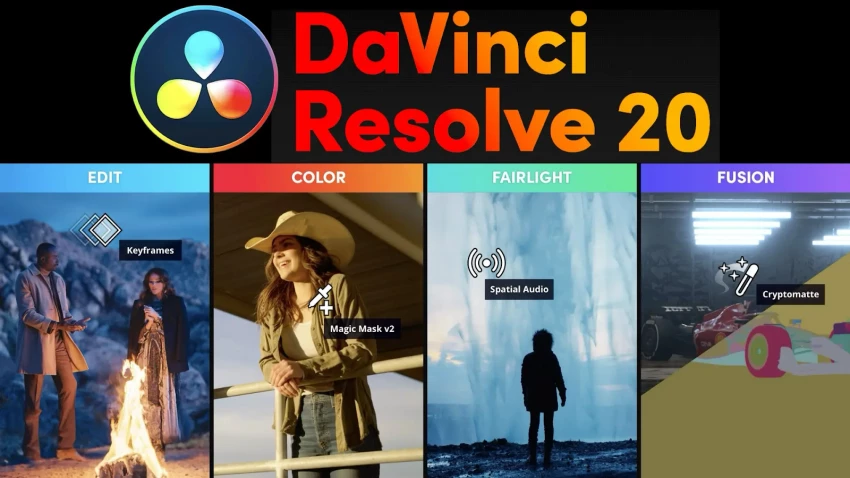
DaVinci Resolve has evolved from a specialist color‑grading tool into a full editing, VFX, and audio suite, powered by its Neural Engine AI. Smart reframing adapts projects for different aspect ratios, face detection helps group and track subjects, and advanced slow‑motion algorithms turn ordinary footage into fluid, cinematic sequences. Resolve’s AI‑assisted noise reduction and restoration tools are particularly valued in film, documentary, and commercial work where recovering imperfect shots can save entire scenes.
The trade‑off is a steeper learning curve than most consumer‑friendly editors. Resolve exposes a lot of professional functionality Fusion for node‑based VFX, Fairlight for detailed audio mixing, and a deep color page so new users can feel overwhelmed. On top of that, the most demanding AI features rely heavily on a capable GPU, so older or entry‑level machines may struggle.
One of Resolve’s biggest advantages is its pricing model. The standard version is free and already extremely capable, making it an attractive entry point for serious creators. DaVinci Resolve Studio, the paid edition, is sold as a one‑time license rather than a recurring subscription and unlocks more advanced AI tools, extra effects, and higher‑end capabilities, which is especially appealing if you want pro features without ongoing monthly costs.
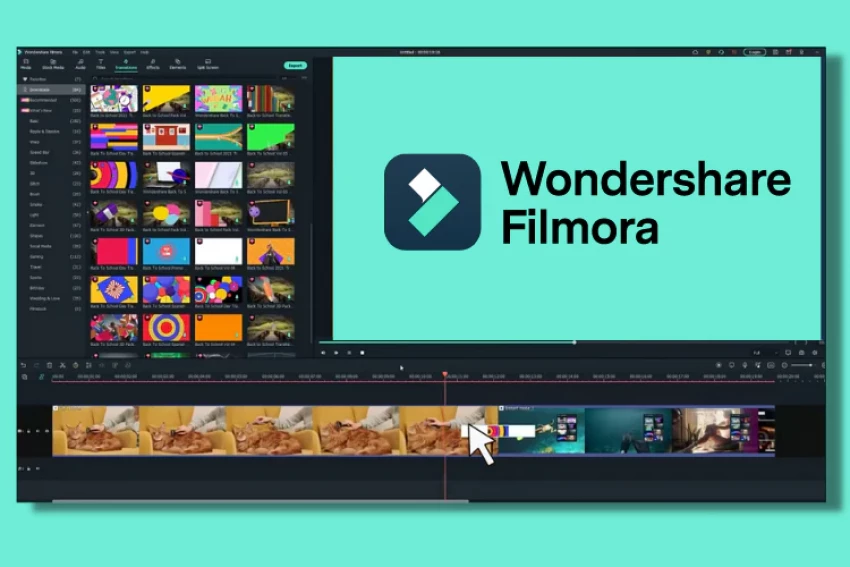
Wondershare Filmora is designed for creators who want modern AI features without the burden of mastering a professional NLE. Its interface prioritizes clarity and speed, with drag‑and‑drop workflows that feel welcoming to beginners and busy small business owners. AI‑powered auto‑captions, AI Portrait background removal, smart cutout, and one‑click enhancement help you polish footage quickly, while ready‑made titles, transitions, and templates make it easy to assemble YouTube videos, social clips, and promos that look consistent and on brand.
Filmora’s simplicity comes with some limits. Editors who are used to intricate timelines, advanced grading, or complex audio routing will find its customization options narrow compared to something like Premiere or Resolve. Relying too heavily on built‑in templates can also lead to a “preset” look if you do not invest time in personalization, which matters when you are trying to build a distinctive visual identity.
Filmora usually follows a freemium approach. A free version is available, but exports often carry a watermark or face other restrictions. Paid options are commonly offered as annual plans, and in some regions as one‑time or “lifetime” licenses. There may be additional charges for premium asset libraries, advanced effect packs, or stock media, so the total cost depends on how rich a template and effects ecosystem you need.
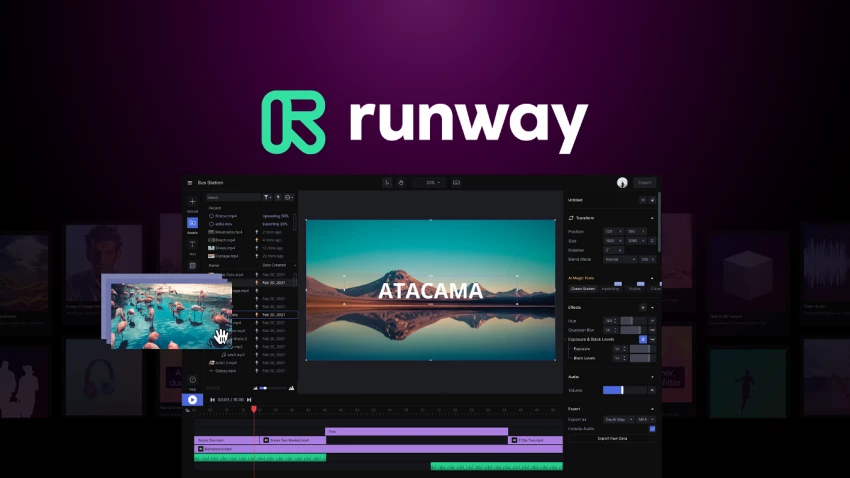
Runway sits at the experimental edge of AI‑assisted video creation. Rather than only speeding up edits, it lets you fundamentally alter or generate visuals through text prompts and intuitive controls. Text‑to‑video tools can create stylized shots from scratch, inpainting and background replacement allow you to reimagine scenes without reshoots, and motion brushes give precise control over which parts of the frame move or transform. For music videos, title sequences, concept pieces, and art‑driven campaigns, this opens creative doors that traditional editors simply cannot.
Because Runway is built on generative models, its flexibility also introduces unpredictability. Certain prompts can produce artifacts, warped details, or results that diverge from your mental picture, requiring iteration and careful art direction. Rendering depends on cloud compute, so complex generations may take time, and there are still ongoing industry conversations about dataset provenance, style mimicry, and how brands should think about legal and ethical use of AI‑generated footage in commercial contexts.
Runway typically runs on a subscription basis, with tiers that differ in available features, generation credits, export resolution, and priority access to new models. Lighter plans suit occasional experiments or indie creators, while heavier tiers cater to studios and teams that use generative tools in day‑to‑day production. Because much of the heavy lifting happens on remote GPUs, pricing reflects not only software access but also the compute resources used.
VEED.IO brings AI video editing into the browser, targeting marketing teams, educators, and creators who value ease of collaboration and quick turnaround. Automatic subtitles and translations make content accessible and ready for global audiences, smart cropping and auto‑reframing adapt horizontal footage to vertical or square layouts, and browser‑based screen and webcam recording serve tutorial makers and SaaS companies particularly well. Brand presets, simple timelines, and shareable review links make it a convenient hub for social and content teams.
Because VEED lives online, it naturally gravitates toward lightweight workflows. Large, multi‑layered edits with ultra‑high‑resolution footage and complex effects are not its strongest suit, and performance can depend heavily on your internet connection and upload speeds. Its template‑driven approach is ideal for speed, but if many brands use the same styles, there’s a risk of visual sameness unless you customize layouts and design elements.
VEED generally offers a free tier with constraints such as watermarks, export limits, or restricted resolution. Paid plans scale for individual creators, professionals, and teams, increasing storage, export quality, brand assets, and collaboration features as you move up. Pricing is typically in the mid range for web‑based SaaS tools, making it accessible for small teams while still supporting more advanced use cases at higher tiers.
Descript approaches video and audio from a fundamentally different angle: it treats the transcript as the main editing interface. Once AI transcription is complete, you cut, rearrange, or clean content by editing text, and the underlying video and audio follow those changes. Filler words, awkward pauses, and repeated phrases can be removed automatically, while Studio Sound dramatically improves noisy recordings. For podcasters, course creators, and talking‑head YouTubers, this approach can cut editing time from hours to minutes.
The downside is that Descript is not intended to replace full‑scale visual post‑production. It handles basic cuts, multicam setups, screen recordings, and simple titles, but it is not the right tool for advanced effects, color‑critical work, or intricate motion graphics. Its AI voice and overdub capabilities, while powerful, also require thoughtful use: clear consent, transparent communication with participants, and internal guidelines are essential to avoid ethical and legal missteps.
Descript usually includes a free plan with limited transcription minutes and export options, which is enough to test workflows or produce occasional pieces. Paid plans increase transcription allowances, unlock higher‑quality exports, enable more advanced overdub features, and add collaboration and brand tools. Pricing typically sits in the mid range for creative SaaS, making it manageable for solo creators, agencies, and small media teams.
CapCut has become synonymous with short‑form, vertical‑first editing for TikTok, Instagram Reels, and YouTube Shorts. Its mobile‑friendly design, synchronized desktop version, and deep library of templates make it easy to assemble eye‑catching edits directly on a phone. AI‑driven auto‑captions, background removal, and beat‑synced cuts help creators keep pace with rapid content cycles, while trending effects and filters are built to align with the aesthetics of TikTok and similar platforms.
CapCut’s specialization is also its limit. It is fantastic for quick, punchy clips but not built for longer or more complex narratives such as documentaries, features, or multi‑scene branded films. Timelines are relatively simple, and exporting content that feels distinct can require extra effort if you want to move beyond the most popular templates. Some creators and brands also think carefully about data practices and platform dependencies when using tools closely linked to a specific social ecosystem.
CapCut’s core functionality is generally free, which is a major factor behind its massive adoption. Over time, additional cloud storage, premium templates, and advanced effects have been packaged into paid plans or add‑ons, creating a layered free‑plus‑premium model. Even with those paid options, the overall cost of getting started remains much lower than most desktop‑class editors.
| Tool | Best suited for | Notable AI strengths |
| Adobe Premiere Pro | Professionals, agencies, long‑form projects | Auto Reframe, captions, scene detection |
| DaVinci Resolve | Filmmakers, colorists, high‑end YouTube | Neural engine, color, restoration |
| Wondershare Filmora AI | Beginners, solo creators, small businesses | AI Copilot, background removal, templates |
| Runway | Creative, experimental, generative projects | Text‑to‑video, motion control, VFX |
| VEED.IO | Social teams, marketers, browser workflows | Auto subtitles, translations, smart crop |
| Descript | Podcasts, courses, talking‑head content | Text‑based editing, audio cleanup |
| CapCut | TikTok/Reels/Shorts, mobile‑first creators | Auto captions, beat sync, templates |
In the current landscape, the smartest strategy isn’t finding one perfect AI editor but building a toolkit that matches how you create. For large, detail-driven projects, Adobe Premiere Pro and DaVinci Resolve remain strong foundations, combining powerful timelines with AI features that simplify tasks like captioning, reframing, and image restoration. Creators who prioritize speed and ease of use often turn to Wondershare Filmora or VEED.IO, which deliver polished results quickly and are well suited for content aimed at YouTube, websites, or social media.
At the creative frontier, Runway allows experimentation with generative visuals and bold transformations, while Descript excels when spoken content like lectures, interviews, or podcasts drives the narrative, letting editors work directly with transcripts. CapCut dominates the vertical-video space, helping social-first creators produce frequent, trend-driven clips. Many creators now combine these tools refining audio in Descript, finishing edits in Premiere or Resolve, and producing short clips with CapCut or VEED, using AI as a quiet support system that frees them to focus on storytelling and audience engagement
When I sat down to seriously compare InVideo and Pictory, I wasn’t just testing...
Grace Howard5 months ago

AI background removal has quietly become the “first edit” step for almost every...
Benjamin Clark5 months ago
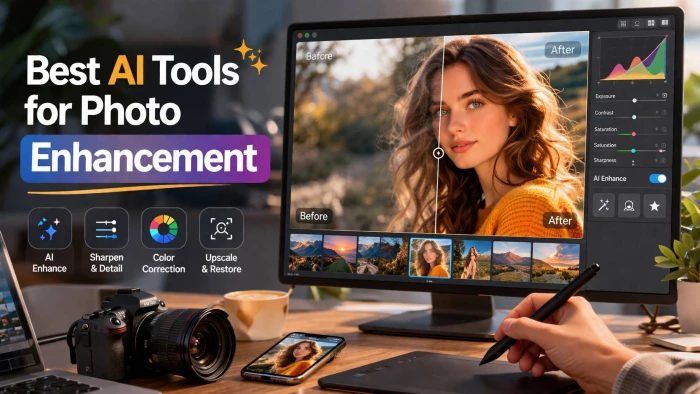
AI photo enhancement has quietly become the “secret sauce” behind sharp Instagra...
Funke Ogunleye5 months ago

Looking Beyond Canva: What Are You Really Missing?Canva is brilliant for getting...
Grace Howard5 months ago

A few years ago, “chatbot” meant a rigid decision tree that collapsed as soon as...
Benjamin Clark5 months ago
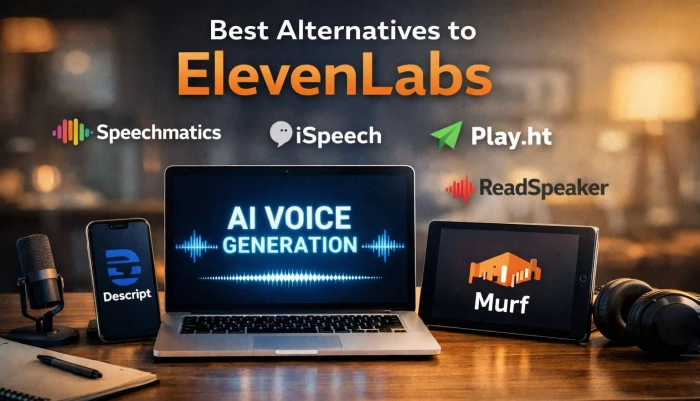
ElevenLabs has set a high bar for lifelike AI voice generation, but it’s no long...
Grace Howard6 months ago
Discussion