Canva is brilliant for getting you from “idea” to “publish” in minutes. But once you start managing multiple brands, complex presentations, or serious content repurposing, you quickly hit its ceiling: limited control, noisy UI, and features that feel more “one‑size‑fits‑all” than “built for me.”
Let’s look at eight Canva alternatives : What specific problem do they solve better than Canva, and who will actually feel the difference?
| Tool | Where It Shines Most | Ideal User Type |
| Adobe Express | All‑round visuals with pro polish | Creators who might grow into Adobe tools |
| Visme | Data‑rich presentations & infographics | Marketers, educators, analysts |
| VistaCreate | Trendy social + animated content | Social media managers, small brands |
| Snappa | Super‑fast basic graphics | Busy solo creators and founders |
| Pixlr | Photo editing with light design | Image‑heavy creators on a budget |
| Figma | Team‑based, precise design systems | Product, web, and marketing teams |
| BeFunky | Fun photo effects & collages | Lifestyle creators and photographers |
| Piktochart | Clear infographics & reports | Data storytellers and NGOs |
| Designrr | eBooks, PDFs, lead magnets from content | Bloggers, educators, content marketers |
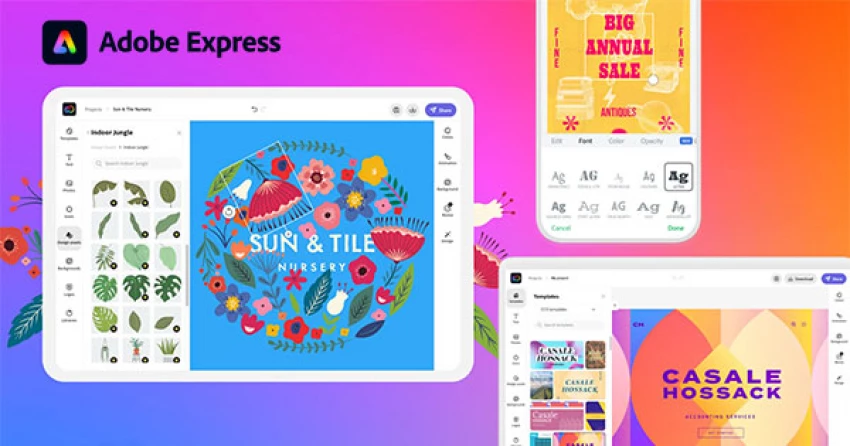
If Canva feels friendly but a bit “toy‑like” when you want more control, Adobe Express is the logical next stop. It keeps the drag‑and‑drop simplicity but quietly plugs you into Adobe’s world: Firefly AI for image generation, Adobe Stock, and compatibility with Photoshop and Illustrator.
You’ll notice the difference when you start fine‑tuning: layer handling is smoother, text and effects feel more professional, and exported visuals look closer to what a designer would ship. It’s still approachable for non‑designers, but it doesn’t trap you in “beginner mode.”
How it changes the game versus Canva
● Better if you want your social graphics to match more serious brand assets polished in Photoshop or Illustrator.
● Makes sense when you collaborate occasionally with professional designers assets move between tools more cleanly.
● Costs are in the same ballpark, but the ecosystem you grow into is much deeper.
Best pick if: You want Canva’s ease today, but don’t want to restart from scratch when your design needs get more serious.

Canva is fine for pretty slides. Visme is what you reach for when you need those slides to carry numbers, flows, comparisons, and real business stories.
Visme is obsessed with structure: charts, maps, timelines, interactive widgets, and layouts built for presentations and infographics not just posts. If you often find yourself cramming Excel screenshots into Canva, Visme feels like a breath of fresh air.
Why Visme feels different in actual use
● Turning spreadsheets and research into clear visual narratives is easier and more guided.
● Interactive presentations (clickable elements, hover effects, embedded media) give you room to build “live” content, not just static decks.
● Teams working in marketing, learning, or strategy get a more serious toolkit for pitches and training material.
Best pick if: Your main output is decks, infographics, and reports that must persuade, not just decorate.
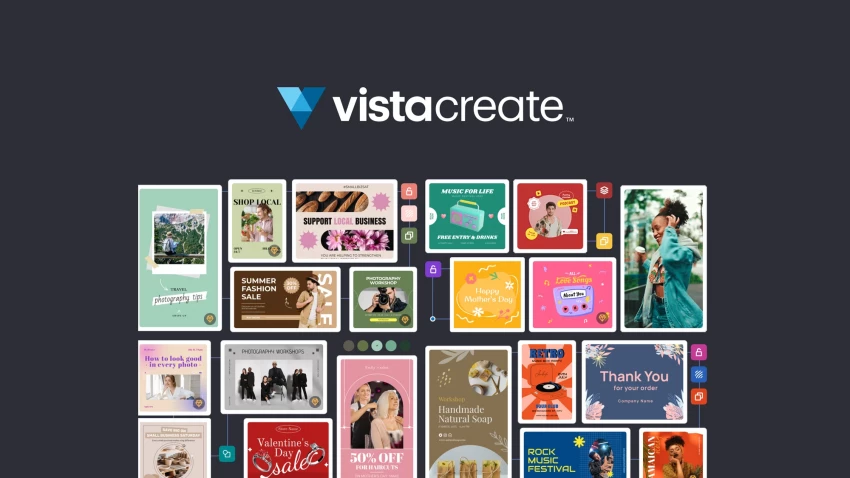
If your day revolves around feeds: Instagram, TikTok, Facebook, YouTube thumbnails, VistaCreate speaks your language. It looks similar to Canva at first glance, but its centre of gravity is social media and motion.
Templates lean into trendy styles, animated posts, and quick video compositions. You don’t need to overthink dimensions and formats; VistaCreate’s library is already arranged to match what platforms are pushing.
What makes it stand out in a Canva‑heavy world
● You’ll spend less time digging through generic templates and more time picking from social‑native designs.
● Video and animated assets feel more “built‑in” than bolted on.
● Great if you manage multiple profiles and just need to keep the feed looking fresh without over‑designing everything.
Best pick if: You’re a social media manager or creator who lives inside platform‑specific formats and needs motion as a default, not an afterthought.
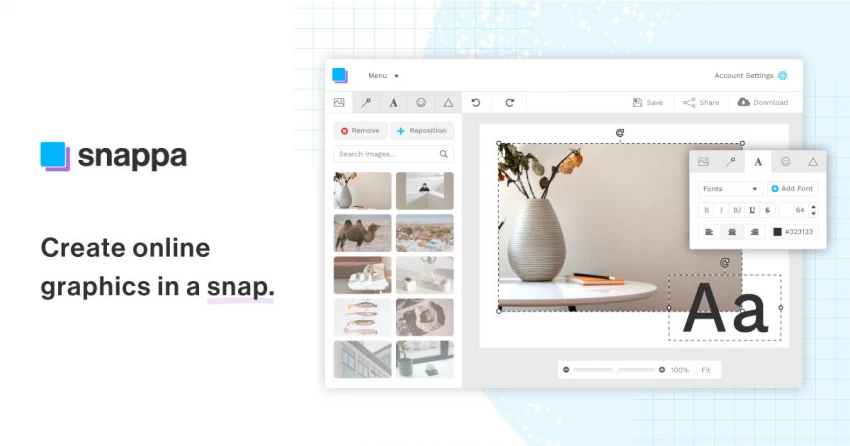
Snappa is what happens when someone says, “I don’t want a design platform; I just want the graphic done.” It strips away nearly everything that doesn’t serve that goal.
You choose a type of graphic (Facebook post, blog header, ad), tweak text and colors, maybe swap a background, and you’re out. No labyrinth of side panels, no overloaded dashboard.
How Snappa competes without trying to be Canva
● There’s less to “learn,” which is exactly what some users want.
● Perfect if you just need recurring simple assets: podcast covers, YouTube thumbnails, ads.
● The minimalist approach keeps you from over‑designing or getting distracted by endless options.
Best pick if: You’re a founder, consultant, or creator who would rather spend 90% of your time on content or business not visual tinkering.
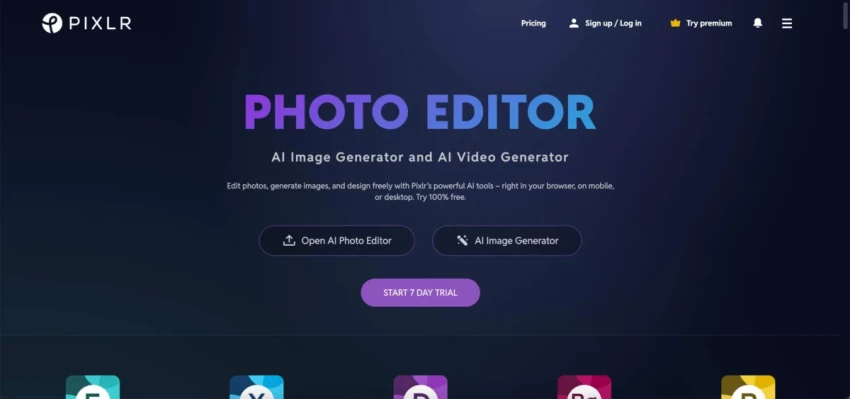
Canva’s editing tools are fine for quick tweaks: crop, brightness, some filters. But if you frequently catch yourself wishing you could refine a subject, adjust tones more precisely, mix layers, Pixlr steps in as a browser‑based alternative with a more “Photoshop‑lite” feel.
Pixlr combines an image editor with layout tools, so you can both clean up photos and turn them into designs, without needing expensive desktop software.
What makes Pixlr worth switching for
● Photo‑heavy workflows (product shots, portraits, social imagery) benefit from the extra editing depth.
● Budget‑friendly plans make it attractive if you’re not ready for full Adobe subscriptions.
● The learning curve is steeper than Canva’s but much lighter than pro tools.
Best pick if: Your design bottleneck is image quality and retouching, not templates.
Figma is the outlier in this list: it’s not trying to be Canva at all. It’s what product teams use to design interfaces, web pages, and full‑blown design systems. But marketing and brand teams increasingly rely on Figma too because it solves a problem Canva doesn’t: keeping everything consistent and collaborative at scale.
Instead of individual designs, you build components, libraries, and shared systems. Everyone works in real time, comments inline, and updates propagate across files. It’s less “make a graphic” and more “maintain a living design language.”
Why Figma might still be the right “Canva alternative”
● Ideal when you have multiple stakeholders product, marketing, devs looking at the same designs.
● Design systems and reusable components keep your brand consistent across campaigns and platforms.
● Precision, alignment, and control are on a different level than template‑driven editors.
Best pick if: You’re part of a team where design is strategic, not just decorative and collaboration pain is worse than aesthetic pain.
Putting these two side by side makes the choice easier: both occupy focused niches where Canva is only “okay,” not great.
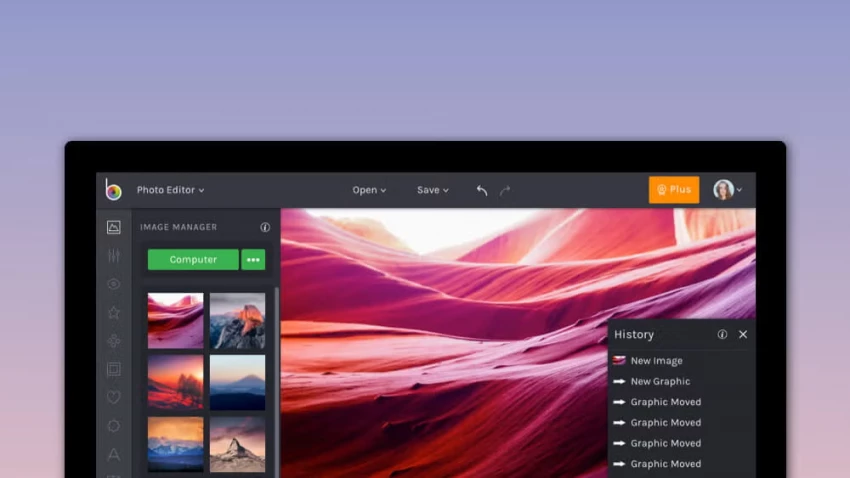
BeFunky is for creators who want their photos to carry the story: collages, effects, artistic filters, touch‑ups. The design side is there, but the hero is the photo workflow something lifestyle, travel, and personal brand creators heavily rely on.
You’ll like it if your Instagram or blog is basically “photo first, text second.”
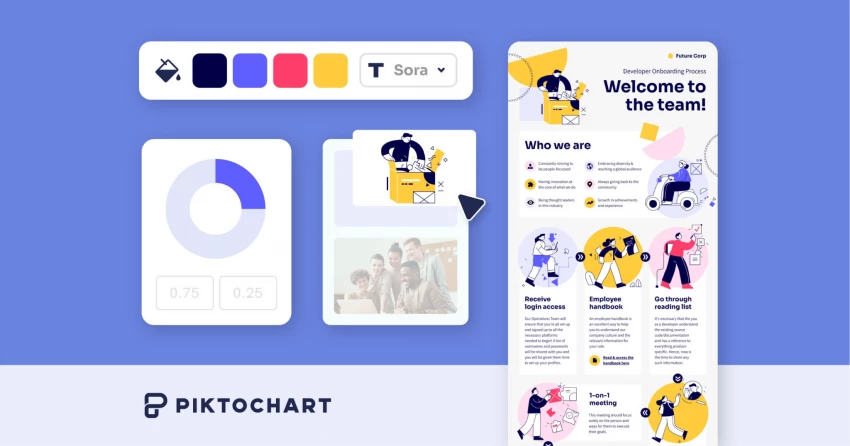
Piktochart is almost the opposite: it’s for people who need to make information less scary. Think NGOs, educators, HR teams, or marketers turning survey data and policies into visuals people will actually read.
You get guided flows for infographics, reports, and one‑pagers that simplify layout and emphasize clarity over decoration.
How these two stack up against Canva in practice
● BeFunky beats Canva when you want more creative control over photos and collages without going pro‑editor.
● Piktochart beats Canva when the priority is explaining something complex in one clean, scannable graphic.
Best pick if:
● Choose BeFunky if your strongest asset is visuals from a camera.
● Choose Piktochart if your strongest asset is information that currently looks like a wall of text.
Canva expects you to start with a blank canvas and build up. Designrr assumes you already have content blog posts, transcripts, PDFs and your real challenge is turning that into a polished asset: eBook, checklist, whitepaper, or lead magnet.
Instead of copy‑pasting into a template, you import the content, choose a layout, and refine structure and styling. It’s less “design fun” and more “publishing pipeline,” which is exactly what a lot of content‑heavy businesses need.
Where Designrr quietly outperforms Canva
● Batch creation of content upgrades, resources, and gated downloads is dramatically faster.
● Features like automatic table of contents, page numbering, and multi‑format export feel built for publishers, not just casual creators.
● Great when your marketing strategy revolves around list building, courses, or resource libraries.
Best pick if: You’re sitting on a pile of text content and want to convert it into polished PDFs and eBooks without rebuilding everything manually.
| Use Case | Strong Options | Why They Work Well |
| Fast social posts | VistaCreate, Snappa | Social‑native templates and ultra‑quick flows |
| Animated & video content | VistaCreate, Adobe Express | Built‑in motion and video‑friendly layouts |
| Photo‑centric visuals | Pixlr, BeFunky | Deeper photo editing and effects |
| Use Case | Strong Options | What You Gain Over Canva |
| Infographics & data stories | Visme, Piktochart | Better charts, structure, and clarity |
| Serious team collaboration | Figma, Adobe Express (with Adobe) | Shared systems, pro‑grade pipelines |
| Lead magnets & eBooks | Designrr | Faster text‑to‑asset workflows |
There is no single “best Canva alternative” in a vacuum. The right choice depends on what part of your workflow hurts the most right now.
● If you want Canva‑like comfort with a more professional ceiling, lean toward Adobe Express.
● If your priority is explaining numbers, processes, or research, go for Visme or Piktochart.
● If your life is ruled by content calendars, VistaCreate or Snappa will keep you shipping fast.
● If your assets are primarily photos, Pixlr or BeFunky will give you more control and creativity.
● If your challenge is scale and collaboration, Figma is the natural upgrade.
● If you’re drowning in text and need publish‑ready assets, Designrr is a smarter backend than Canva.
Treat Canva as your starting point. Then pick the tool that directly fixes the bottleneck you feel most: speed, clarity, collaboration, photo quality, or content repurposing. That’s how you end up with an actual upgrade not just another tab open in your browser.
When I sat down to seriously compare InVideo and Pictory, I wasn’t just testing...
Grace Howard5 months ago

AI background removal has quietly become the “first edit” step for almost every...
Benjamin Clark5 months ago
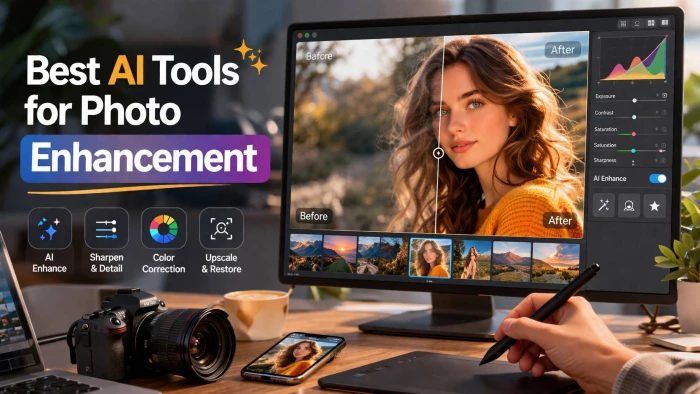
AI photo enhancement has quietly become the “secret sauce” behind sharp Instagra...
Funke Ogunleye5 months ago

A few years ago, “chatbot” meant a rigid decision tree that collapsed as soon as...
Benjamin Clark5 months ago

ElevenLabs has set a high bar for lifelike AI voice generation, but it’s no long...
Grace Howard5 months ago

AI is no longer a “nice-to-have” for YouTube creators, it’s the engine that lets...
Alexander Hughes5 months ago
Discussion