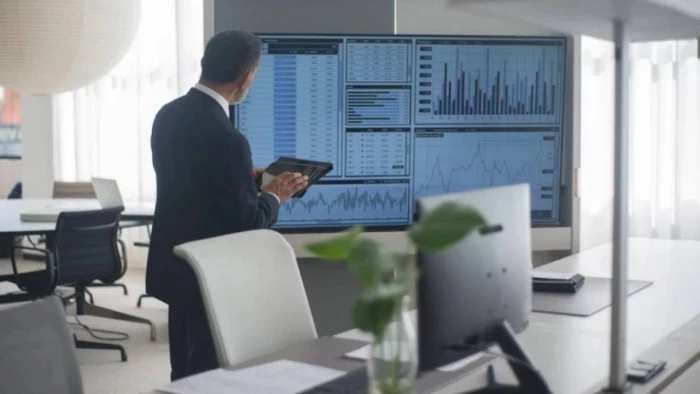
Let’s be brutally honest: nobody actually hates presenting data or sharing industry insights. What we all universally despise is the mind-numbing, multi-hour ordeal it takes to dig up that data and build the presentation deck itself.
Think about your typical Thursday afternoon routine. If you are responsible for an internal weekly review, a market trends update, or a recurring client report, your digital workspace probably looks like a complete disaster. You have three different industry blogs open in one browser, a messy document filled with copy-pasted news snippets in another, and a completely blank slide canvas staring back at you in a standalone presentation app.
For the next four hours, your job is entirely mechanical. You manually scour the internet for this week's updates, paste the findings into a summarizer, copy the summaries, paste them onto a slide, and then spend thirty agonizing minutes trying to align the text boxes so the deck doesn't look amateurish. By the time the presentation is ready for Friday morning, you are mentally exhausted, and you have wasted a massive chunk of your week acting as a human data courier.
The core problem isn't that your job is too complex. The problem is that your tools are fragmented, disconnected, and entirely dependent on your manual labor. The future of workplace productivity isn't about working harder across more browser tabs; it is about automating the busywork in one single place.
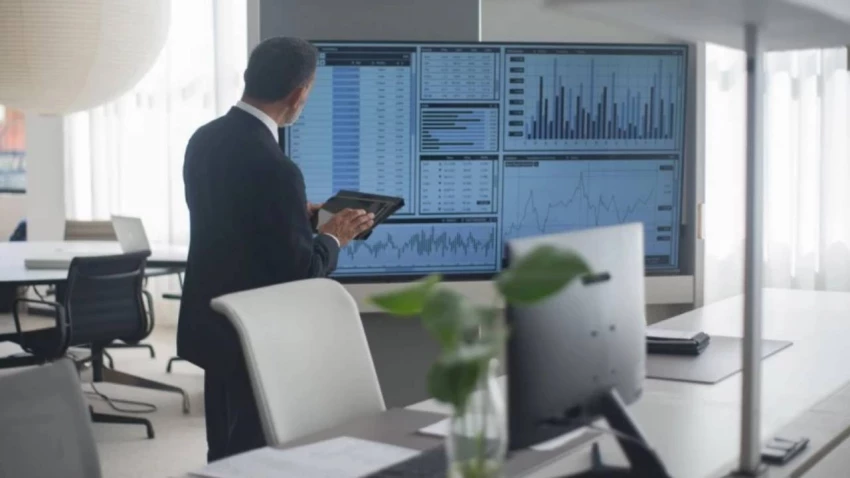
Over the last few years, the software industry has provided an independent application for almost every individual task. There is an application to search the web, an application to summarize documents, and standalone websites functioning strictly as a specialized presentation maker. While these tools are impressive on their own, using them separately introduces a massive tax on your time.
When you use separate applications, you are forced to do the heavy lifting of data transportation. You have to carry information from your research window over to your writing app, translate that data into a cohesive script, and then manually feed that script into a design engine. Every single time you switch tabs, your concentration breaks.
You don't need a fragmented ecosystem of independent applications that require your constant supervision. You don't want to spend your afternoon manually hunting for data or fiddling with graphic templates. What you actually want is a single, unified workspace that understands your final objective and manages the underlying steps completely on its own.
The real secret to effortless productivity is built upon a very simple premise: you only need one chat window to manage your entire workload. Instead of making you jump between different websites for different tasks, a unified workspace keeps your entire project—from initial research to final design—under one roof.
When you transition your workflow to HIX AI – The AI Agent Workspace, you don’t have to figure out complicated software pipelines or manage multiple subscriptions. You simply interact with the main chatbox using normal, everyday English.
Behind the scenes, the system automatically takes care of the heavy lifting. If you need to read through a massive PDF, the workspace extracts the key facts. If you need to analyze a spreadsheet, the system calculates the data. And when it is time to turn those exact same insights into a visually stunning deck, the system builds the presentation right inside the exact same chat thread. You never have to switch tabs, and you never have to copy-paste between different websites. You simply state your final goal, and the workspace delivers the finished product.
To truly understand how this system transforms your routine, let’s look at how the integrated features eliminate the worst parts of your workweek. If you rely on a standard, standalone slideshow maker, you still have to manually gather your research and write a perfect script before the tool can even help you.
By utilizing the interconnected capabilities within this unified workspace, the entire process becomes incredibly hands-off. This is especially true when you combine the workspace's research abilities with its advanced presentation features.
The most tedious part of any recurring presentation is the manual data gathering. If you need to present a weekly report on competitor analysis, industry news, or market trends, you usually have to spend hours manually searching the web every single Thursday.
This workspace completely eliminates that chore by introducing automated scheduled tasks. You can instruct the chat window to run a specific research query on a recurring basis. For example, you can tell the system: "Every Thursday at 2:00 PM, search the internet for the top five latest news articles regarding the electric vehicle market, summarize the key findings, and automatically generate a five-slide presentation highlighting the most important trends."
You don't even have to be at your desk. The workspace will automatically wake up, conduct the deep-dive research, analyze the most relevant data, and use the integrated HIX AI's AI Slides engine to build a flawless, boardroom-ready deck before your Friday morning meeting. Your weekly busywork is essentially put on permanent autopilot.
Even for one-off projects where you aren't using scheduled automation, you can still skip the miserable preparation phase. With traditional software, you can't start designing slides until you have organized your notes and written a clean script.
This workspace completely skips that step. You can take a messy web link, a dense client PDF, or a collection of unedited raw notes and drop them straight into the chat window. The system reads through the clutter, picks out the most important facts, and organizes the information into a clean structure for your slides. You just give it the raw ingredients, and the system builds the recipe.
A presentation is useless if the content doesn't make logical sense. The presentation engine in this workspace approaches slide creation like a professional strategist. The moment it processes your information—whether from an uploaded file or an automated weekly web search—it automatically arranges your content into a proven, logical business narrative, highlighting the core problem, the evidence, and the solution.
Furthermore, if a slide isn't exactly how you want it, you don't fix it by dragging manual layout boxes around. You simply type your feedback directly into the chatbox. You can tell the workspace to "Make the second slide much shorter," or "Turn these long paragraphs into quick bullet points." The system understands exactly what you mean and updates the visual layouts instantly, acting like a professional designer sitting right next to you.
Presentations rarely exist in total isolation. Once your slide deck is ready, your job usually isn't done. You might need to turn that presentation into a written summary for your executive team, write a follow-up email to a client, or set up a list of tasks for your department based on the presentation's goals.
Because you are working inside an interconnected workspace rather than a single-purpose app, you don't have to start from scratch when the slides are finished.
You can immediately tell the exact same chat window to take the slides it just built and turn them into a brief email update. Everything stays inside the same conversation history. The workspace remembers your project's background, your data, your branding preferences, and your style choices across every single document or automated task you create.
The modern business environment moves incredibly fast, and nobody has time to waste on boring, repetitive tasks. The professionals who truly excel in this fast-paced landscape aren't the ones who spend the longest hours clicking buttons; they are the ones who find the smartest ways to automate administrative busywork.
Logging into multiple separate websites, managing a massive collection of independent software subscriptions, and manually ferrying raw data between open browser tabs is a direct route to burnout. You shouldn't have to change the way you work just to fit the rigid rules of old-school software.
By moving your daily tasks into a unified, single-window workspace, you shift your focus entirely away from digital busywork and back toward strategic execution. Let the specialized background features handle the weekly research, organize the structure, and design the pixel-perfect layouts. Your only responsibility is to guide the narrative, make the final decisions, and close your workspace early enough to enjoy your evening.
When I sat down to seriously compare InVideo and Pictory, I wasn’t just testing...
Grace Howard5 months ago

AI background removal has quietly become the “first edit” step for almost every...
Benjamin Clark5 months ago
AI photo enhancement has quietly become the “secret sauce” behind sharp Instagra...
Funke Ogunleye5 months ago
Looking Beyond Canva: What Are You Really Missing?Canva is brilliant for getting...
Grace Howard5 months ago

A few years ago, “chatbot” meant a rigid decision tree that collapsed as soon as...
Benjamin Clark5 months ago

ElevenLabs has set a high bar for lifelike AI voice generation, but it’s no long...
Grace Howard6 months ago
Discussion